
Infinite Painter project
Much more than an image.
A project in Infinite Painter is a single document containing not only a multilayer artwork, but also much more data besides the image.
Contents of the (saved) project
The artwork: all the layersLayerA layer is a separate RGBA image (usually) of the size of the canvas. Layers can be stacked on top of each other. within the canvasCanvasThe rectangular area of a defined size that contains the artwork. All and only the canvas will be exported or printed. boundaries (more below).
A number of the previous versions of the artwork (learn more about it in Project version history).
Timelapse video recording of your creative process (this is of course optional).
Reference images (the imported reference images are stored within the project).
Metadata:
Special project types (pattern or challenge) contain specific data related to the given type.
The Artwork
The ‘artwork part’ of the project in Infinite Painter always contains a canvasCanvasThe rectangular area of a defined size that contains the artwork. All and only the canvas will be exported or printed. of certain size on which you create your artwork. The size of the canvas can be changed at any time (learn more in Resize tool).
Within the canvas boundaries, a number of editable layersLayerA layer is a separate RGBA image (usually) of the size of the canvas. Layers can be stacked on top of each other. can be stacked on top of each other, creating a composition (the artwork). In Infinite Painter you always have at least one layer in a project.
Note that projects in Infinite Painter 7 are always single-page artworks. If you need multiple pages, you can use layers as separate “pages” or create several projects.
Access to the projects
Projects are stored internally in the application and can be accessed and edited at any time. Only one project can be open in the StudioStudioThe Studio is the main workspace in Infinite Painter where you create and edit your artwork.Learn more at the time. Each project can be exported in a number of file formats for further use like sharing to social media, printing or editing in third-party applications.
You can access and organize your saved projects in project gallery.
Due to limitations of the mobile systems, projects created in Infinite Painter are bound to the device. There is no practical way to transfer a project in its original form to another device. In order to transfer a project to another device, the project has to be exported in form of a PNTRPNTRPNTR ("Painter Project Transfer File") is a special proprietary file format for transferring Infinite Painter projects between devices or for backup.Learn more (Painter Project Transfer file format), transferred to the target device and then imported into another installation of Infinite Painter on this device.
Lean more in Transferring projects between devices.
Project types
Image, pattern; and sometimes a challenge.
In Infinite Painter 7.2 you can create three types of projects:
Regular projects (single still images)
Pattern projects (seamless pattern tiles).
Challenges (special project containing a predefined exercise)
The type of the project is determined when the project is created and cannot be changed afterwards.
All types of projects may be exported and transferred in the same PNTRPNTRPNTR ("Painter Project Transfer File") is a special proprietary file format for transferring Infinite Painter projects between devices or for backup.Learn more.
Note that the Pattern projects cannot be exported to PSD format.
Regular project
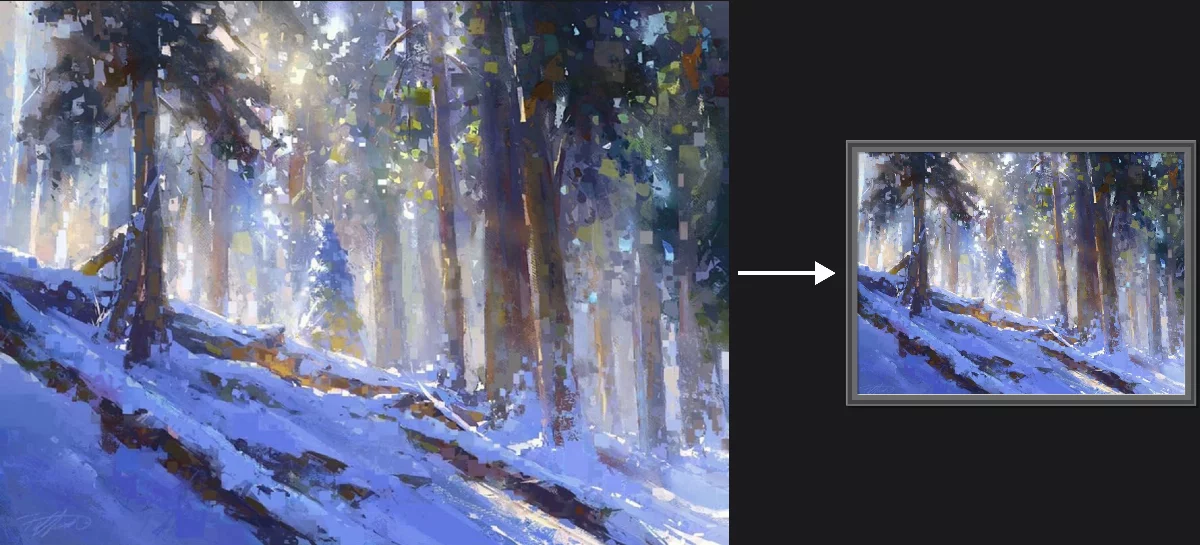
The result is a single digital picture
You can use the artwork in digital form or you can print it out.
More in Regular projects.
Pattern project
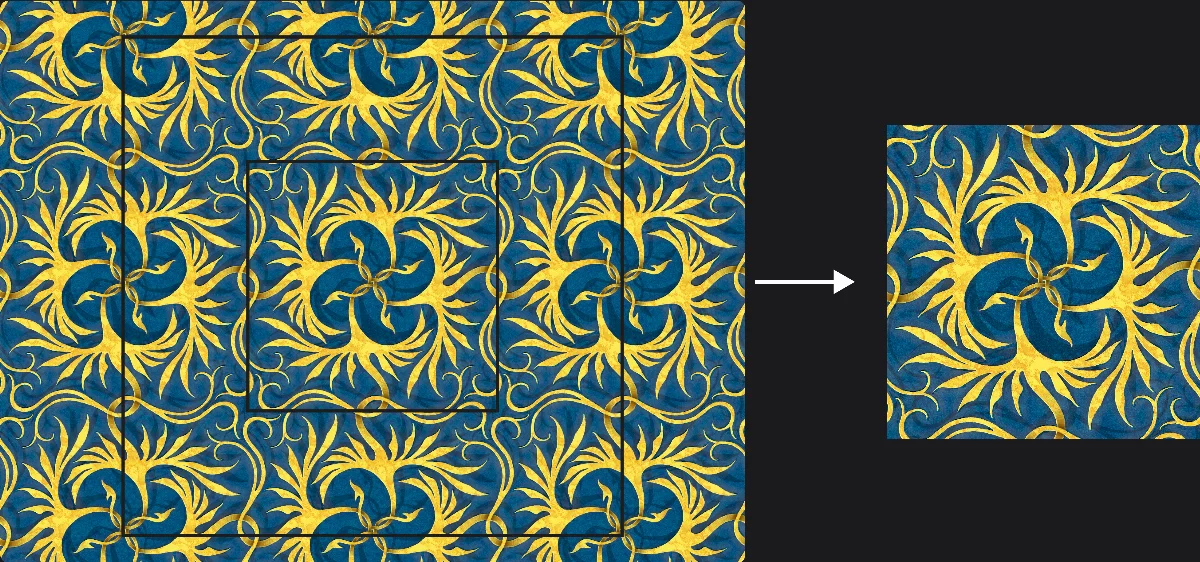
The result is a seamless pattern tile
You can use the pattern tile for pattern fills in Infinite Painter or in any third party application (including 3D modelling software).
More in Pattern projects.
Challenge project
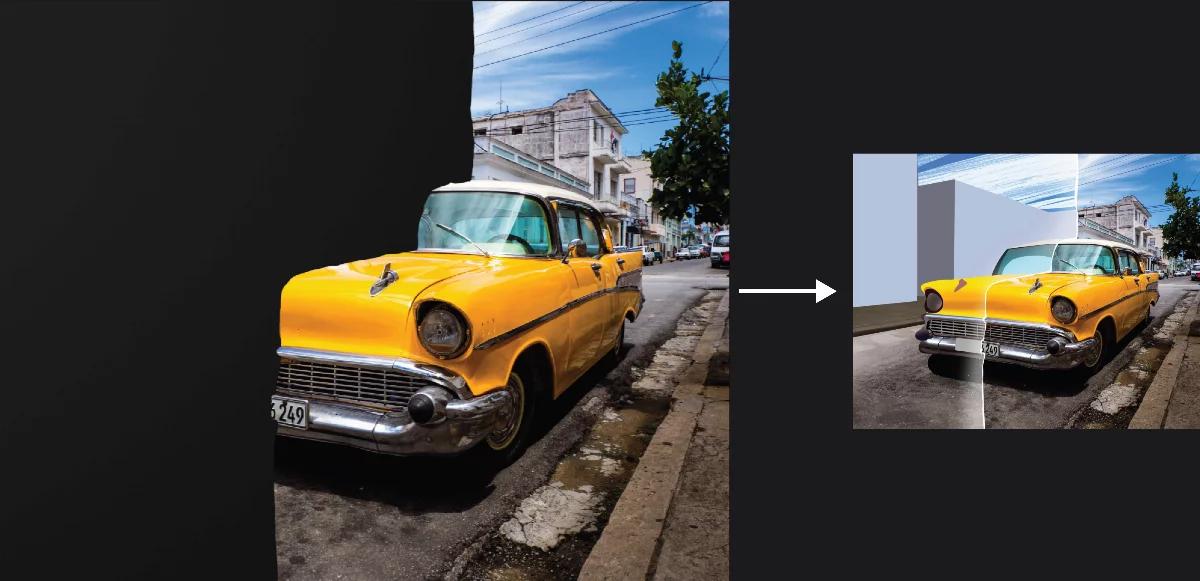
The result is learning and fun.
Each challenge is a separate art exercise forcing you to overcome a technical or psychological obstacle.
More in Challenges.