
Challenge yourself
Learn and have fun
The Challenges are a new and unique self-training tool introduced in Infinite Painter 7.1.
Challenges may be used for self-teaching, entertainment or for friendly competition.
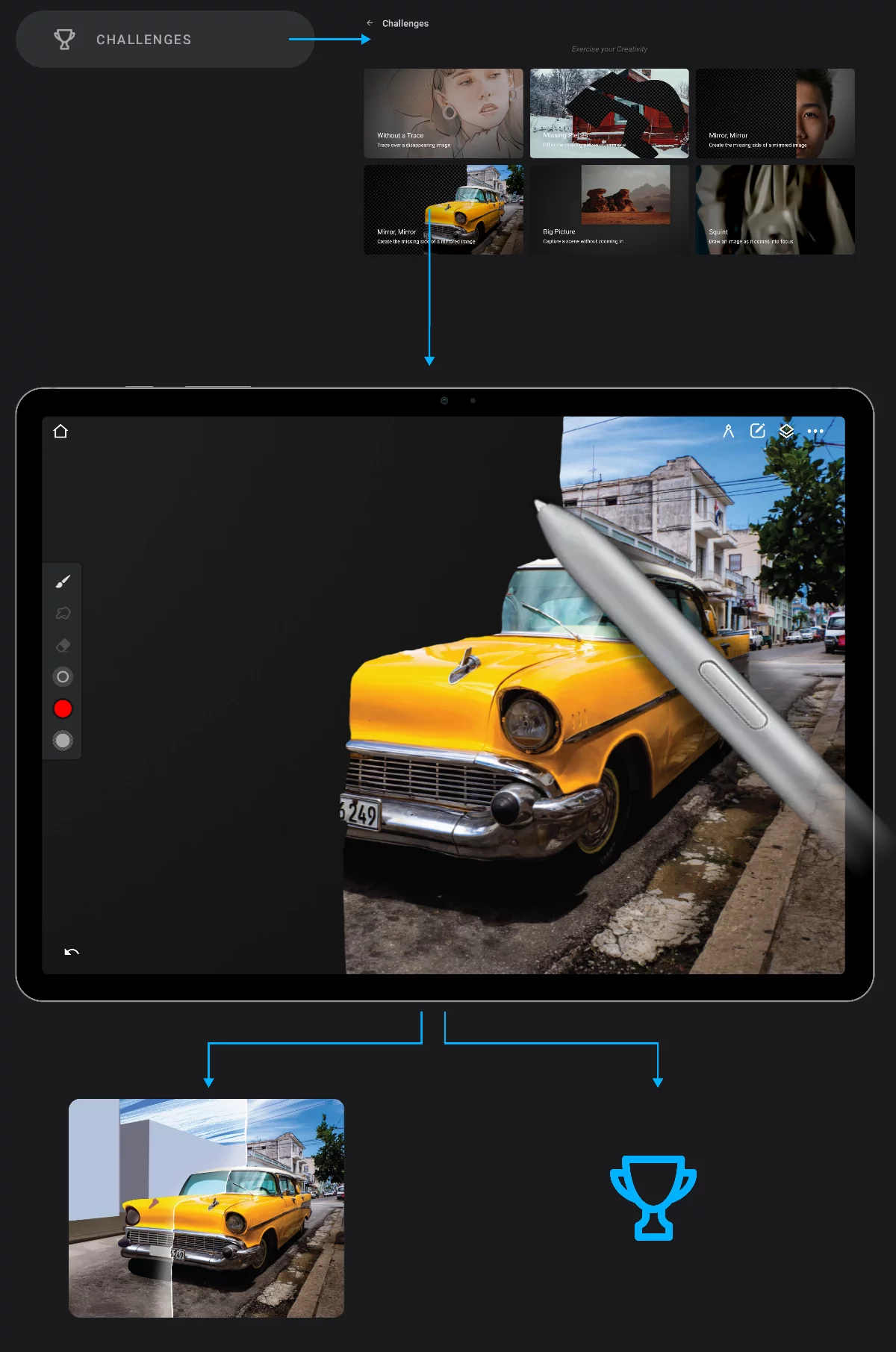
Pick a challenge type.
Read the instructions and start the exercise.
Finished exercise
You may share it or use as any other artwork.
Your personal gains:
+ New skills
Every finished exercise teaches you something
+ Fun
of doing something new
+ Satisfaction
from overcoming obstacles.
There are various types of Challenges in Infinite Painter 7.2 and new types will be added. Each exercise is focused on a certain skill or certain aspect of digital painting.
In the Challenge projects certain features of the application are deliberately deactivated (like the Eyedropper or undo system). In certain exercises conditions change in time or depending on the number of brush strokes you make.
Challenge projects cannot be converted into regular projects, but the finished artwork may be exported (see Export as image) as usual.