
Home workspace
Organize and discover.
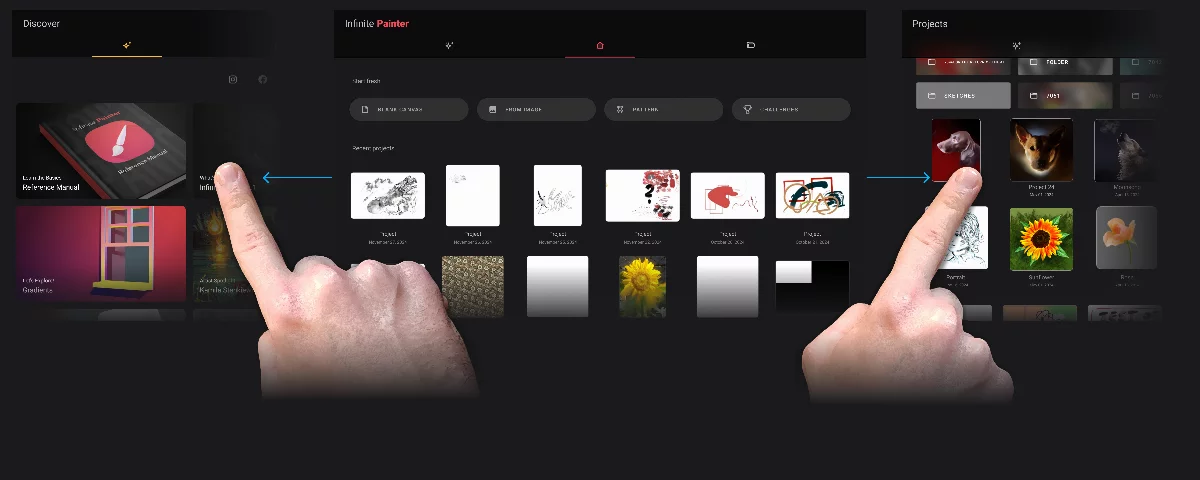
The Home workspace is where you start new projects and organize your existing projects. This workspace consists of three tabs: Home, Discover and Projects. You will probably be using the Home tab much more often than the others.

Home tab
Your main hub for starting and opening projects.

Discover tab
Learn about the application and artists who use it.

Projects tab
Your private gallery.
Navigate between the tabs by swiping left or right or by tapping the tab icons:
Home tab
This is your starting point. You start new projects here and here you have a quick access to your recent works.
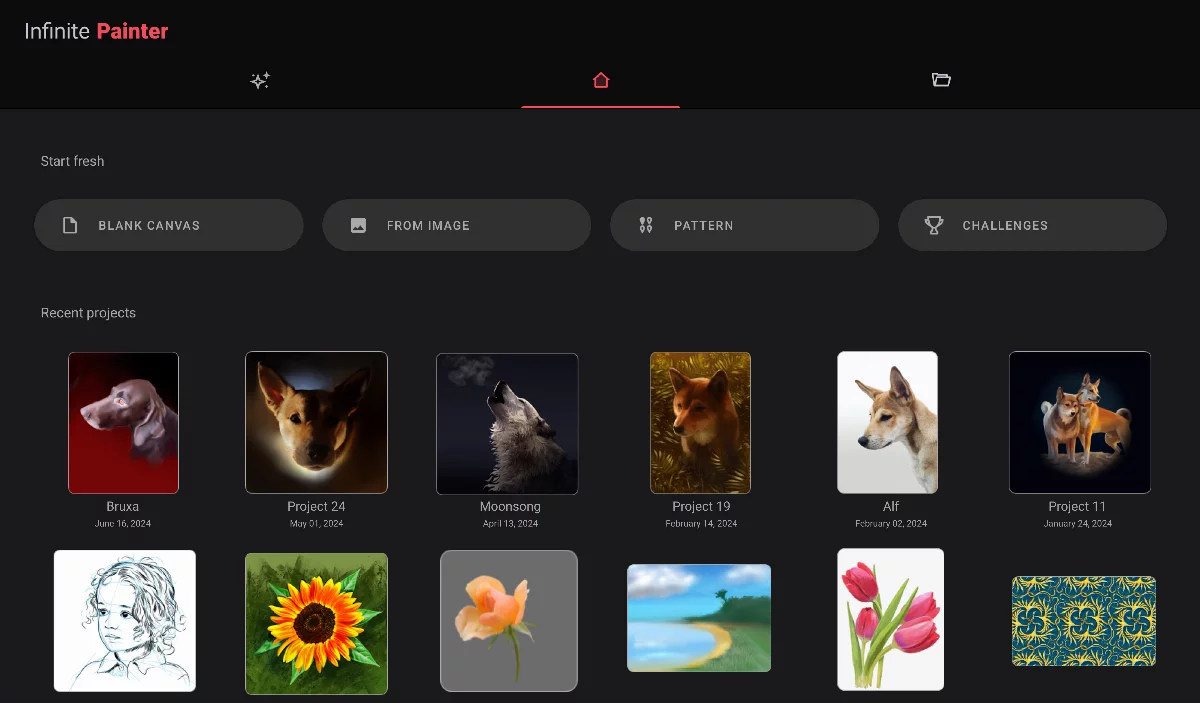
Tap on the Infinite Painter name to find information about the application (like the current version number).

Your recent projects will be displayed here.
Projects tab (Project gallery)
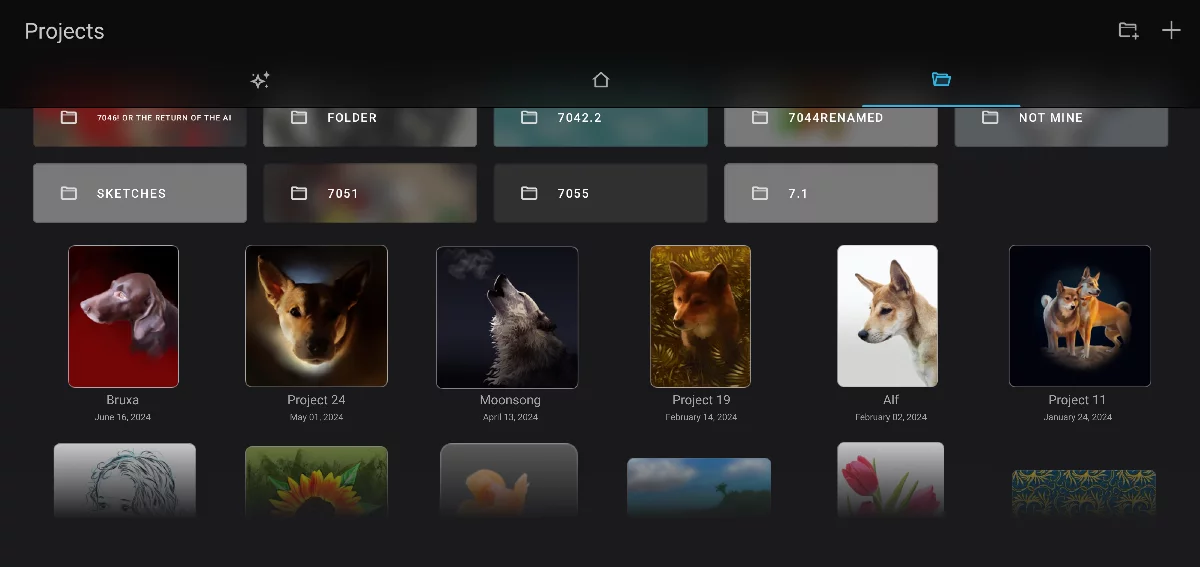
Organize your projects.
This is the main project gallery. Lets you find and organize your artworks.
Learn more in Project gallery.
Discover tab
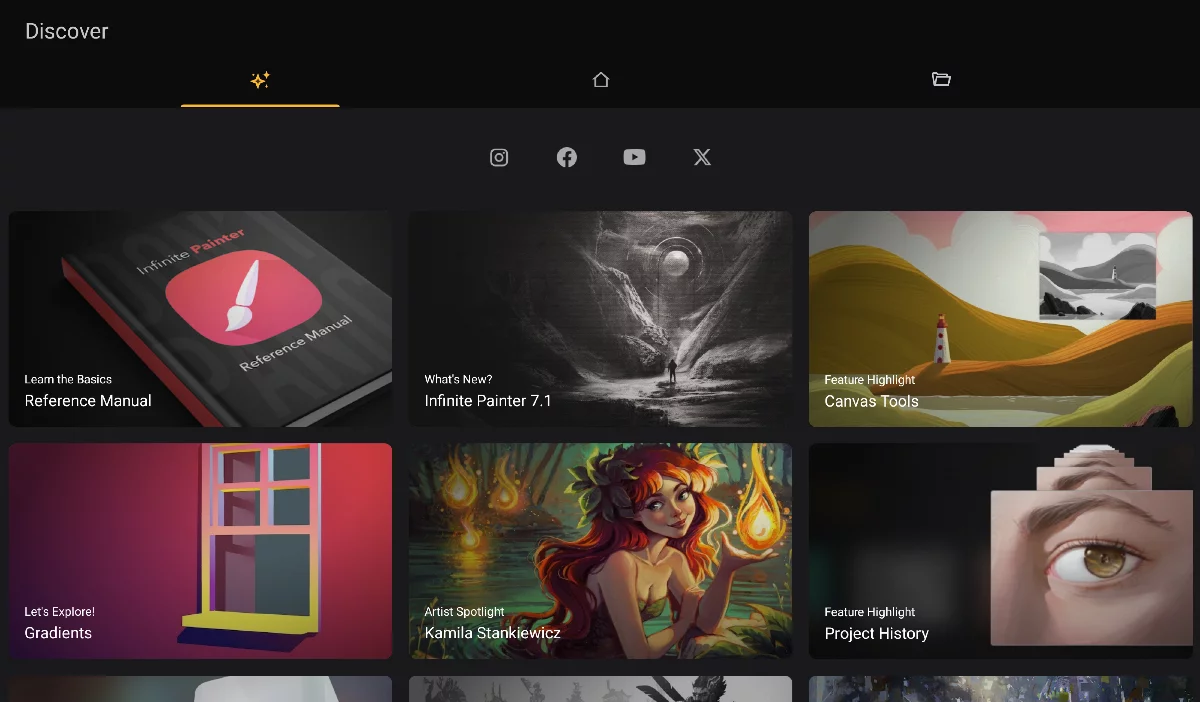
Learn about the application and artists who use it.
You can find access to help and documentation here.
Contents of this page may get periodically updated to present you news, tutorials and works of other artists. Also access to the social media channels related to the application.
Learn more in Discover tab