
You have to export your artwork to be able to use it outside Infinite Painter. There is a number of different formats for that.
Export panel
Share your art.
The Options menu/Export command opens the Export panel which offers you a number of options.
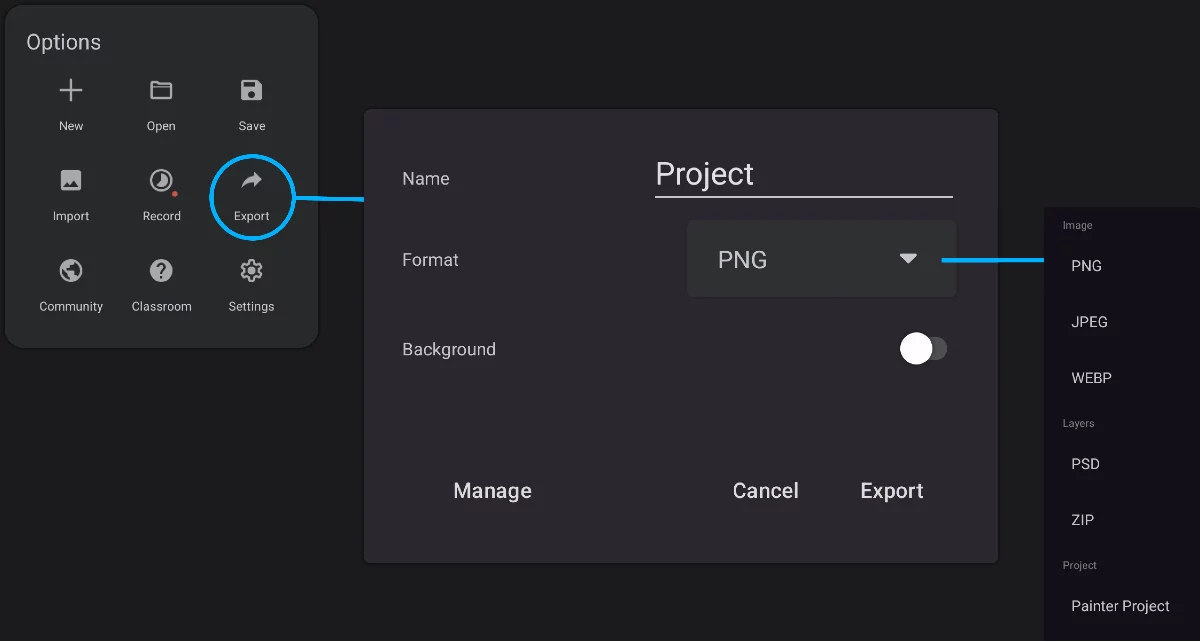
Name of the exported file
Leave the suggested name or type in your own.
Actual filename will include a time-stamp code, so each name will be unique anyway. This way you can export a number of versions of your artwork with the same “title” but with different time-stamps.
Select export file format
(here shown for PNG with transparency)
Export
start exporting your artwork
Cancel the export
Background toggle
Present in PNG and WebP formats, controls if the transparency information should be saved in the exported file. Other options may be displayed here for other formats.
Export as image
PNG, JPG or WebP format
Export all layers
as a multilayer PSD document or in a ZIP archive.
Export project in Infinite Painter's proprietary PNTR format
Learn more about the export formats in Export formats.
Most often you will want to export your artwork as image. Exporting as a “Painter Project” (PNTRPNTRPNTR ("Painter Project Transfer File") is a special proprietary file format for transferring Infinite Painter projects between devices or for backup.Learn more project file) or as ZIP-ped layers may be useful to transfer your project to another device or application to continue editing.
Make sure you understand the difference between saving a project and exporting it as an image. Learn about the project workflow in Regular projects.
Export as image
That's the most useful output.
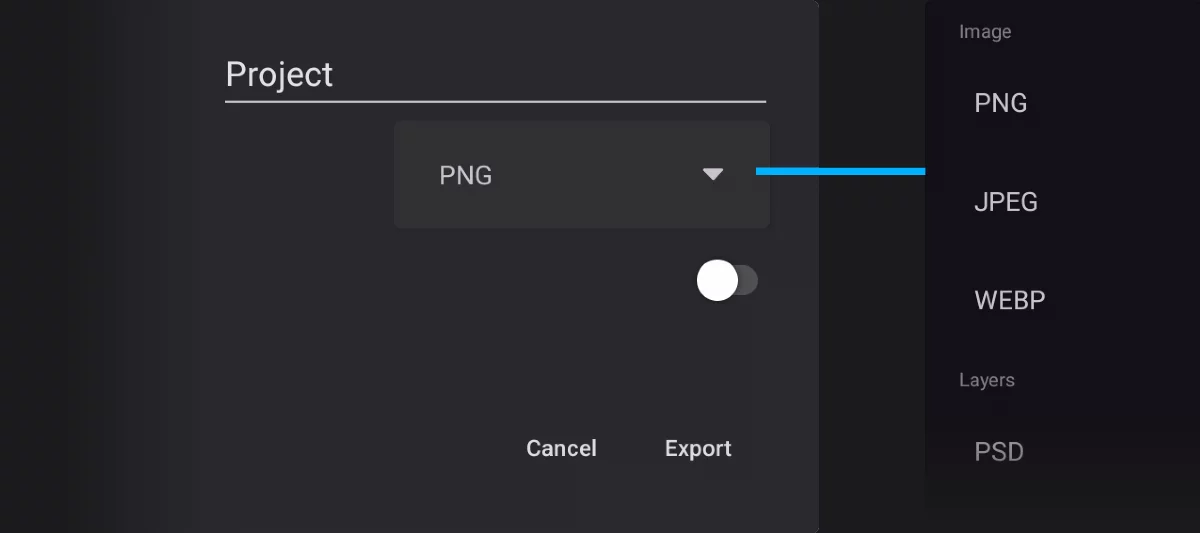
Export as PNG format
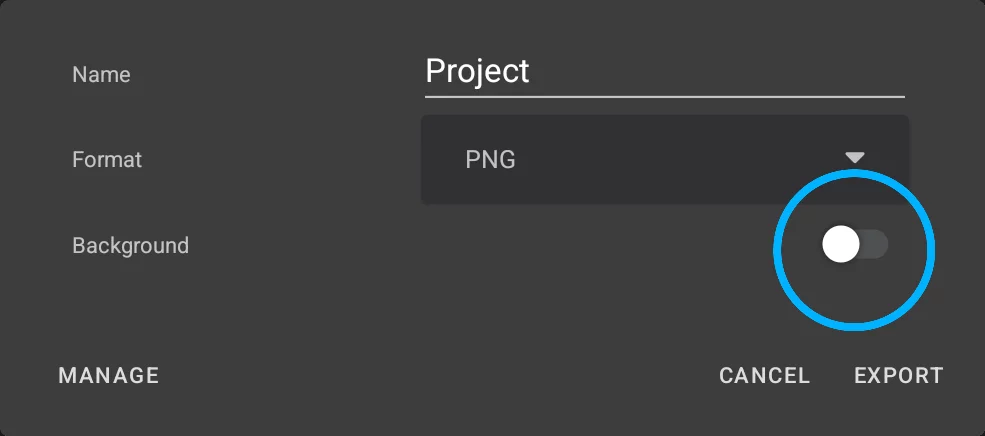
Background off = PNG with transparency (RGBA)
This option turns off your Paper layer and saves a composite of all layers in PNG format with preserved transparency.
Background on = Regular PNG
Exports the project, along with the Paper layer, as a flat, composite PNG image.
Export as JPEG
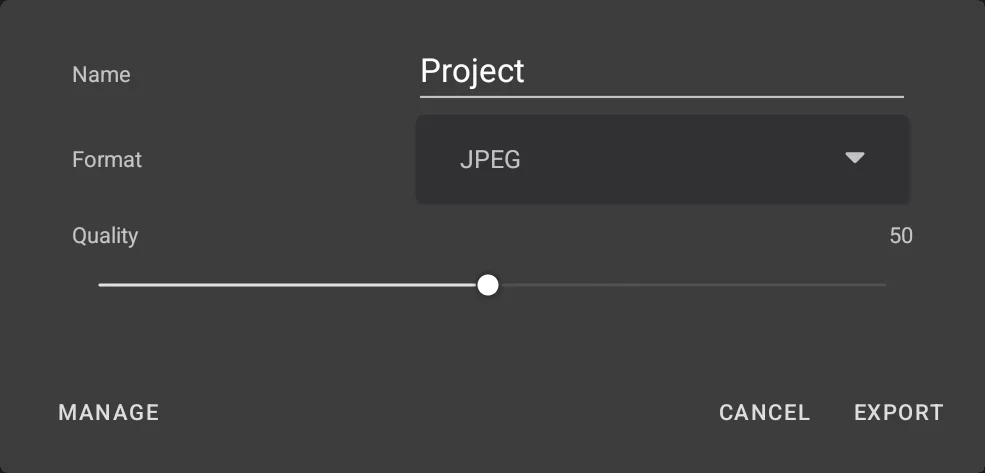
For JPEG (JPG) format you can set the desired quality. The higher the quality, the larger the resulting file.
Note that the JPEG format always uses lossy compression, so even in 100% quality the resulting image will not be pixel-to-pixel identical to your project.
Export as WebP
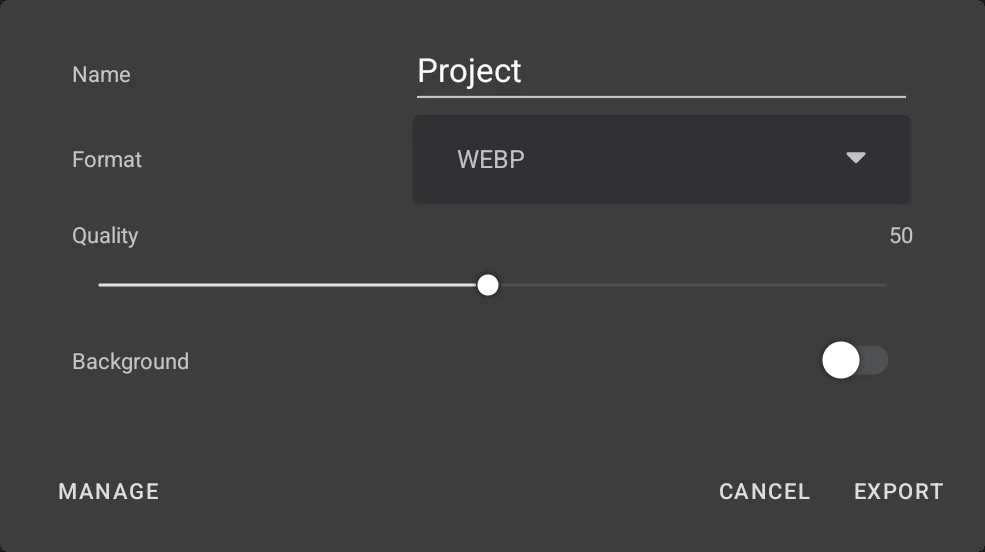
You cans set the quality as in JPEG and also turn on/off transparency.
Tap the EXPORT button to save the project in the chosen format.
When the exported file is successfully saved the confirmation message is displayed:

After tapping the Share button, you may use the system sharing system to send the exported file to selected application or send it to a cloud service.
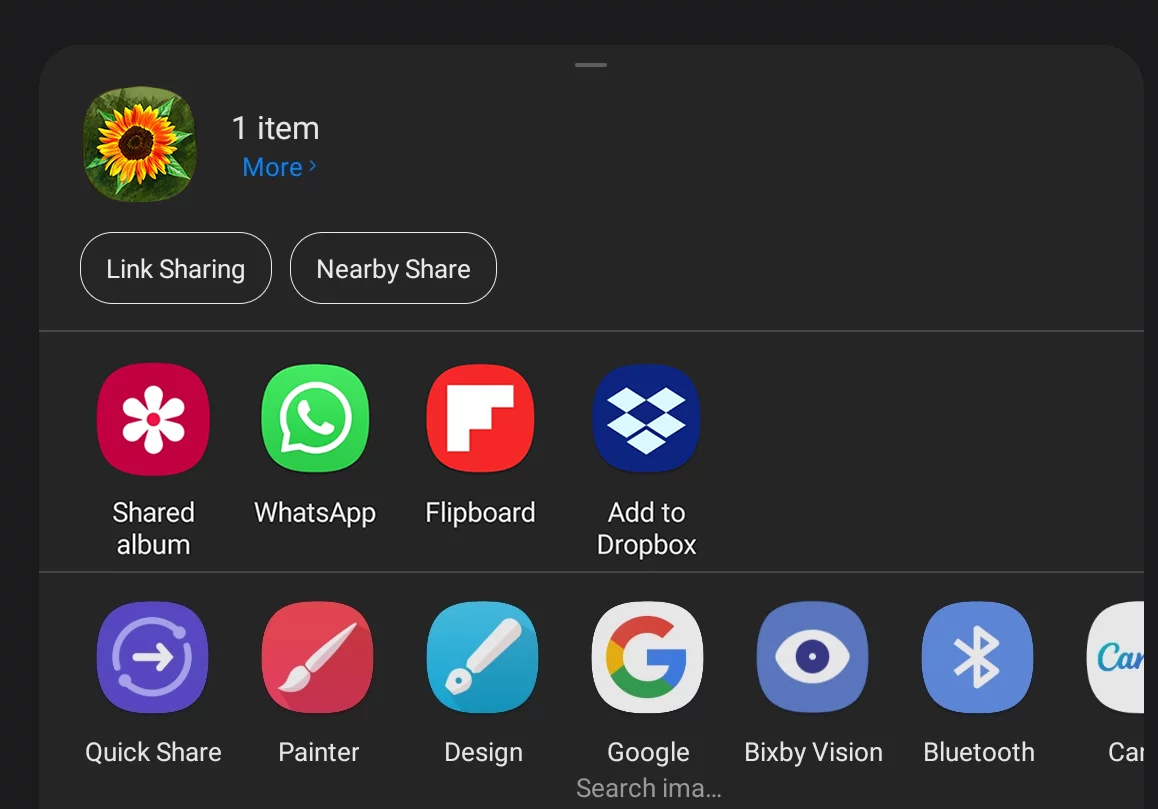
(Sharing options on your system may look different.)
On Android version 10 and higher, the exported JPEG, PNG and WEBP image files are saved in //Pictures/Infinite Painter folder. In turn, PSD and ZIP files land in //Documents/Infinite Painter.
Export formats
Learn the differences.
You can export your projects in JPG, PNG, WebP and PSD formats and also as PNTR project files.
Image formats
JPG (JPEG) image file
Most popular file format used in most digital cameras and on web sites. Note that JPEG uses lossy compression algorithm so the quality of the images is usually limited. However the files are small.
PNG (Portable Network Graphics) image file
Second most popular bitmap image format. This is the recommended format for bitmap data transfer. Uses lossless compression so original image data may be restored. PNG files may contain alpha channel (transparency). PNG file with transparency (RGBA) This option turns off your Paper layer and saves a composite of all layers in PNG format with preserved transparency.
WebP
Relatively new image file format developed by Google. The files are even smaller than JPEG with comparable quality, and also with support for transparency (RGBA). Note that not all third-part programs can read this format.
Formats that support layers
PSD (.psd, Adobe Photoshop® document)
Proprietary file format developed by Adobe Inc.®; de facto standard in digital art. The PSD files may be multilayer and may contain additional data like adjustment layers, layer masks, etc. Export to PSD to transfer multilayer Infinite Painter projects to other applications. Note that due to differences in structure, not all Infinite Painter's features may export faithfully in PSD format. Especially the textures used in Paper layer may not export properly as Photoshop doesn't have this functionality.
ZIP
All layers of your project will be exported as separate PNG files with transparency and saved in a single ZIP archiveZIP archiveZIP is a standard archive file format that uses lossless data compression. A ZIP file may include one or more files, or even multiple folders with numerous files in them. This allows for convenient data storage and transfer.
Infinite Painter, like many other applications, uses this format for storing its data: PNTR, PRZP, PRBR format use ZIP compression internally. Learn more for easy handling. This may be useful when you need to transfer your multilayer project to another application for further editing, when PNTR and PSD options do not work for a reason. Note that this format does not support layer masks and adjustment layers. You may need a third-party tool to extract your files from the ZIP archive at the destination.
Infinite Painter Project (PNTR format)
PNTR (.pntr) Infinite Painter project Proprietary file format for storing Infinite Painter projects. Use this option to transfer your project to Infinite Painter installations on other devices. The format is common between Infinite Painter for iOS and Infinite Painter for Android so projects saved on one platform can be opened and edited on the other one. You can even export the version history (See Project version history) and timelapse video recording (See Timelapse recording) in this format (or you can decide not to include them to save storage space).
On Android devices you can preview PNG, JPEG and WebP files in your system photo gallery. There is no built-in support for PSD and PNTR files.