
Infinite Painter can exchange various types of data with outside applications. You can import images in various formats to use them as parts of your artwork and import digital assets like brush definitions or color palettes. You can export your artwork as image in various standard formats, but also export the assets and even produce a video recording of your creative process.
Import

Generally, most of the time you will be using Options menu/Import command for importing stuff into the application.
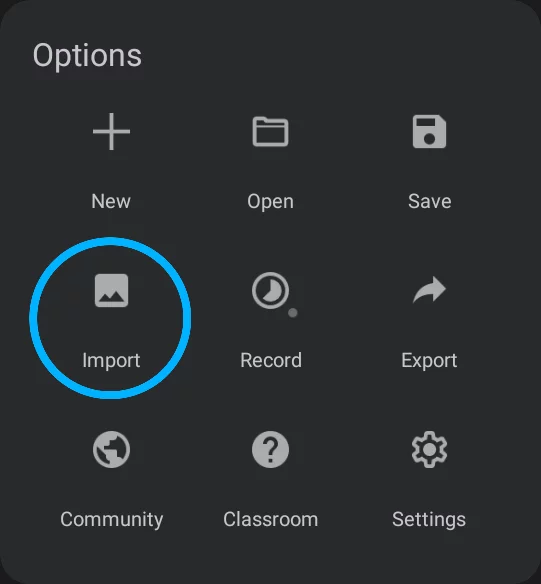
Learn details in Importing images.
Please note that certain files can be imported into Infinite Painter only in a special way:
PSD documents cannot be imported as layers or reference images, but they can be used to create a new project (learn more in New Project from an image).
PNTRPNTRPNTR ("Painter Project Transfer File") is a special proprietary file format for transferring Infinite Painter projects between devices or for backup.Learn more (Painter Project files) can also be only “opened” the same way.
Special assets like color palettes, textures and patterns are imported in a specific way, depending on their intended use; lean more in Importing and exporting assets.
Export
If you wish to export your currently open projectProjectIn Infinite Painter a project is the saved document containing the digital artwork (the canvas with all the created layers) and a set of assets and settings related to this artwork. Project may contain version history data and time-lapse recording documenting the process of creation of the artwork.Learn more, use the Options menu/Export command.
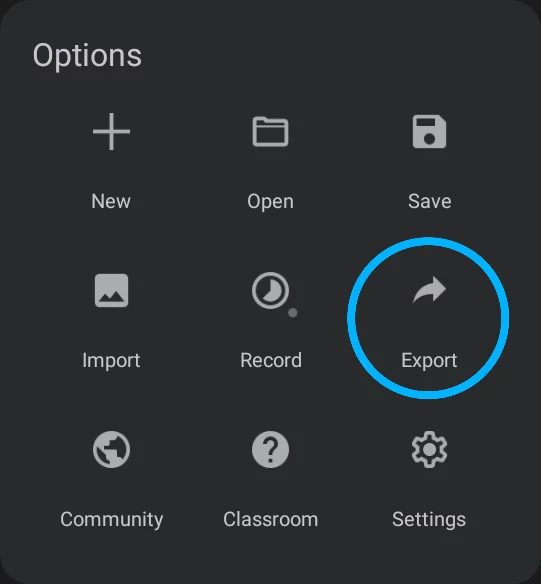
Learn more in Exporting images.
You can export a project as Painter Project (PNTR file) even without opening the project: use the Share command in the project options popup in the project gallery. See Managing projects in gallery.
You can export the time-lapse recordingTime-lapse recordingA video recording depicting the creative process in Infinite Painter. The video shows only the canvas (not the interface) and it is accelerated to fit all the process to a preset duration. Time-lapse recording is recorded and saved per project.Learn more of your creative process from the Playback screen. Learn more in Time-lapse recording playback.
The assets like brushes, brush packs (folders) or color swatch palettes are exported from within their respective workspaces. See Importing and exporting assets.
Import formats
Not only images
You can import images in JPG, PNG and PSD formats but other stuff too.
Importable image formats
JPG (JPEG) image file
Most popular file format used in most digital cameras and on web sites. Note that JPEG uses lossy compression algorithm so the quality of the images is usually limited; however the files are small.
PNG (Portable Network Graphics) image file
Second most popular bitmap image format. This is the recommended format for bitmap data transfer. Uses lossless compression so original image data may be restored. PNG files may contain transparencyAlpha channelIn the RGBA color coding, the Alpha channel defines transparency of the image. Each pixel has defined opacity (usually in 0–255 scale)..
WebP image file
Image file format developed by Google. The files are even smaller than JPEG with comparable quality, and also with support for transparency (RGBA).
PSD (.psd, Adobe® Photoshop® document)
Proprietary file format developed by Adobe Inc.®. The PSD files may be multilayer and may contain additional data like adjustment layers, layer masks, vector paths, 3D and animation data etc. Infinite Painter is able to read only the regular RGB bitmap layers (ignoring vector paths, 3D and animation data, layer effects and incompatible adjustment layers). When importing more complex PSD documents caution is recommended. Note that importing a PSD file always creates a new project file with the name of the original file.
Infinite Painter project file format
PNTR (.pntr) Infinite Painter Project Transfer file
Proprietary file format for transferring Infinite Painter projects. The format is common between Infinite Painter for iOS and Infinite Painter for Android so projects saved on one platform can be opened and edited on the other one. A PNTR file contains 100% of the original project information (along the version history, time-lapse recording, reference images etc.).
Importable assets
PRBR (.prbr) Infinite Painter brush file
You can import single brushes in PRBR format. Note that this format is not compatible with other applications.
PRZP (.przp) Infinite Painter's brush pack format
You can download and add to your brush collection packs of brushes in .przp format. Note that this format is not compatible with other applications. A PRZP file is created when you “share” a brush folder (see Brush management).
CLRS (.clrs) Infinite Painter's swatch palette file
Proprietary format for color swatch sets (palettes) used in Infinite Painter and in Infinite Design.
Swatch palettes can be imported both with the “main” Import command and from within the Color panel. Of course, you can export the palettes too.
Currently, Infinite Painter is not able to import and export swatch palettes in other formats.
Note that only JPEG, PNG and WebP image files can be imported with the “Gallery” option (from the default system photo manager). All other format require “Files” as the source. Learn more in Import sources.