Symmetry tools
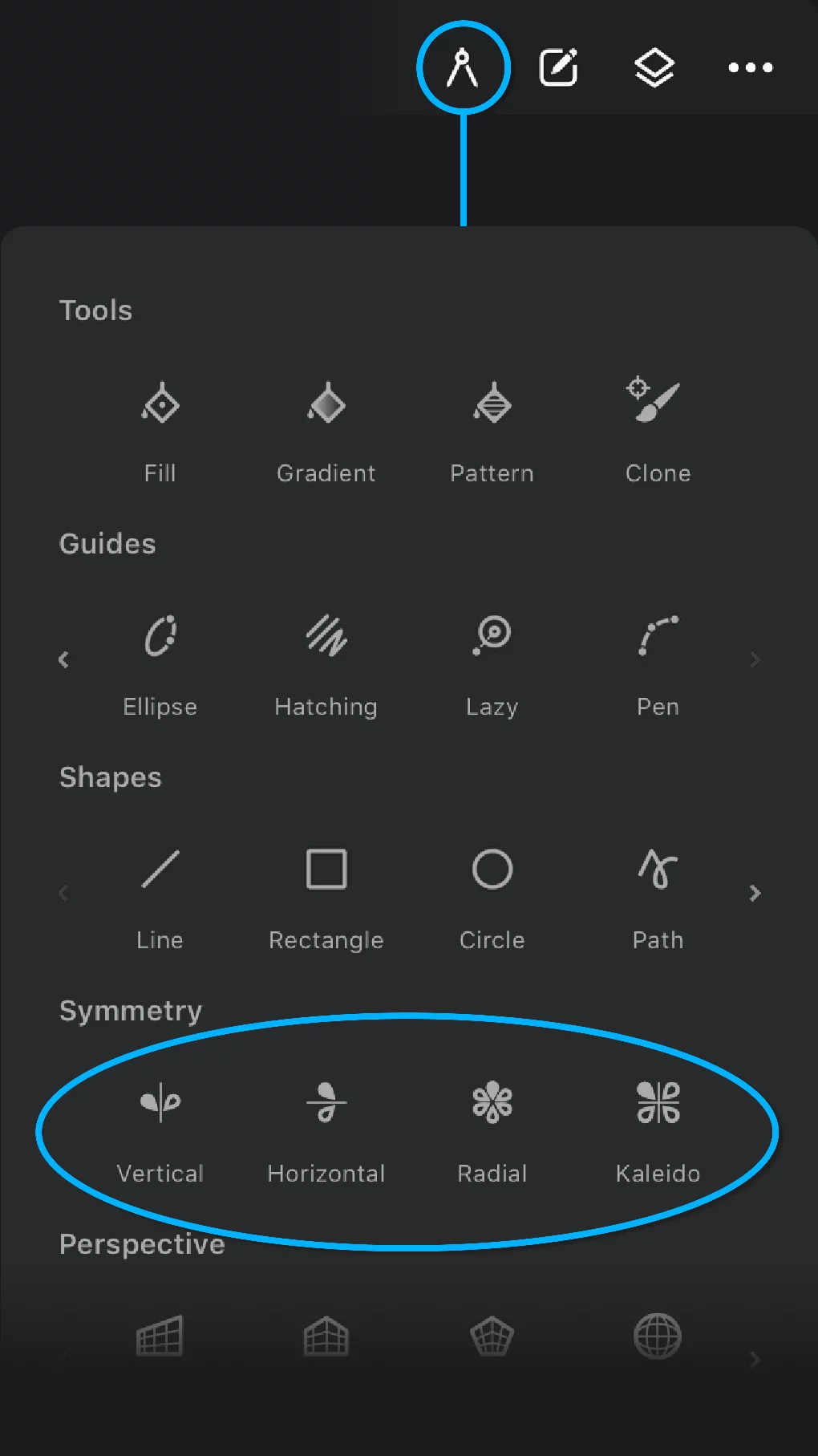
There are four kinds of symmetry in Infinite Painter:
Vertical
Horizontal
Radial
Kaleidoscopic
These guides work in real time: each your brush stroke appears in two or more symmetrical copies.

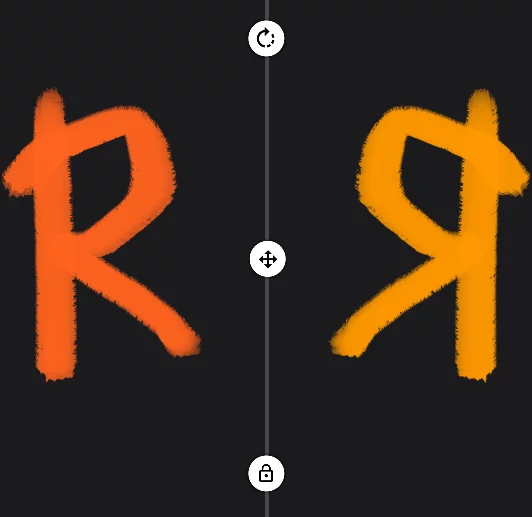
Vertical Symmetry
Mirrors your brush strokes relative to a vertical axis. The angle and placement of the axis can be changed. See Single-axis symmetries.

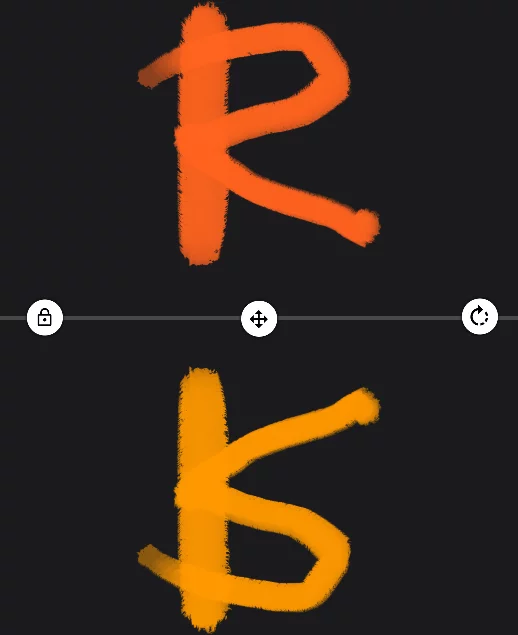
Horizontal Symmetry
Mirrors your brush strokes relative to a horizontal axis. The angle and placement of the axis can be changed. See Single-axis symmetries.

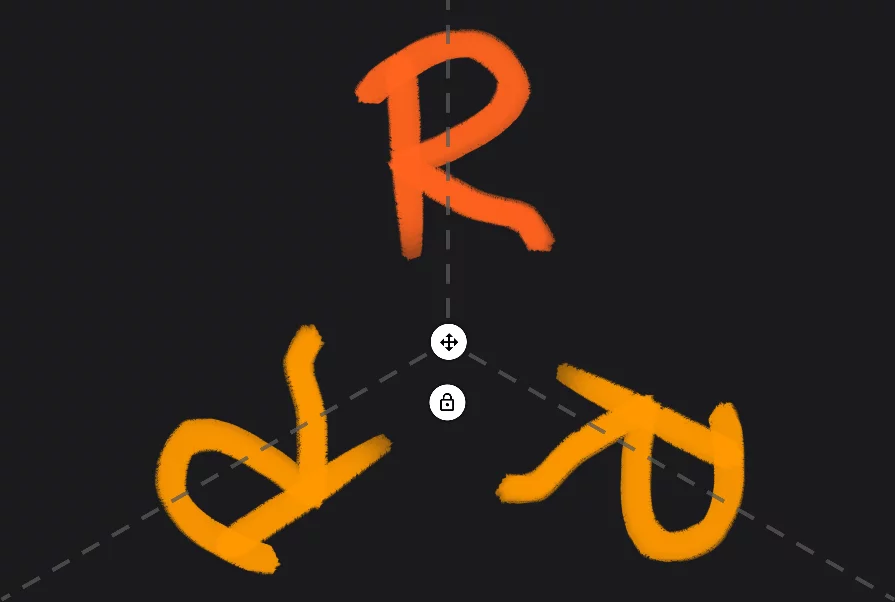
Radial Symmetry
Repeats your brush strokes relative to a center point. It has a few smart options. See Radial symmetry.

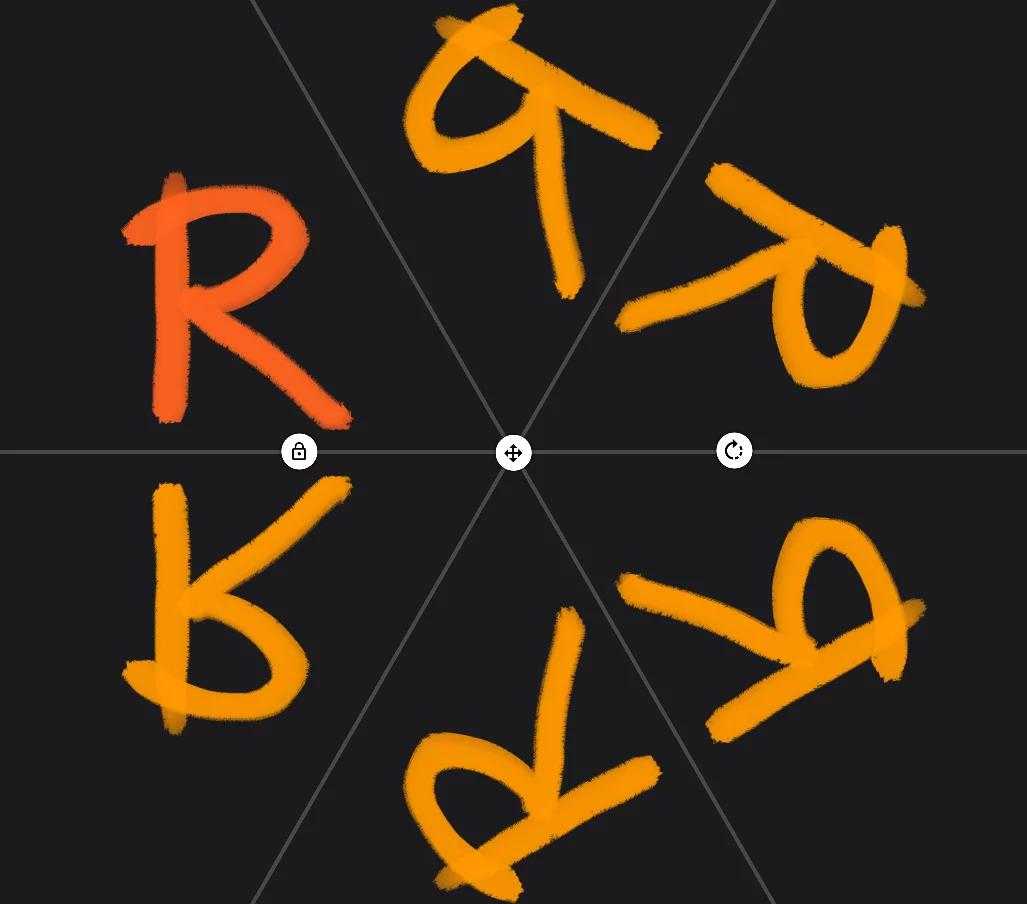
Kaleidoscopic Symmetry
Mirrors your brush strokes relative to multiple axes. See Kaleidoscopic symmetry.
You can combine the symmetry tools with other tools like Guides, Shape tools, Liquify tool and of course with the brush strokes in any Brush modeBrush modeOne of the three main ways the brushes in Infinite Painter work: in the Paint mode the brush applies the color, in the Blend mode it blends or smears existing colors on the canvas, and in the Erase mode it removes the color. Technically, the Cloning is actually a brush mode too.Learn more (including the Clone mode).
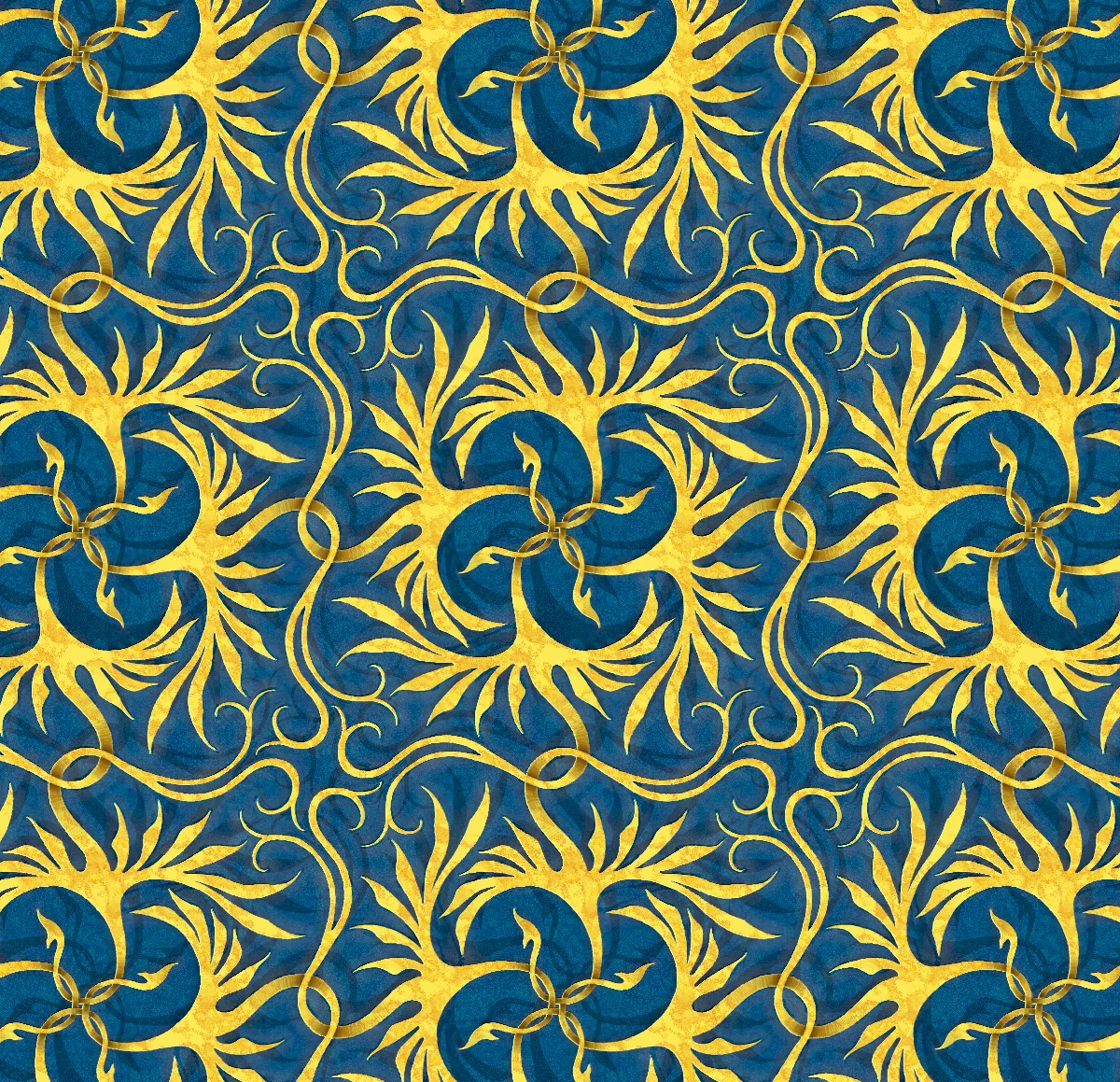
Try the symmetries in Pattern projects…
Example of use of the Radial symmetry in a Pattern project