
Liquify tool — the basics
Distort and deform.
Liquify tool lets you precisely deform and distort your artwork without losing visual quality.
The tool uses an invisible grid that records the distortions so they can be edited and reversed if necessary.
Original image (no distortion)
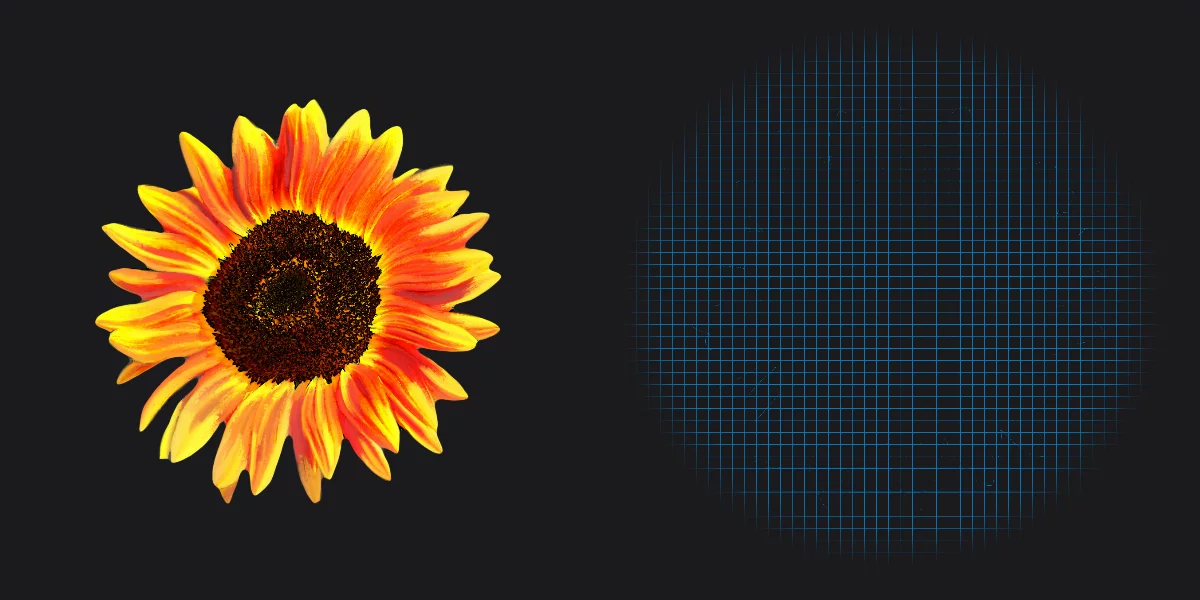
(rectangular grid with no distortion)
Liquified image
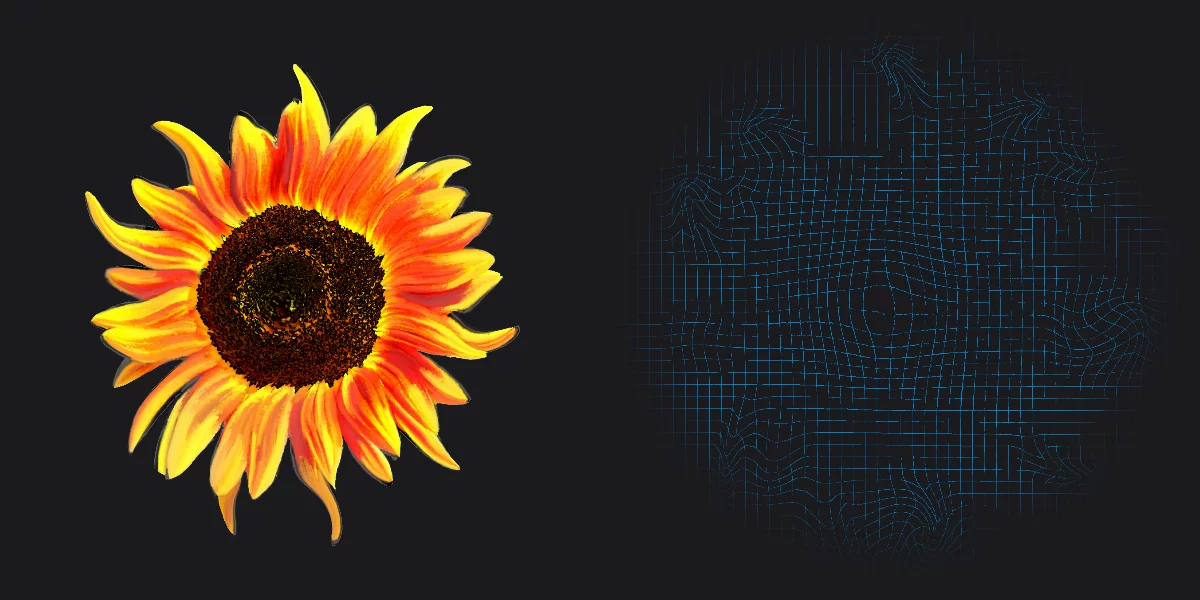
(the grid shows distortions)
Liquify tool workspace
Move. Pinch. Bloat. Swirl. And maybe correct in places.
Liquify tool is in fact a set of deformation tools. They deform a common geometric grid.
The deformation grid remains editable until you close the tool.
Note that the undo system doesn't work as usual within the Liquify workspace. You cannot undo single edits but you can restore original grid locally with the Restore tool. (And you can undo the entire Liquify session after closing the tool).

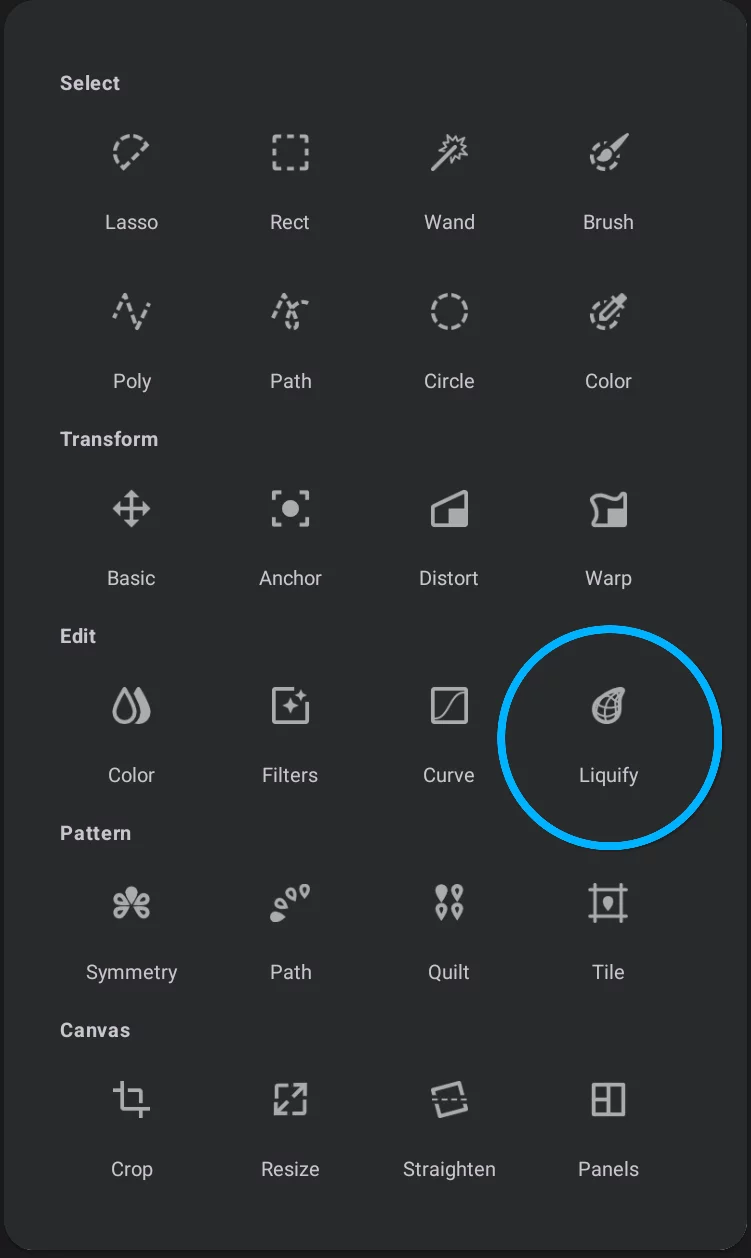
Liquify in the Editing Tools menu
Liquify toolbar


Cancel
closes the tool without applying changes.

Show/Hide grid
(the grid shows up only when you are using a tool).
Tool size slider
Note that in the Rewind function this slider controls the amount of the rewind effect, not the size of the tool.

Hide the effect
Temporarily disables the real-time preview so you can compare "before — after”.

Confirm
Closes the tool applying the changes.
Note that this also discards the deformation grid.
Deformation tools:


Swirl tool — CCW

Swirl tool — CW
Restore tools:


Move, Pinch, Bloat and Swirl are the actual deformation tools. The Restore and Rewind tools reverse the deformation in a controlled way.