
Guides vs. Shapes
All give you more precision.
In Infinite Painter there are two kinds of geometric aids to help you draw precisely: Guides and Shapes.

Find these tools in the Creative Tools menu:
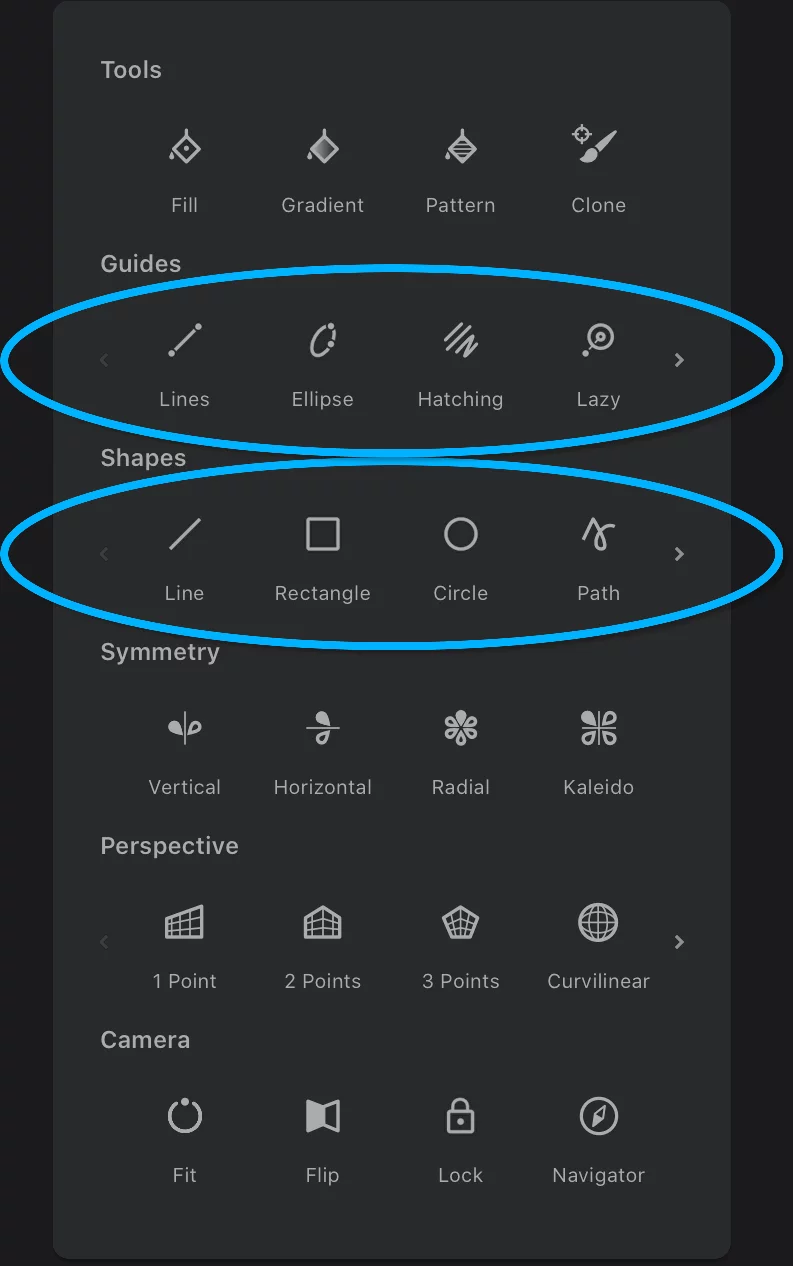
Guides
are drawing aids that allow you to draw multiple freehand strokes within certain geometric constraint.
Learn more below.
Shapes
generate a single stroke in an editable geometric shape. Shapes can be edited after being created.
More in Shape tools.
‘Lines’ guide as an example of a guide
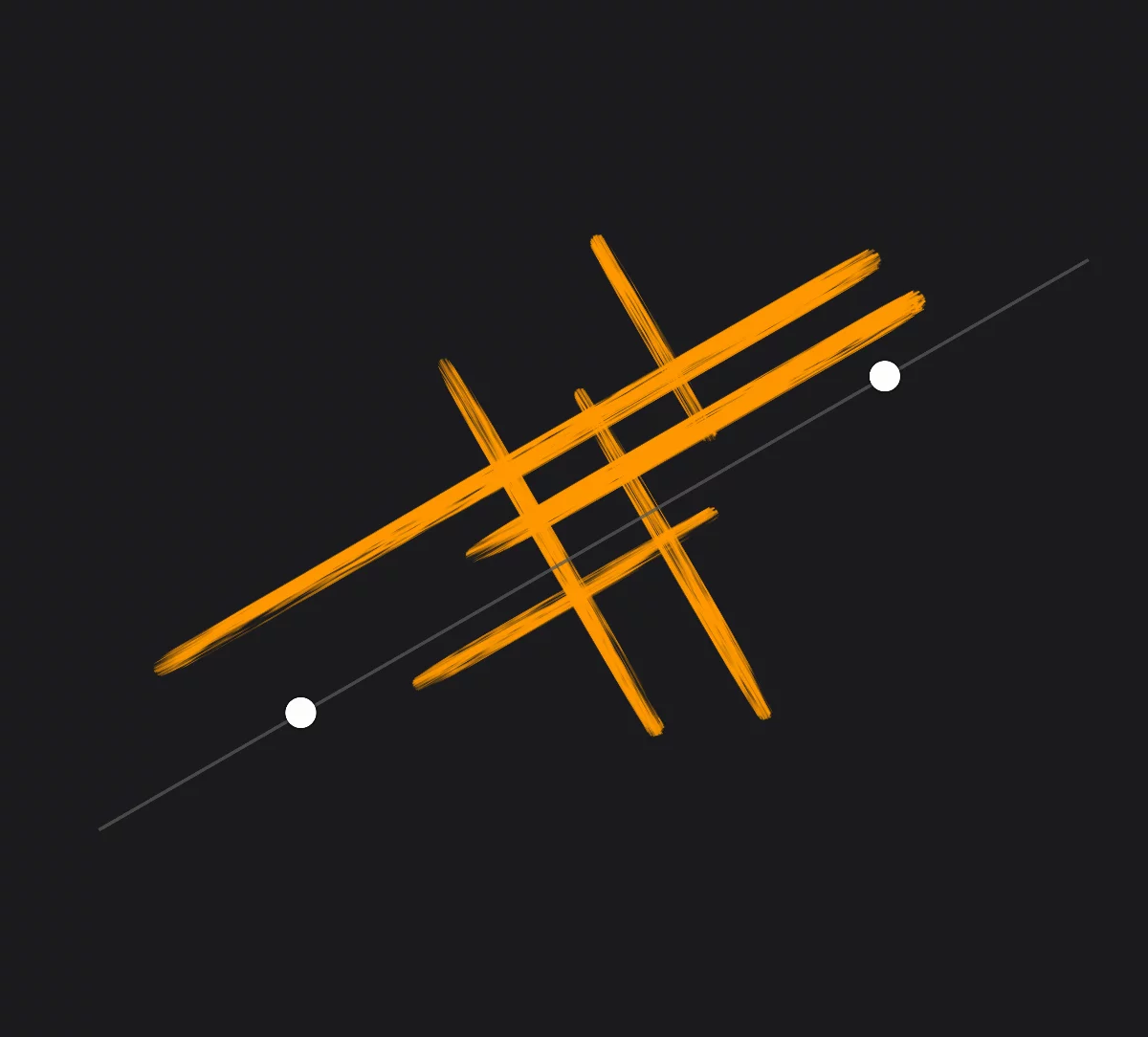
Like a real-world ruler.
Line shape as an example of a shape:

A single straight line connecting two points.
Guides — overview
Geometry at your disposal.
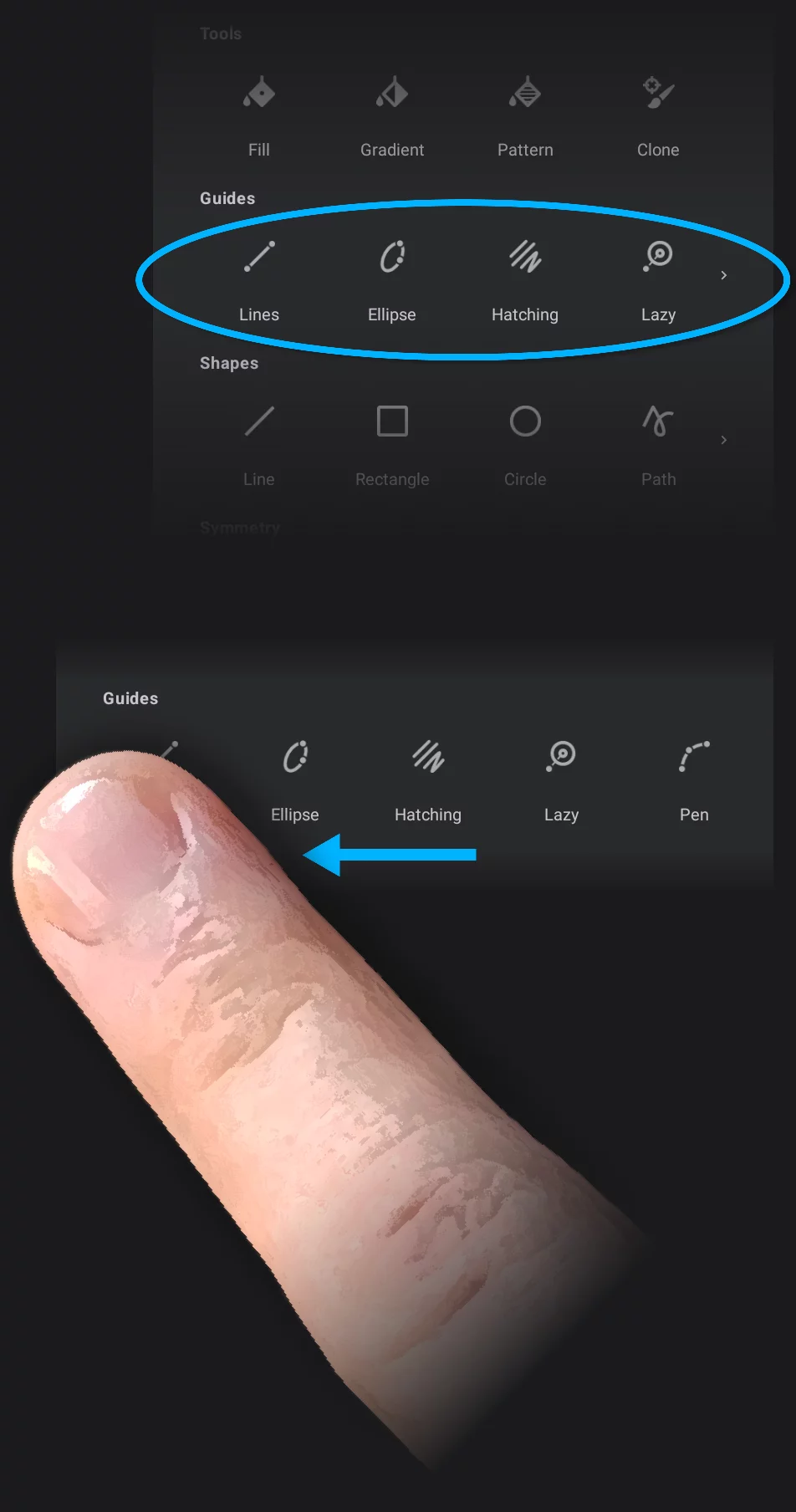
There are five guides in Infinite Painter:
Lines, Ellipse, Hatching, Lazy and Pen.
Creative Tools menu – the Guides section shows only four icons:


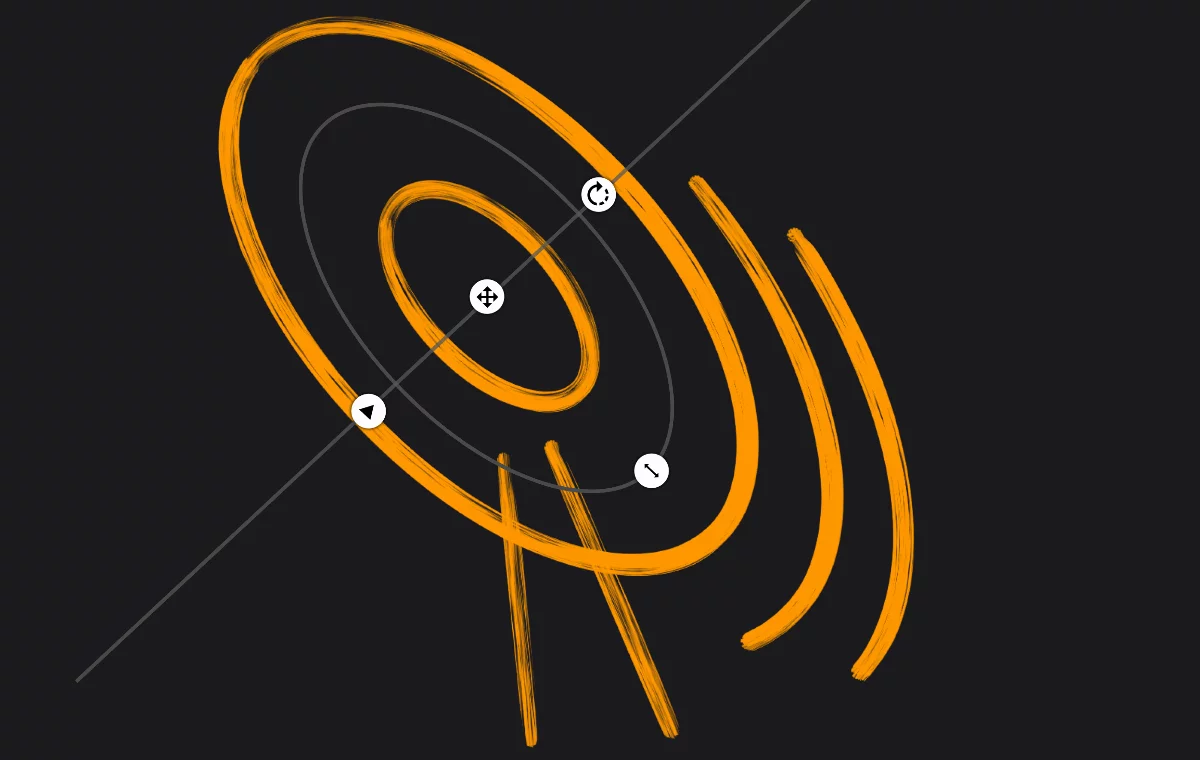
Ellipse guide
Draw circles, arcs, ellipses and ellipse arcs (also radii of these circles and ellipses). See Ellipse guide.

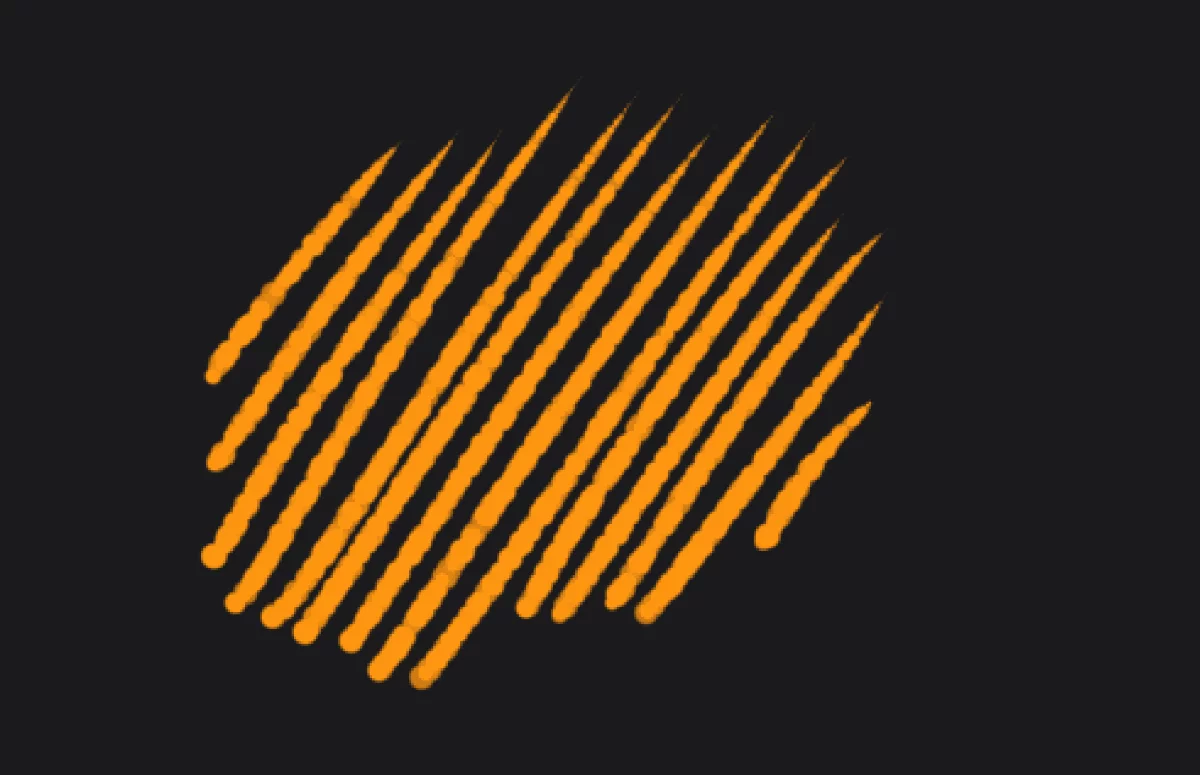
Hatching guide
A tool unique to Infinite Painter. Technically not really a guide, it allows for quick hatching with any brush without lifting your stylus or finger. See Hatching guide.

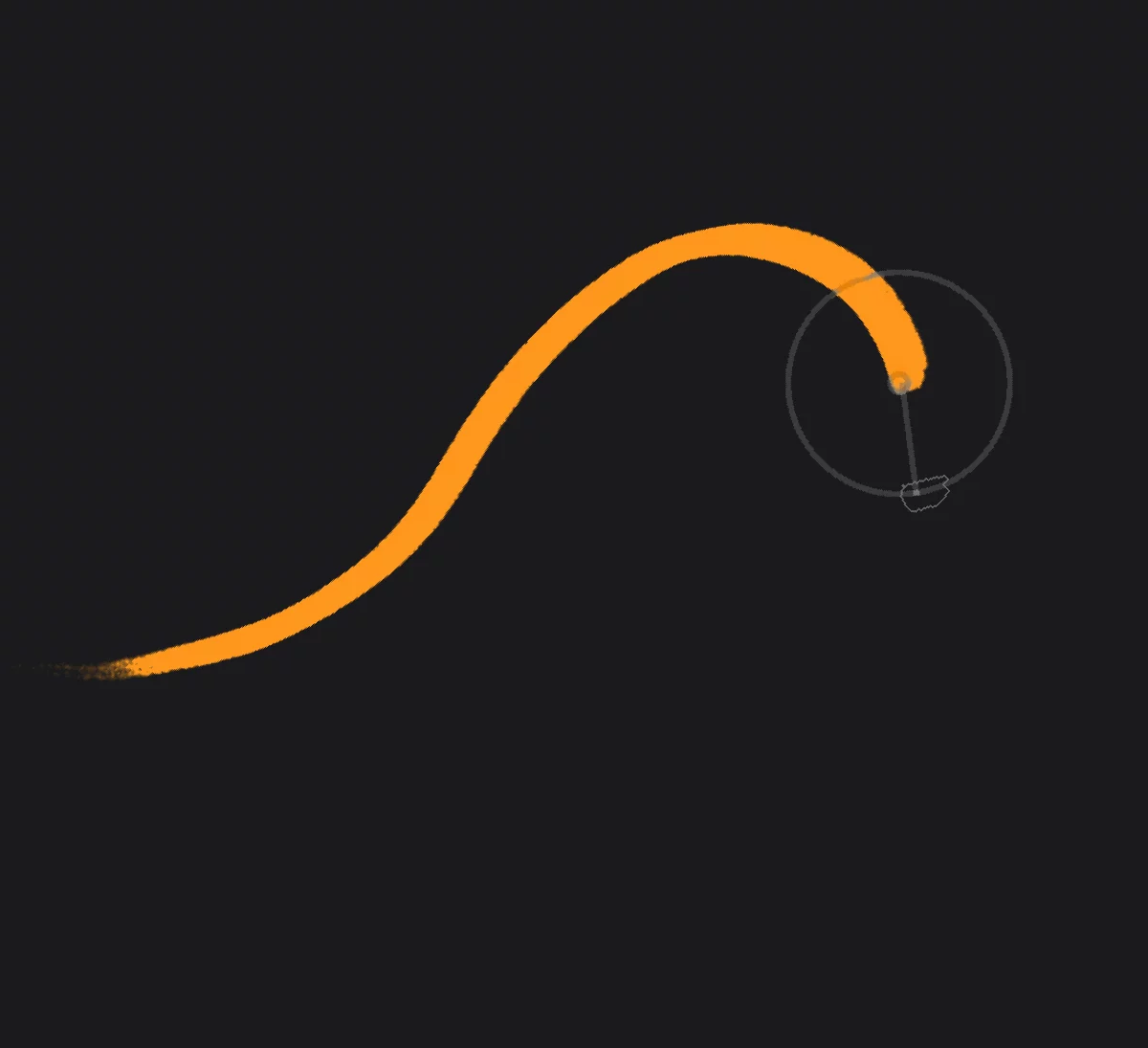
Lazy guide
This guide adds more precision and smoothness to your freehand strokes. Especially useful when you draw with your finger. See Lazy guide.

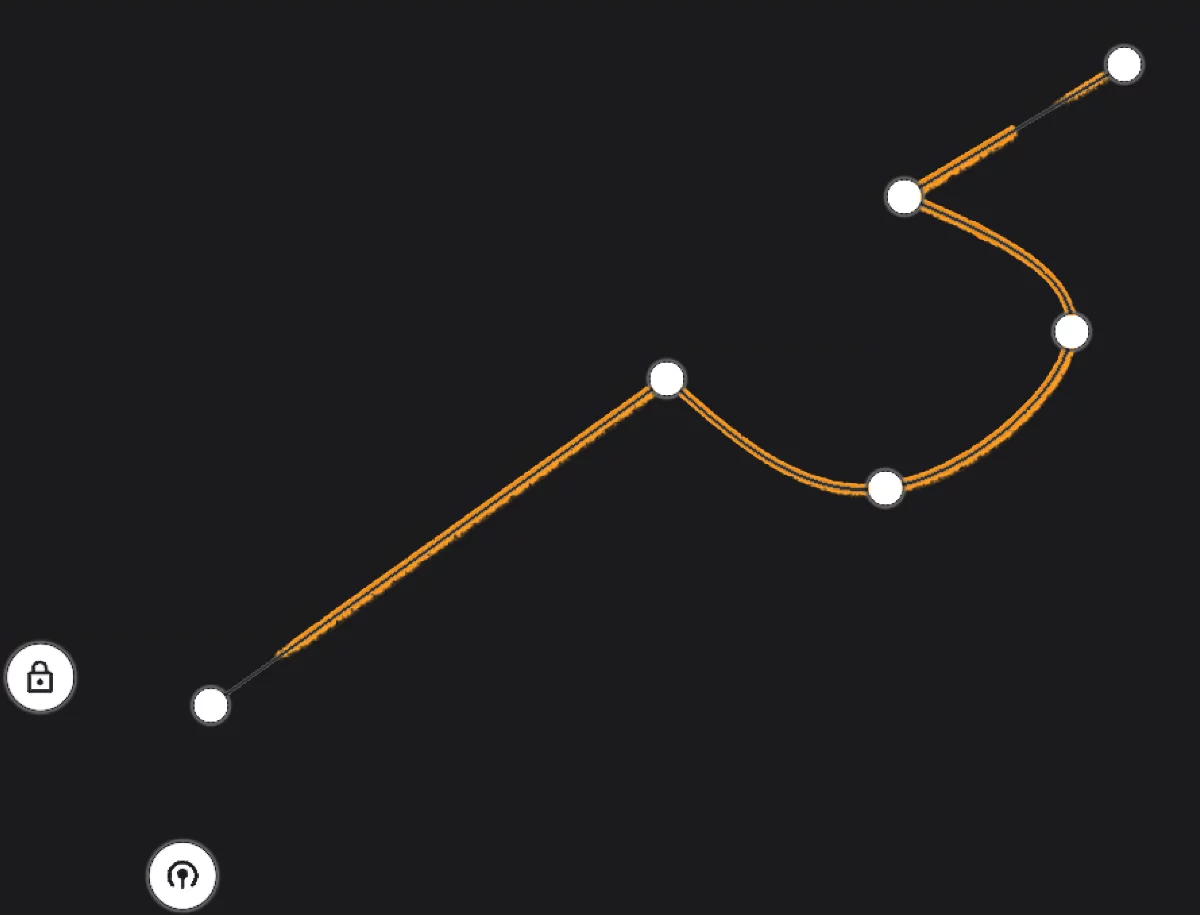
Pen guide
Draw complex Bézier shapes and polylines (also closed shapes and polygons). See Pen guide — overview.
Close each guide by its floating icon in the upper-right corner of the screen.