
Overview
Circles are ellipses too!
Ellipse guide allows you to draw circles and ellipses, but also their radii
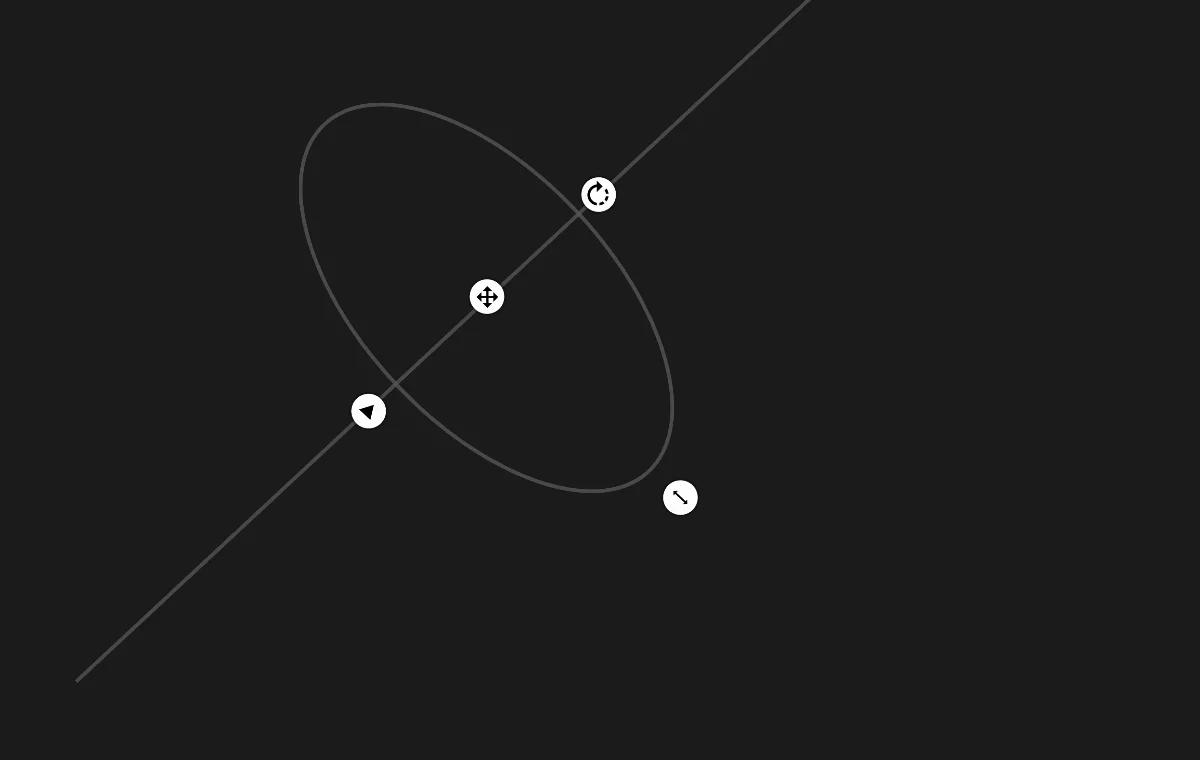
Flatness handle
drag to adjust the length of the minor axis of the ellipse.
drag this handle all the way out to get a perfect circle.
Center handle
drag to reposition the guide.
Angle handle
drag to rotate the guide around the center.
Scale handle
drag to resize the ellipse proportionally. Note that this is for your convenience only as the size of the guideline doesn't affect your ability to draw at any point.
Direction of the minor axis of the ellipse
Useful for drawing cylinders in perspective.
Ellipse guide line
shows the shape of the ellipse.
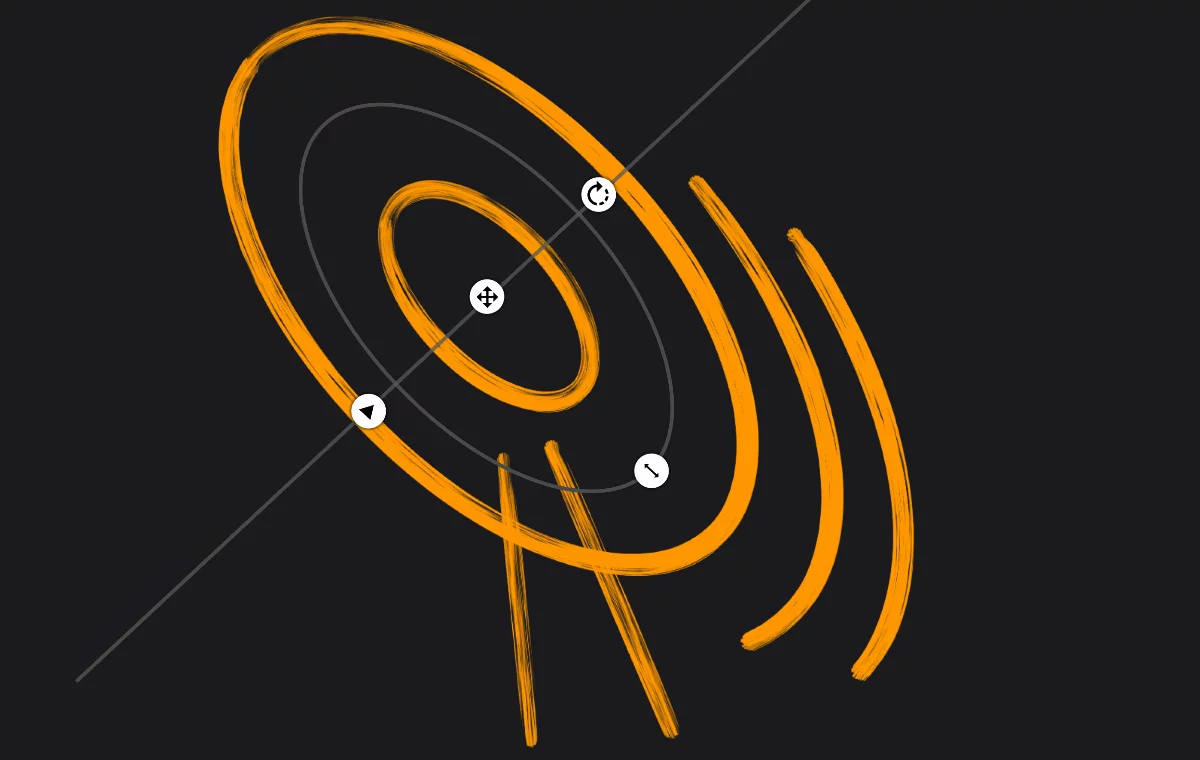
Draw concentric ellipses/circles
all over the canvas.
Draw the arcs of the ellipse/circle.
Draw the radii of the ellipse/circle.
the guide movement snaps to the minor axis line. Use this to construct cylinders in perspective.