
Overview
A hand stabilizer.
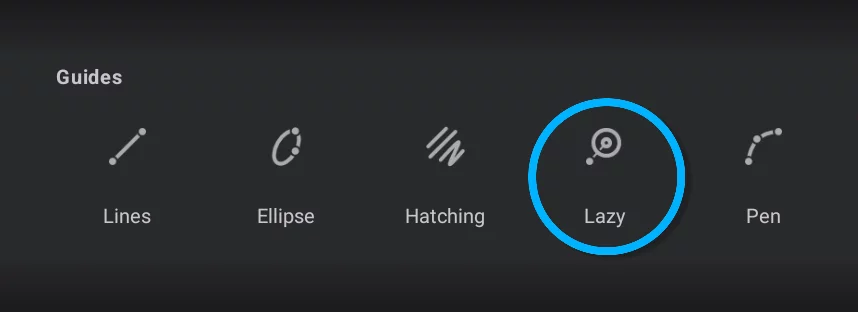
Lazy guide is a stabilizer that allows you to draw smoother freehand lines. It adds a "link" that drags the actual tip of your brush behind your stylus or finger
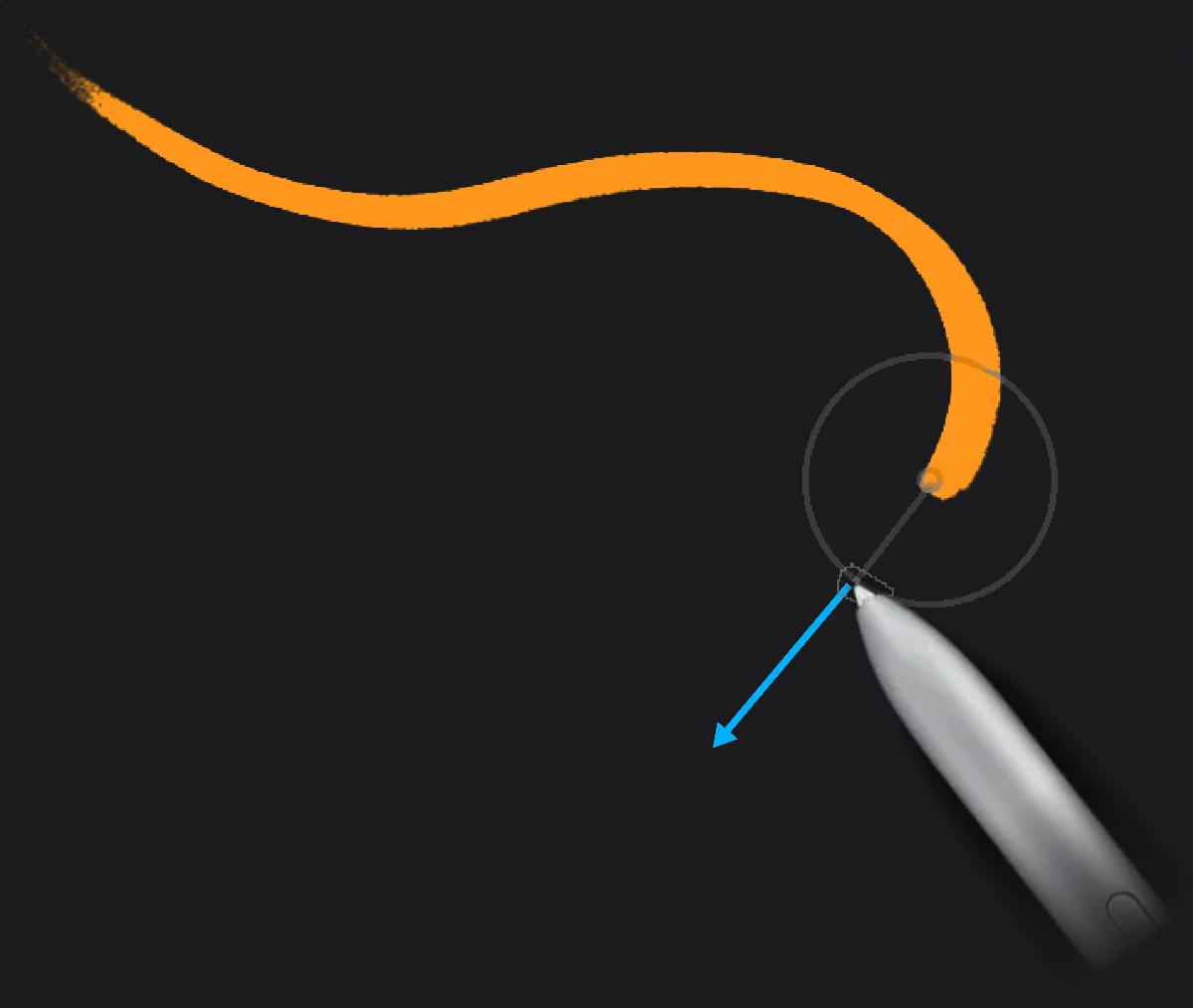
The guide line
shows the direction of movement. You can adjust the direction without moving the brush tip.
The circle
indicates the radius (the distance between your stylus and the brush tip)
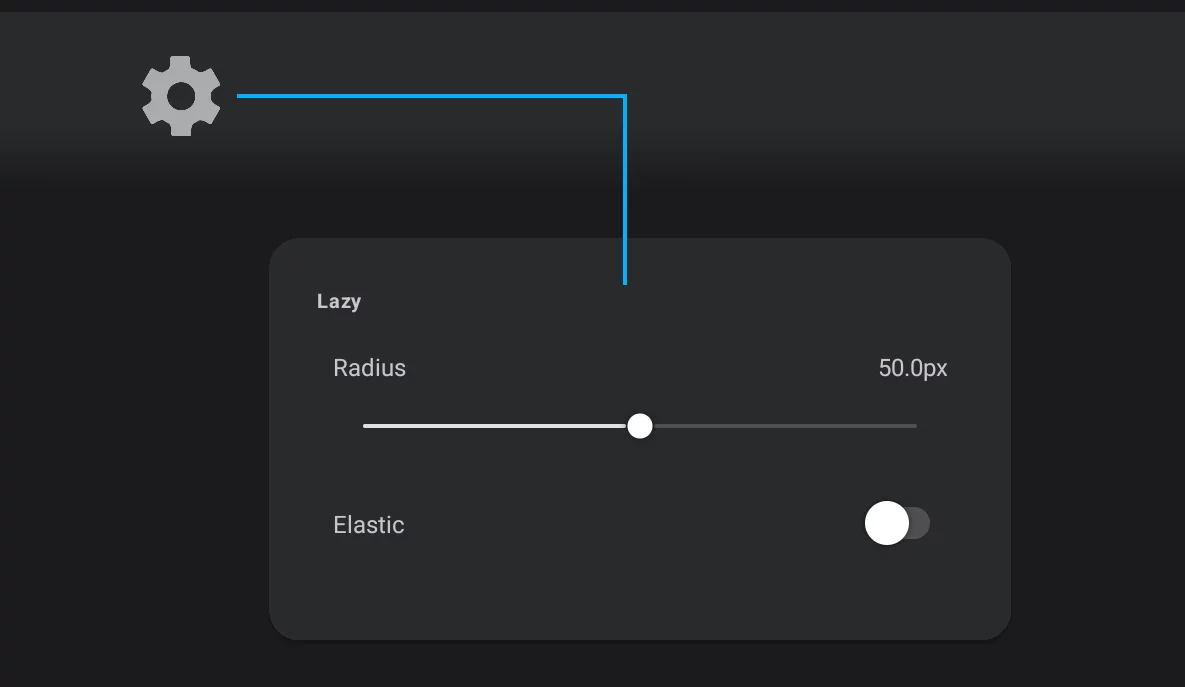
Tool settings menuTool settings menu The menu that contains all the settings of currently active tools. If at least one active tool has settings, the cogwheel icon appears at the left end of the top bar.Learn more
Guide radius slider
Set your preferred value experimentally. Note that value zero means zero effect.
Elastic mode
When active, the radius of the guide increases dynamically with the velocity (speed) of the stroke. For this option to work you may need to set a large radius value.
Note that significantly better smoothing effect you may achieve by increasing the Smooth parameter in the brush settings. See Brush Editor — Stroke tab.