
Overview
Quick and precise.
Shape tools let you add geometry to your artwork. They are not just plain geometry, but they work with any of the brushesBrushA brush is a tool that lets you paint on a the canvas with different shapes, textures, and colors, similar to using real paintbrushes. The brushes follow the movements of your finger or stylus on the touchscreen (as opposed to other tools that have no real-time interaction with the canvas). In Infinite Painter, the brushes have much more functionality than merely applying colors.Learn more (in any modeBrush modeOne of the three main ways the brushes in Infinite Painter work: in the Paint mode the brush applies the color, in the Blend mode it blends or smears existing colors on the canvas, and in the Erase mode it removes the color. Technically, the Cloning is actually a brush mode too.Learn more) to create geometric brush strokes.

Shapes can be found in the Creative Tools menu:
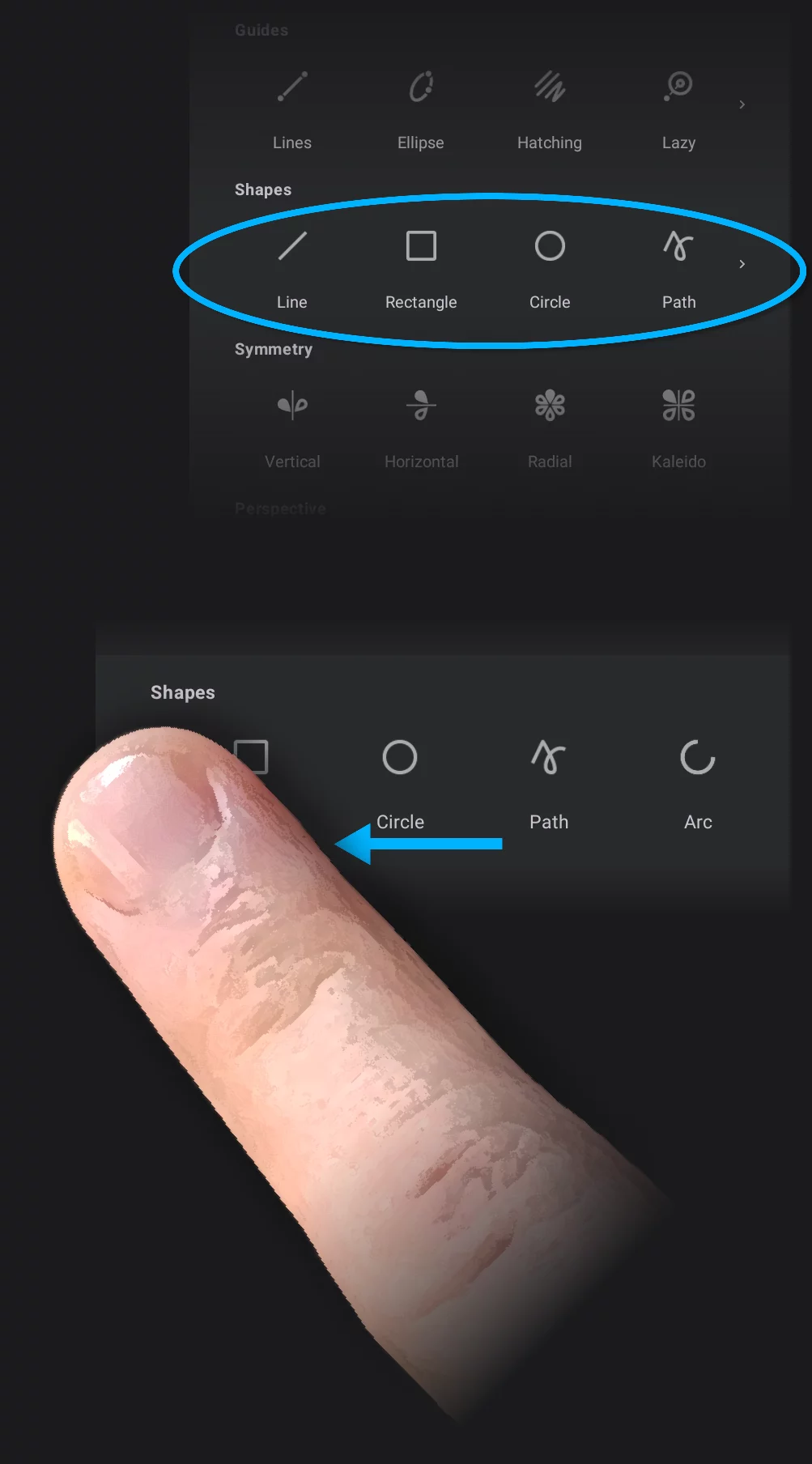
There are five different shape tools in Painter:
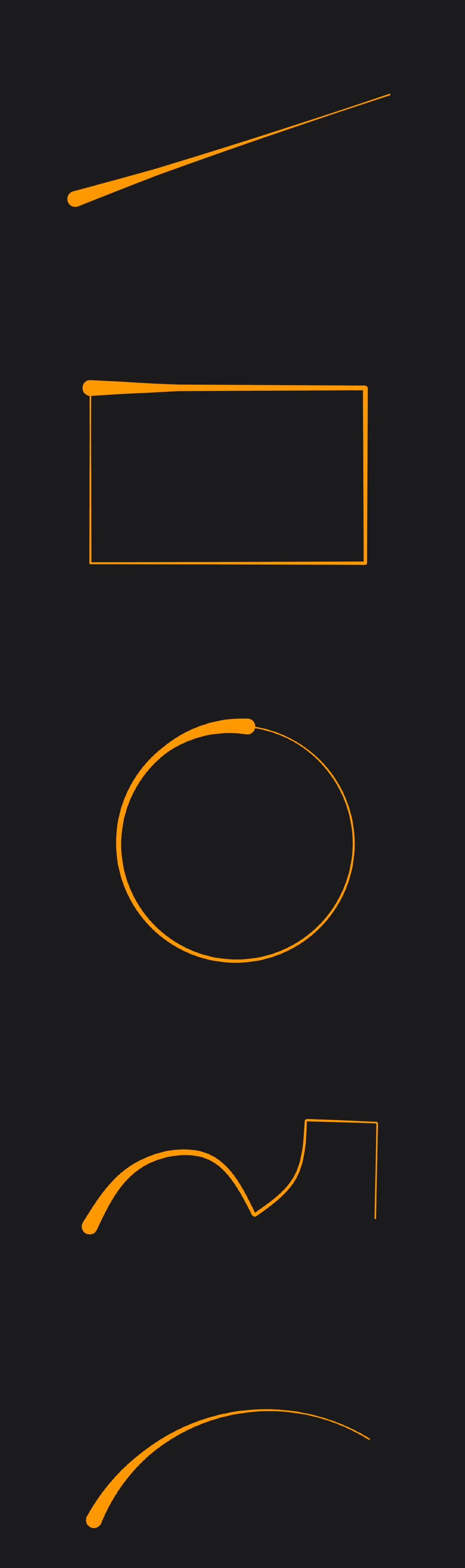

Line shape
Draw a straight line segment. You can reposition the endpoints after that.
Learn more in Line shape.


Circle shape
Draw a circle. You can edit the shape including making it an ellipse. See Circle shape.

Path tool
This is not just a polygon tool: draw a polyline or any Bezier curveBezier curveA Bézier curve is a smooth, flexible curve used in digital graphics to create shapes, paths, and control curves. It is defined by a few key points, called control points or nodes, which you can adjust to change the shape of the curve. It is like a virtual rubber band that you can pull and twist by moving these control points to get the desired shape for your design.
In fact, Bézier paths may consist of multiple segments, also with sharp corners between them. A straight line is a special case of a Bézier segment.Learn more. The most powerful of all the Shapes. See Path shape.

The Shapes work along with almost all other tools in Infinite Painter and of course with any brush in any brush mode.
If you want to draw a filled geometric shape, draw it with a Fill brush. Learn more in Filled Shapes.