
Overview
Create building blocks of geometry.
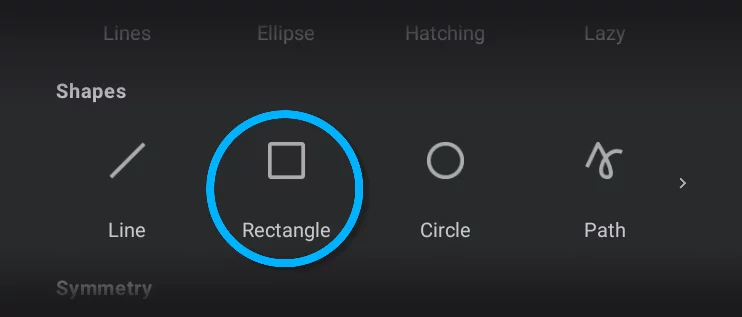
Rectangle shape allows you to draw rectangles and squares
Rectangle shape Mini-toolbarMini-toolbarIn Infinite Painter’s interface, a small toolbar displayed in the upper-right part of the screen when certain tool is active. This toolbar may consist of one or more buttons; the main, leftmost icon indicates the tool in use. Learn more
Tool icon — tap it to close the tool.
Stamp button — tap to leave a copy.
Using the Rectangle shape
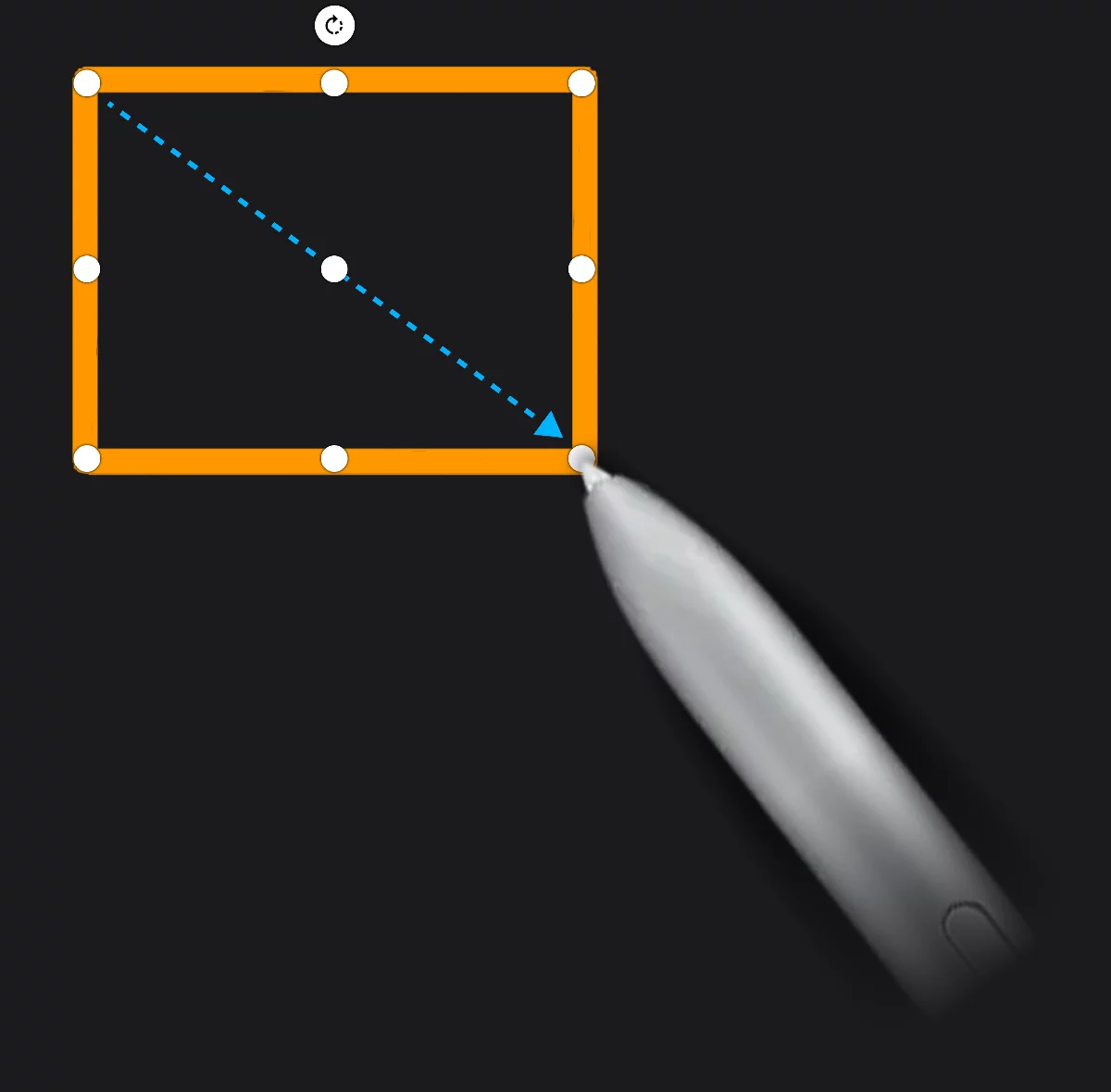
Starting corner
End corner
Move handle
Drag to reposition the shape
Corner handles
Drag to resize the rectangle
Vertical stretch handle
Horizontal stretch handle
Rotation handle
Drag to rotate the rectangle.
Use Touch-AltTouch-AltTouch-Alt is a gesture trick used in Infinite Painter to alter the current function of the stylus. It requires you to simultaneously touch the screen with the stylus and one of your fingers. Touch-Alt may add precision constraints to transformations or shape creation or preserve original ratio in cropping/resizing.
Caution: this trick may not work on certain devices.Learn more to draw a perfect square. Note that this doesn't work while editing the rectangle. Also use the Touch-Alt trick to constrain rectangle rotation to 15°.
The rectangle remains editable until you tap the screen, start drawing another shape or close the tool. Using the Rectangle along with a perspective grid you may draw rectangles with correct perspective foreshortenings (more in Shapes in perspective).