
Arc shape
On this page
Overview
Any curvature.
Arc shape tool allows you to draw editable arcs (technically, circular arcs – segments of circles).
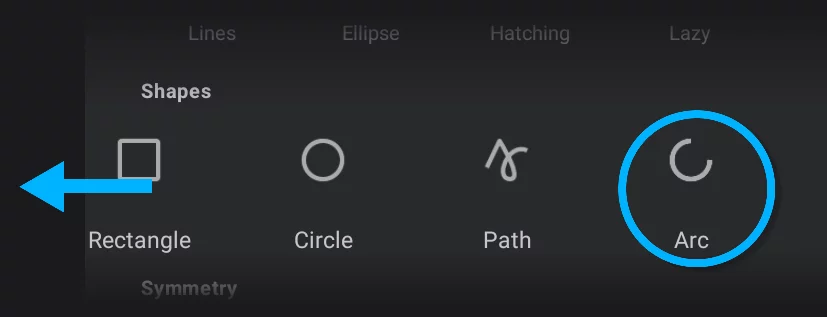
Note that to access the Arc icon you have to scroll the icon row.
Arc shape Mini-toolbarMini-toolbarIn Infinite Painter’s interface, a small toolbar displayed in the upper-right part of the screen when certain tool is active. This toolbar may consist of one or more buttons; the main, leftmost icon indicates the tool in use. Learn more
1
Tool icon
tap it to close the tool.
2
Stamp button
tap to leave a copy.
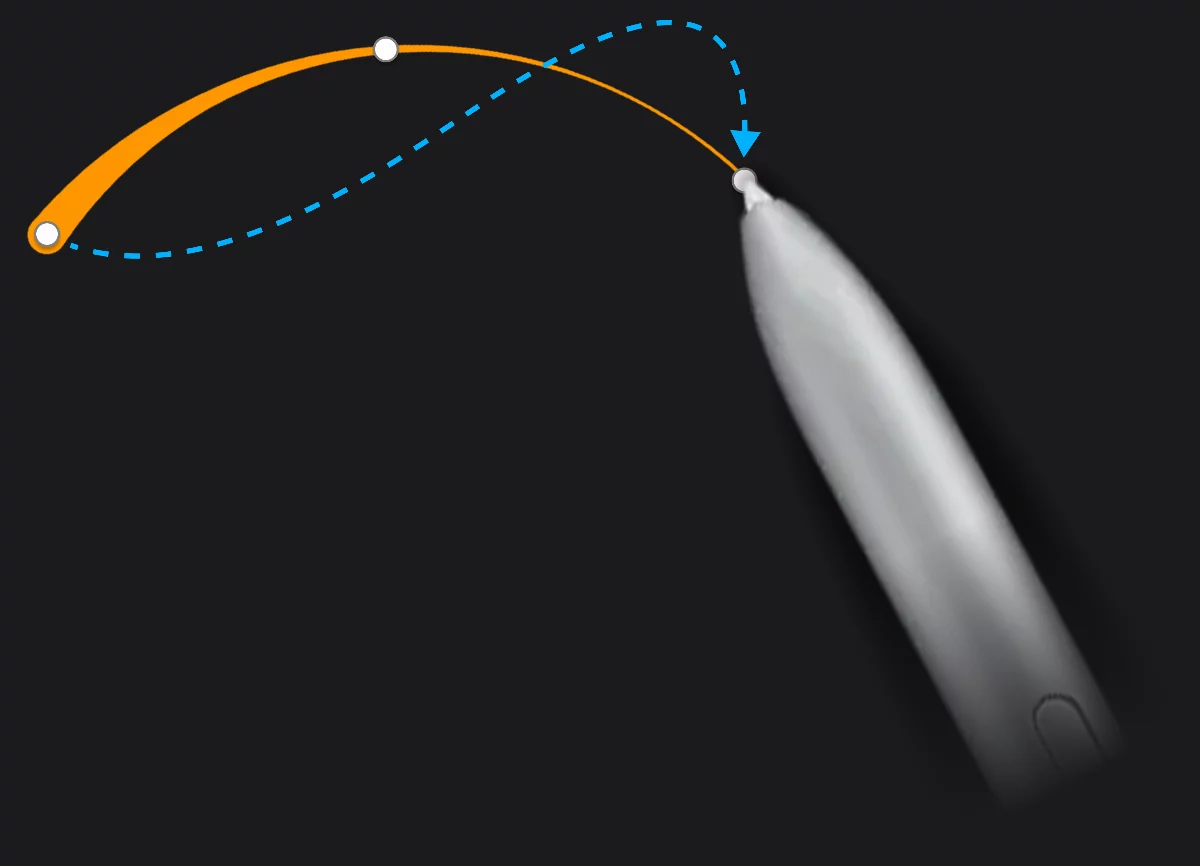
1
Starting point
2
Middle point
3
End point
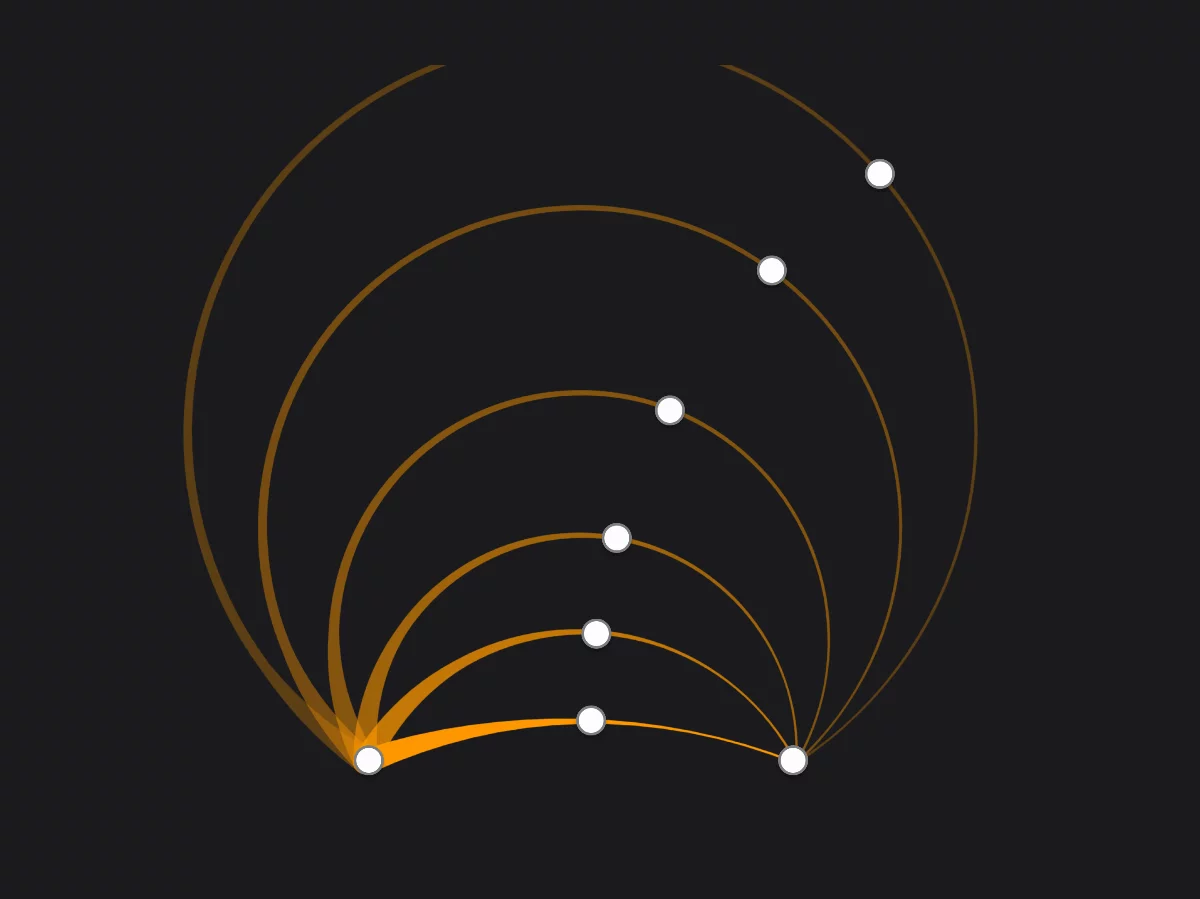
With the same endpoints you can draw arcs of different radii by dragging the middle point.
The arc remains editable until you tap the screen, start drawing another shape or close the tool with the button on the mini-toolbar.