
Overview
A smart compass.
Circle shape allows you to draw, well, circles; but ellipses too.
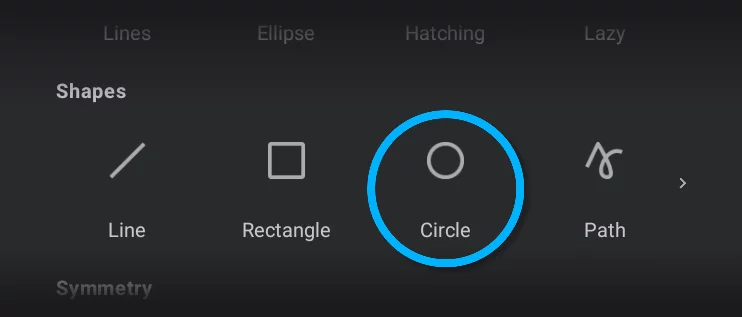
Circle shape Mini-toolbarMini-toolbarIn Infinite Painter’s interface, a small toolbar displayed in the upper-right part of the screen when certain tool is active. This toolbar may consist of one or more buttons; the main, leftmost icon indicates the tool in use. Learn more

Tool icon
tap it to close the tool.
Stamp button
tap to leave a copy.
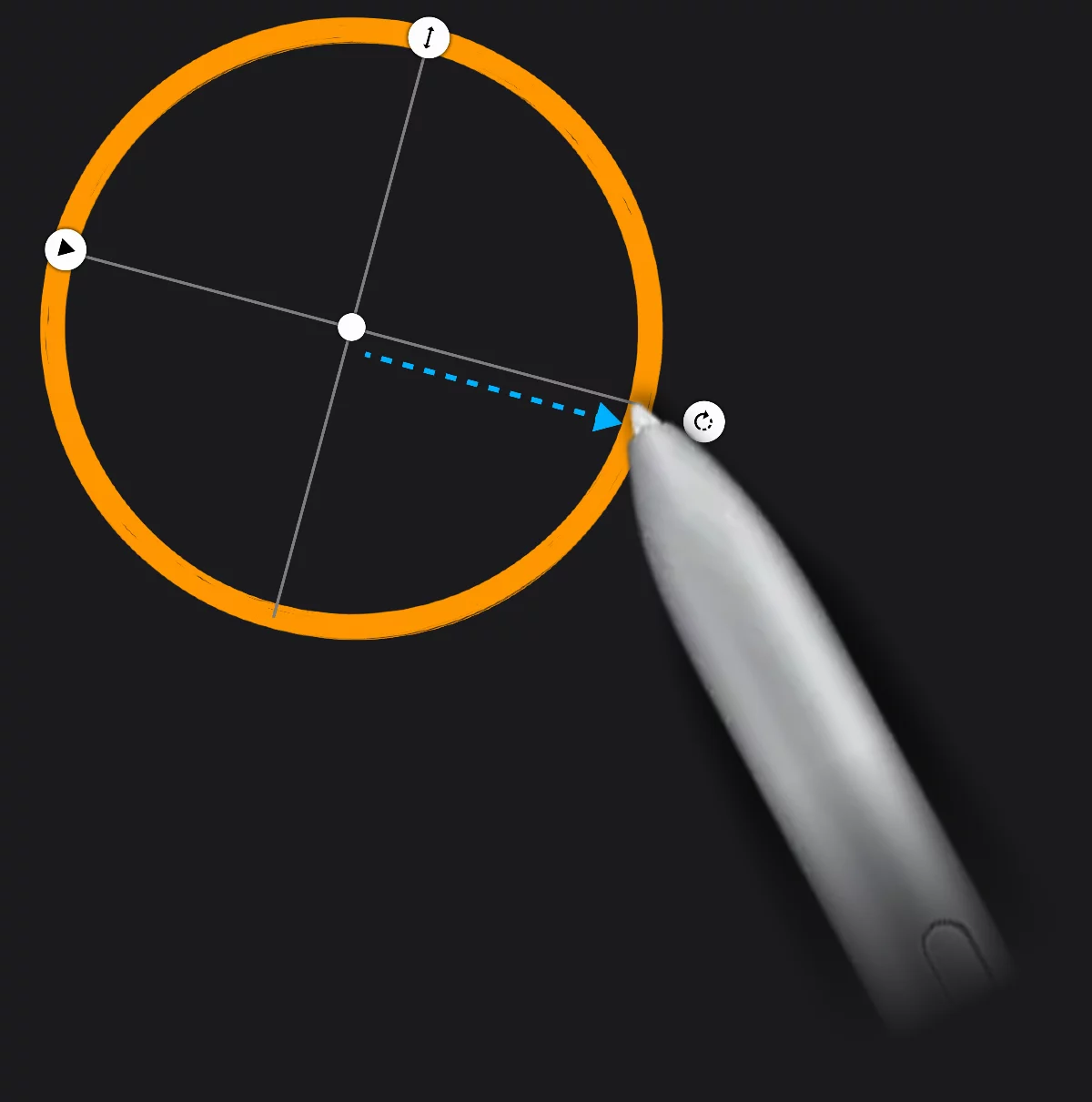
Draw from the center point in any direction.
Resize handle
drag to resize the circle proportionally.
Move handle
drag to reposition the shape. The movement snaps to the minor axis direction.
Rotation handle
drag to rotate the circle.
Stretch handle
drag to turn the circle to ellipse.
Minor axis
if the circle has been flattened to an ellipse
If your brush has a stroke profileBrush stroke profileIn digital brushes, a curve graph defining the relative size (diameter) of the brush at each point of a single brush stroke. It allows, for example, to make each brush stroke end with a taper.Learn more applied, it will be stretched around the circle circumference. Learn more in Brush Editor — Stroke tab.

The circle remains editable until you tap the screen, start drawing another shape or close the tool. Using the Circle along with a perspective grid you may draw circles with correct perspective foreshortenings (more in Shapes in perspective).