
Filled shapes
On this page
Shapes with a fill
Fill brushes + Shapes.
If you use a fill brush with a closed Shape you get a filled shape. A solid fill is just one of the options. (Learn about using Fill brushes in Fill brushes).
Both the Shape tools and the quick shapes (shape detection) can be used with the Fill brushes.
Use the Brush selector to pick one of the Fill brushes
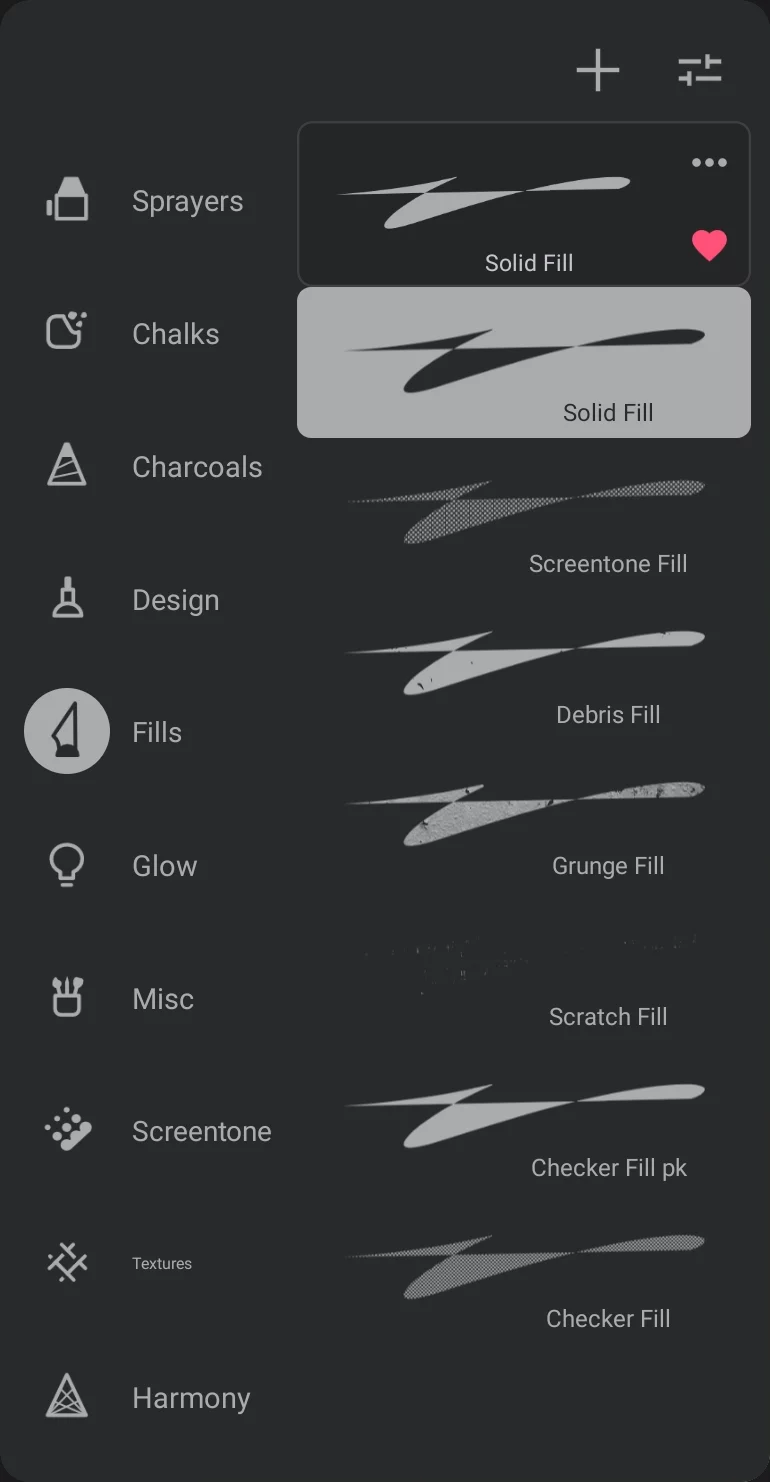
“Fills” brush folder
1
Solid Fill brush

2
Grunge Fill brush (as example)
Examples of filled shapes
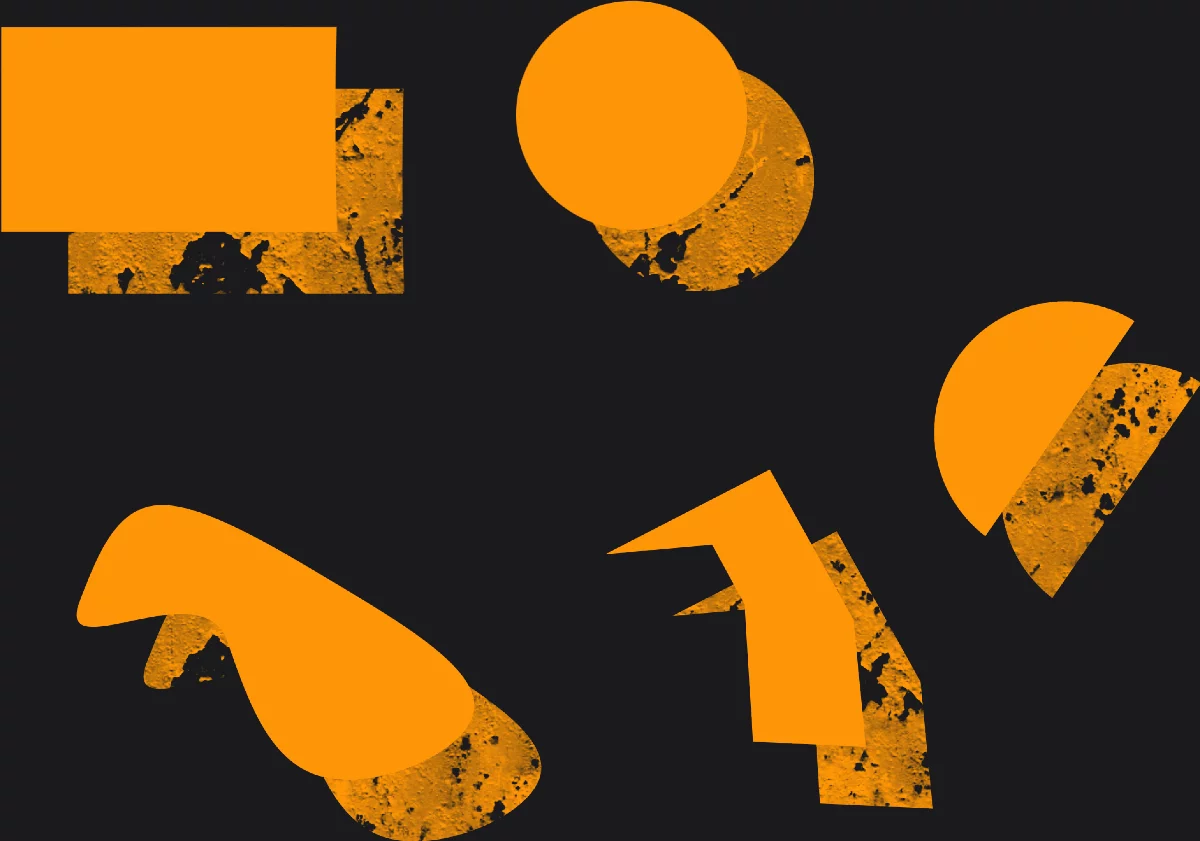
1
Arc shape
is always considered a closed shape.
2
Path shape
doesn't have to be a closed path to be filled.
Line shape cannot be used with the Fill brushes for obvious reasons.