
Fill brushes
On this page
Fill brushes
The quickest way to fill an area with a color or texture.
The Fill brushes are unrelated to the Fill tools proper, but serve the same purpose: filling an area with a color.
Brush selector
(see Basic brush controls)
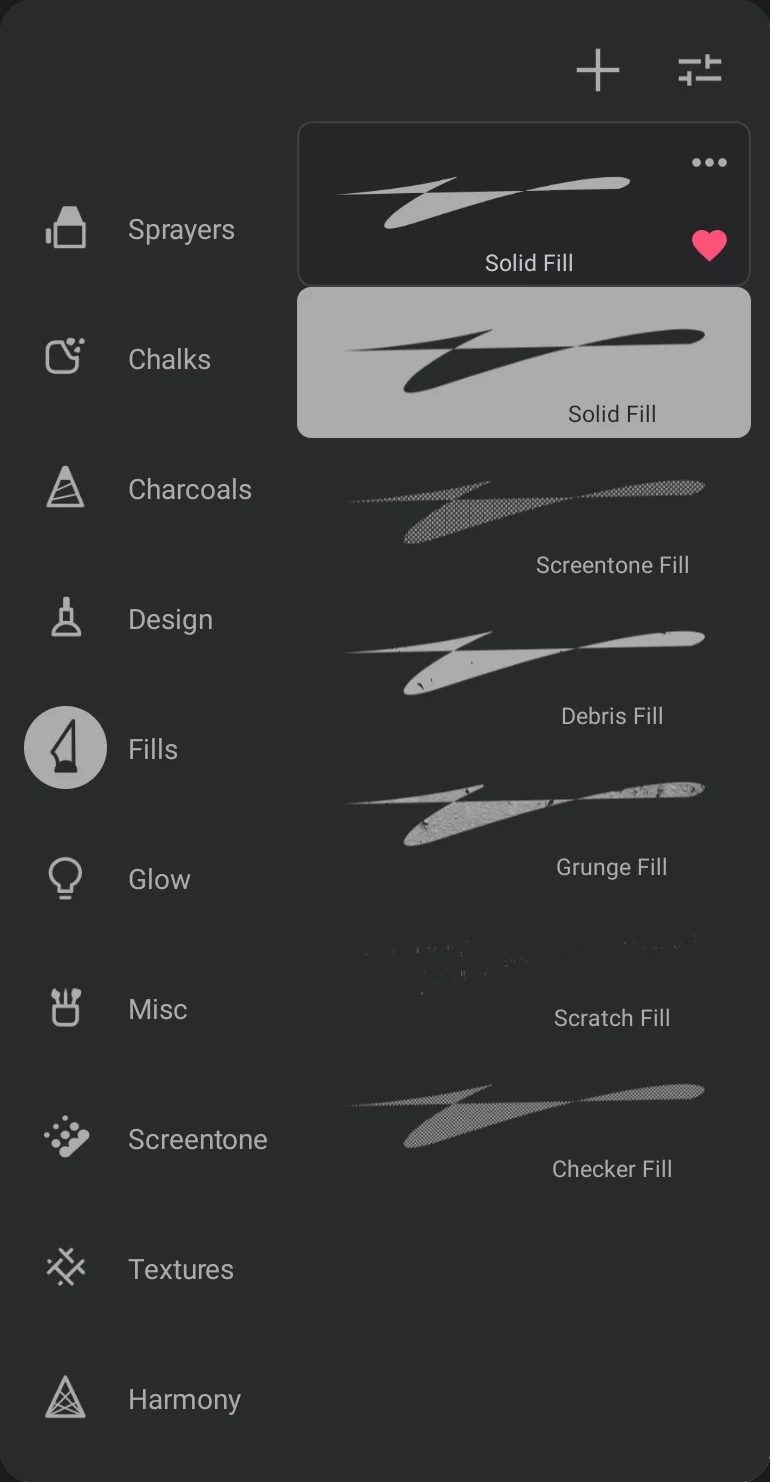
1
Fills brush folder
2
Solid Fill brush
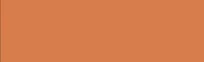
3
Screentone Fill brush
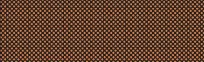
4
Debris Fill brush
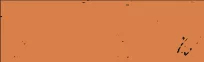
5
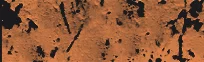
Grunge Fill brush
6
Scratch Fill brush

7
Checker Fill brush
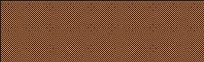
The fill brushes work great with geometric shapes: Rectangle, Circle, Path and Arc, producing filled shapes. Learn how to use the shapes in the Shapes — overview section.
There are 6 built-in Fill brushes in the app.
You cannot create a custom Fill brush from scratch, but you can duplicate any of the existing ones and change its properties to your liking.