
Overview
Pen guide for a single stroke.
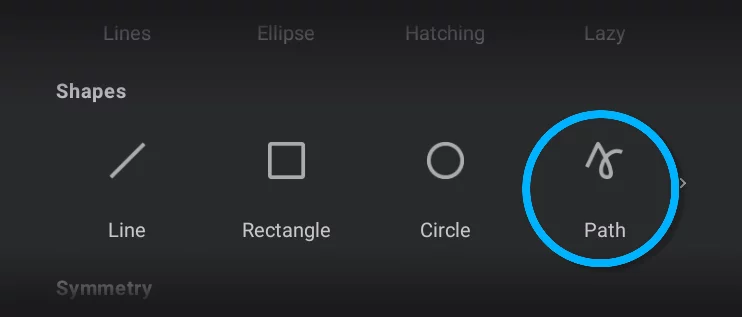
Path shape allows you to draw any geometric shape either open or closed.
When the tool is active, its Mini-toolbarMini-toolbarIn Infinite Painter’s interface, a small toolbar displayed in the upper-right part of the screen when certain tool is active. This toolbar may consist of one or more buttons; the main, leftmost icon indicates the tool in use. Learn more will be displayed:

Tool icon
tap it to close the tool.
Stamp button
tap to leave a copy.
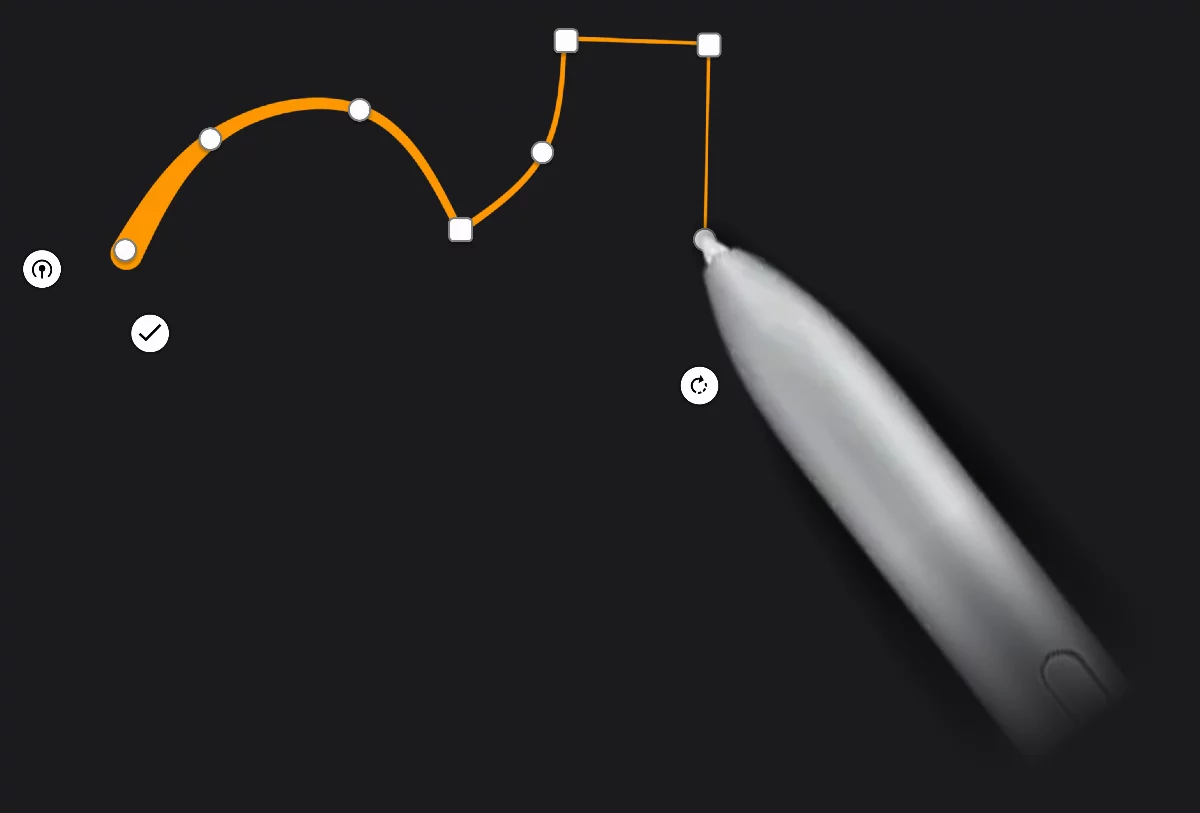
Close the shape
tap to add a segment between the last and the first nodes.
Confirm
Finish editing. After you tap this button the shape will not be editable anymore.
A node
Drag it to reshape the path. Tap to toggle smooth/cusp.
The path remains editable until you tap the confirm button, or close the tool with the button on the Mini-toolbarMini-toolbarIn Infinite Painter’s interface, a small toolbar displayed in the upper-right part of the screen when certain tool is active. This toolbar may consist of one or more buttons; the main, leftmost icon indicates the tool in use. Learn more. Editing the Path shape is similar to editing the Pen guide path learn more in Pen guide.
Smooth and cusp nodes
Technically, G1 or G0.
Each node in a path may be either smooth or cusp (a sharp corner).
Tap on the node to toggle between these two states.
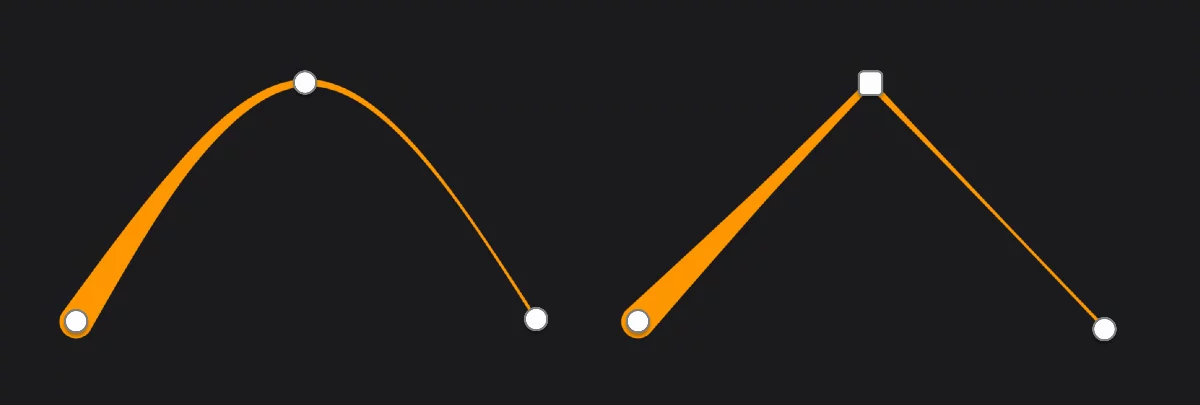
Smooth node
Cusp node
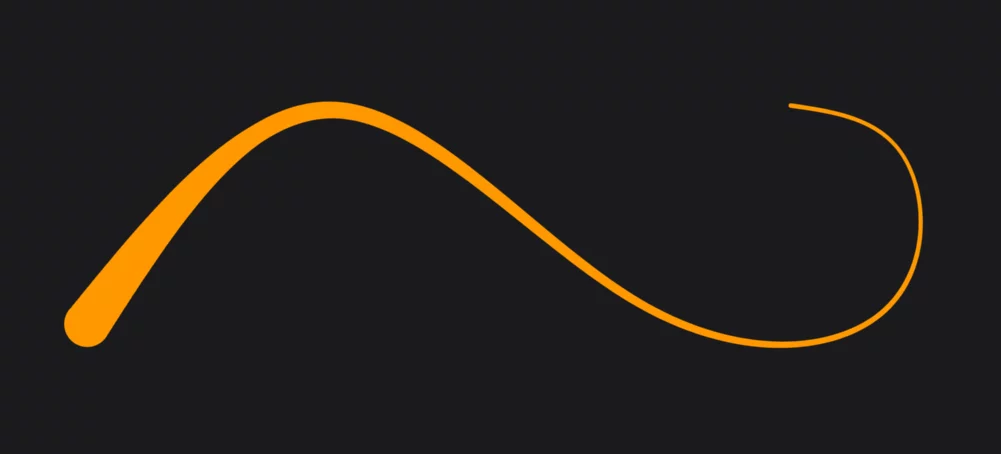
A chain of smooth nodes creates soft, organic shapes.
A chain of cusp nodes creates a polyline.
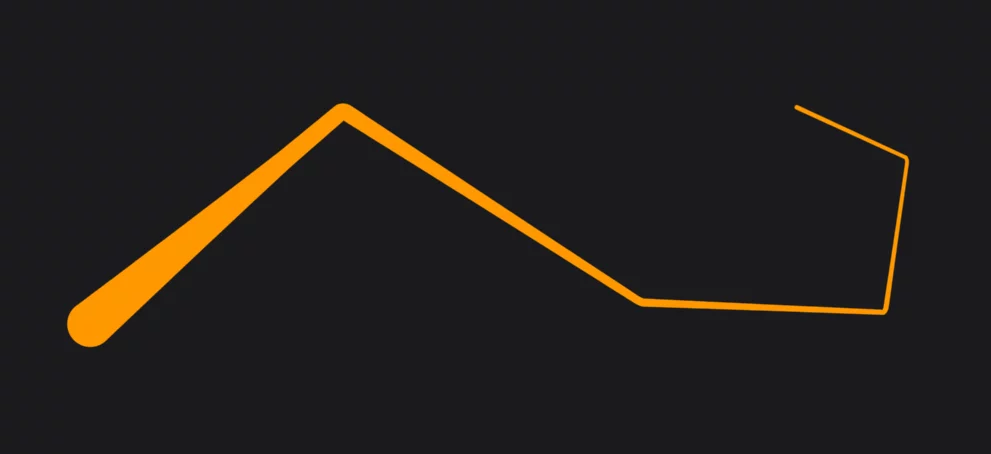
The path in the Path shape is a simplified Bézier pathBezier curveA Bézier curve is a smooth, flexible curve used in digital graphics to create shapes, paths, and control curves. It is defined by a few key points, called control points or nodes, which you can adjust to change the shape of the curve. It is like a virtual rubber band that you can pull and twist by moving these control points to get the desired shape for your design.
In fact, Bézier paths may consist of multiple segments, also with sharp corners between them. A straight line is a special case of a Bézier segment.Learn more.
You have fewer controls than in professional graphic applications, but the geometry is the same.