
Lines guide
On this page
Overview
Not exactly a ruler.
Lines guide allows you to draw straight lines along or perpendicularly to the guide line.
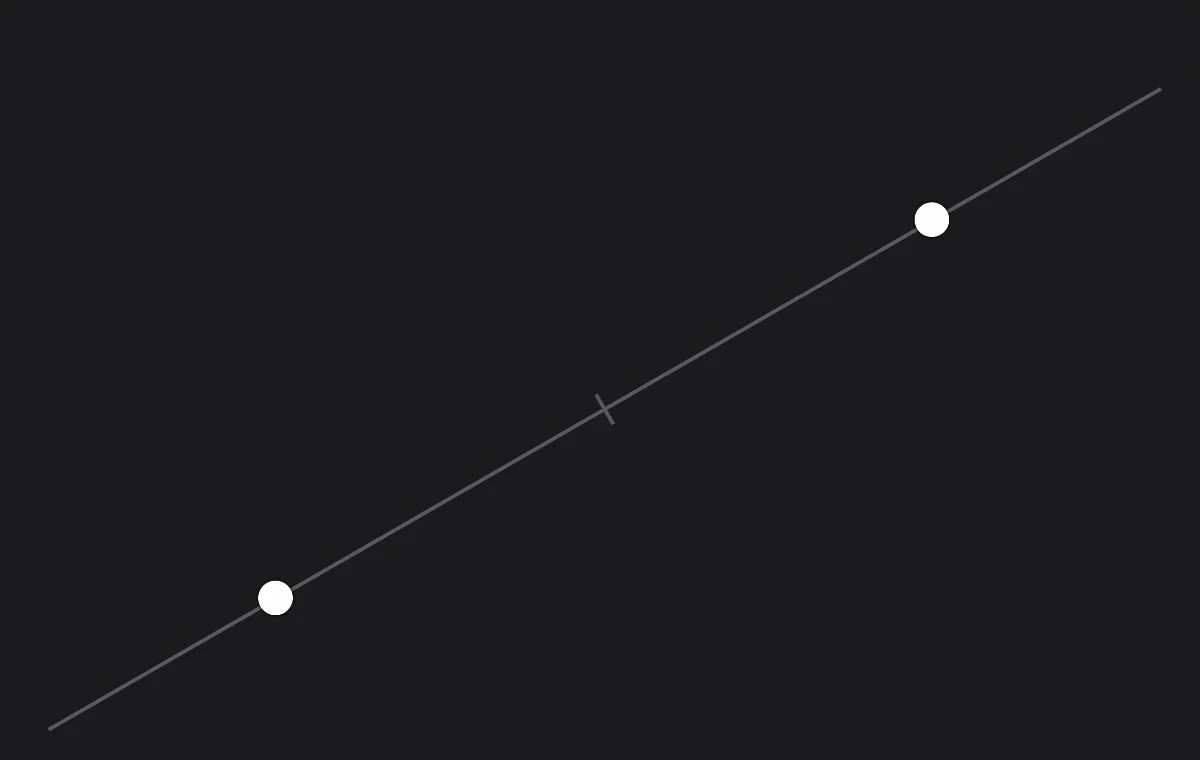
1
Control handle 1
2
Control handle 2
— drag the control handles to adjust the angle of the guide line.
3
Center tick
may be used to establish a center of any distance on canvas: drag each control handle over one end of the segment to be bisected.
4
Guide line (axis)
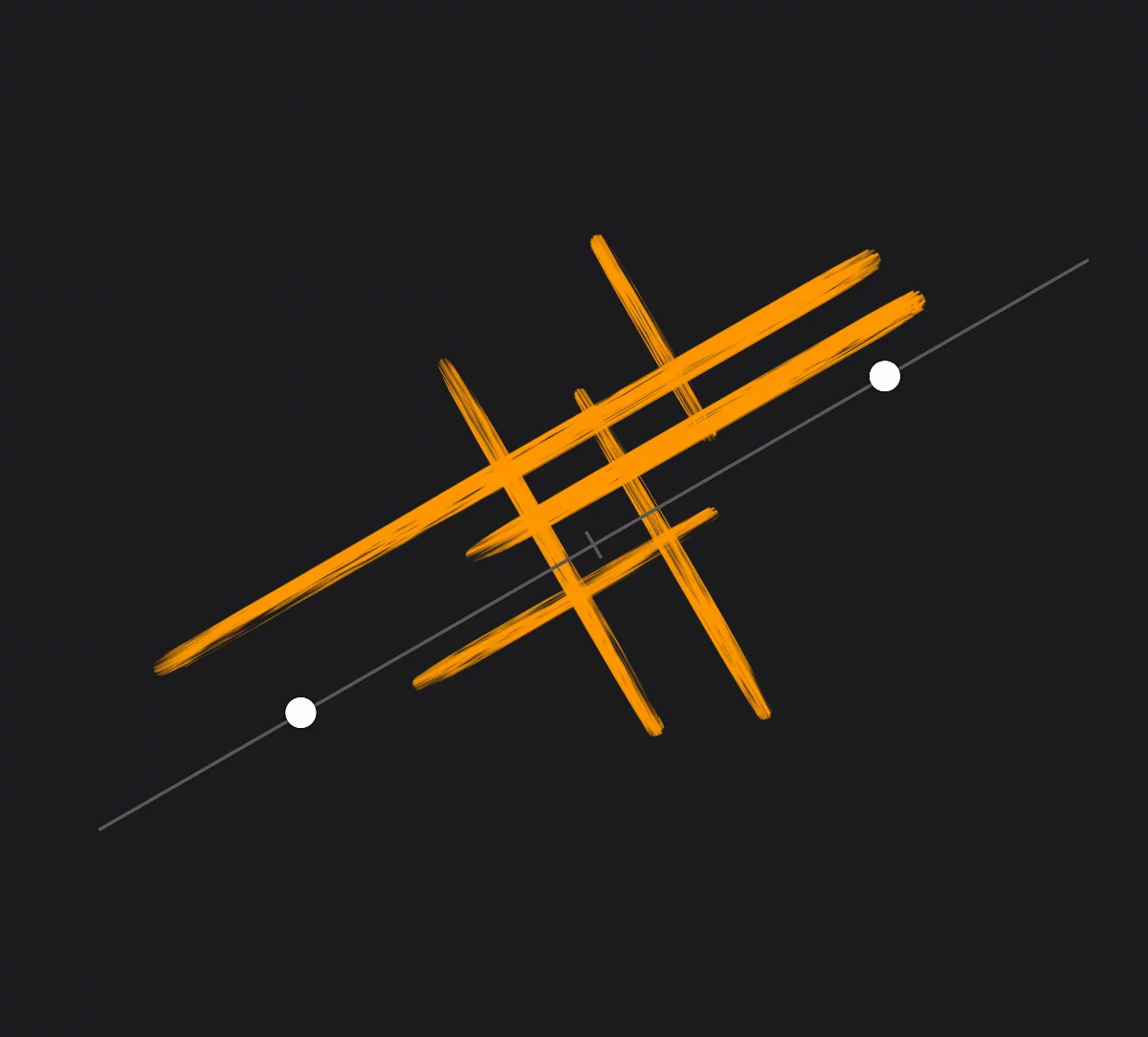
1
Draw parallel and perpendicular strokes all over the canvas.
Lines guide rotation snaps to 0°, 45°, 90° directions.
Note that Lines guide is not a regular ruler: you are not constrained to a single edge.
Lines guide works with all Symmetry tools. Learn more about using Symmetry tools in Symmetries.