
Radial symmetry
Spin it around.
Radial Symmetry repeats your brush strokes relative to a center point.
You can set up to 16 symmetry planes.
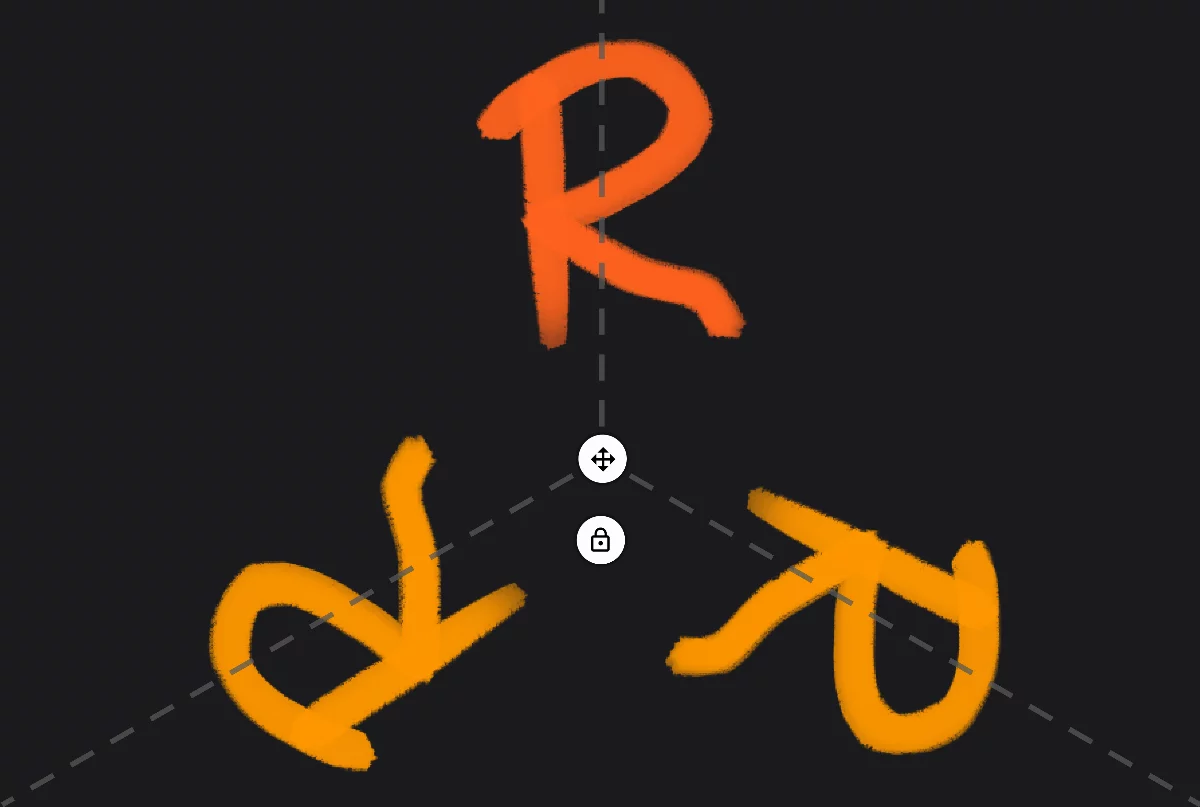
The original
Mirrored copy
(here shown in different color for clarity)

Symmetry center point
and ‘move axis’ handle

Lock button
Locks the center point; hides the controls. Unlock the center point position via Tool settings menuTool settings menu The menu that contains all the settings of currently active tools. If at least one active tool has settings, the cogwheel icon appears at the left end of the top bar.Learn more.
Note that in radial symmetry the copies are not "mirrored"; rather they seem to be rotated around the center point. Here shown for 3 symmetry planes.
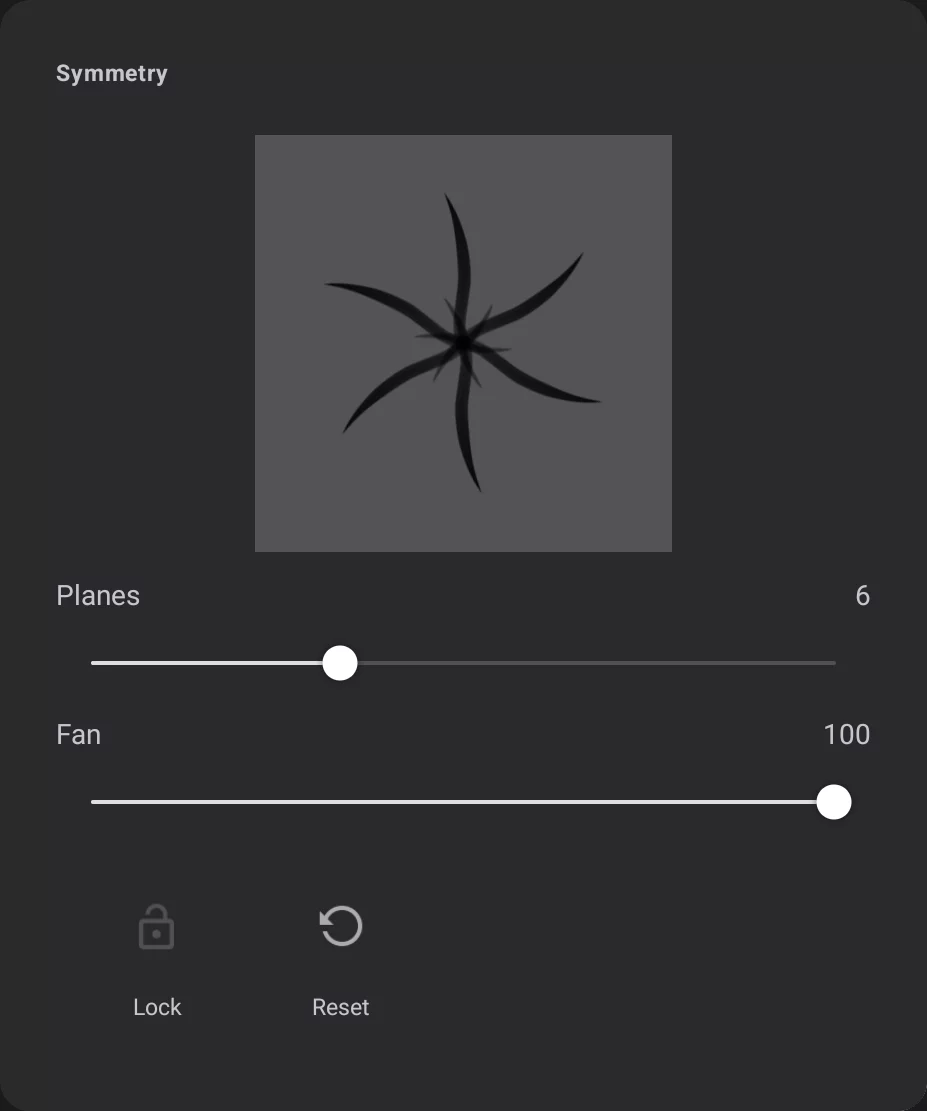
Thumbnail
illustrating the type of the symmetry in use.
Lock the set of axes (toggle)

Reset the axis
Resets the position and angle to the default state (to the center of the CanvasCanvasThe rectangular area of a defined size that contains the artwork. All and only the canvas will be exported or printed.).
Number of symmetry planes, from 2 to 16.
Fan angle
Limits the symmetry to an angular sector (default is 360° — full circle).
Fan angle

16 planes, fan angle 360°
16 planes, fan angle 180°
Note that the "fan" sector is oriented relative to the starting point of each stroke.

To close the tool, tap on its icon on its Mini-toolbarMini-toolbarIn Infinite Painter’s interface, a small toolbar displayed in the upper-right part of the screen when certain tool is active. This toolbar may consist of one or more buttons; the main, leftmost icon indicates the tool in use. Learn more.