
Perspective grids
In fact, not just perspectives.

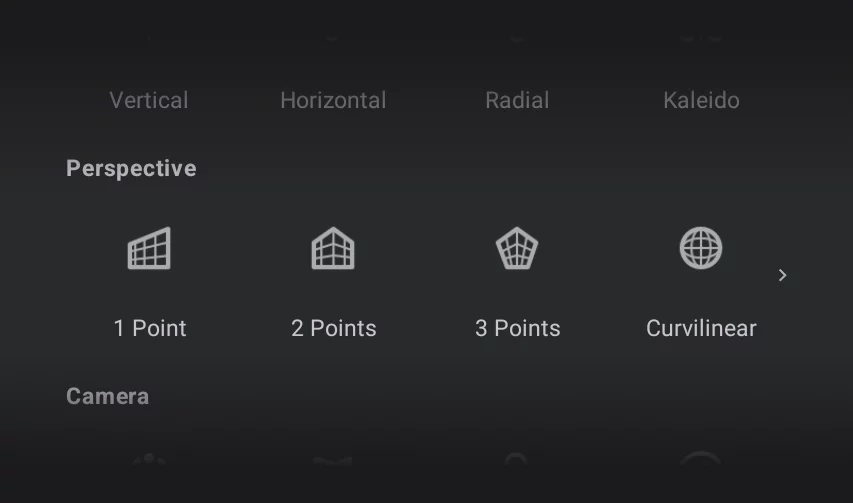
Perspective grids can be found in the Creative Tools menu:
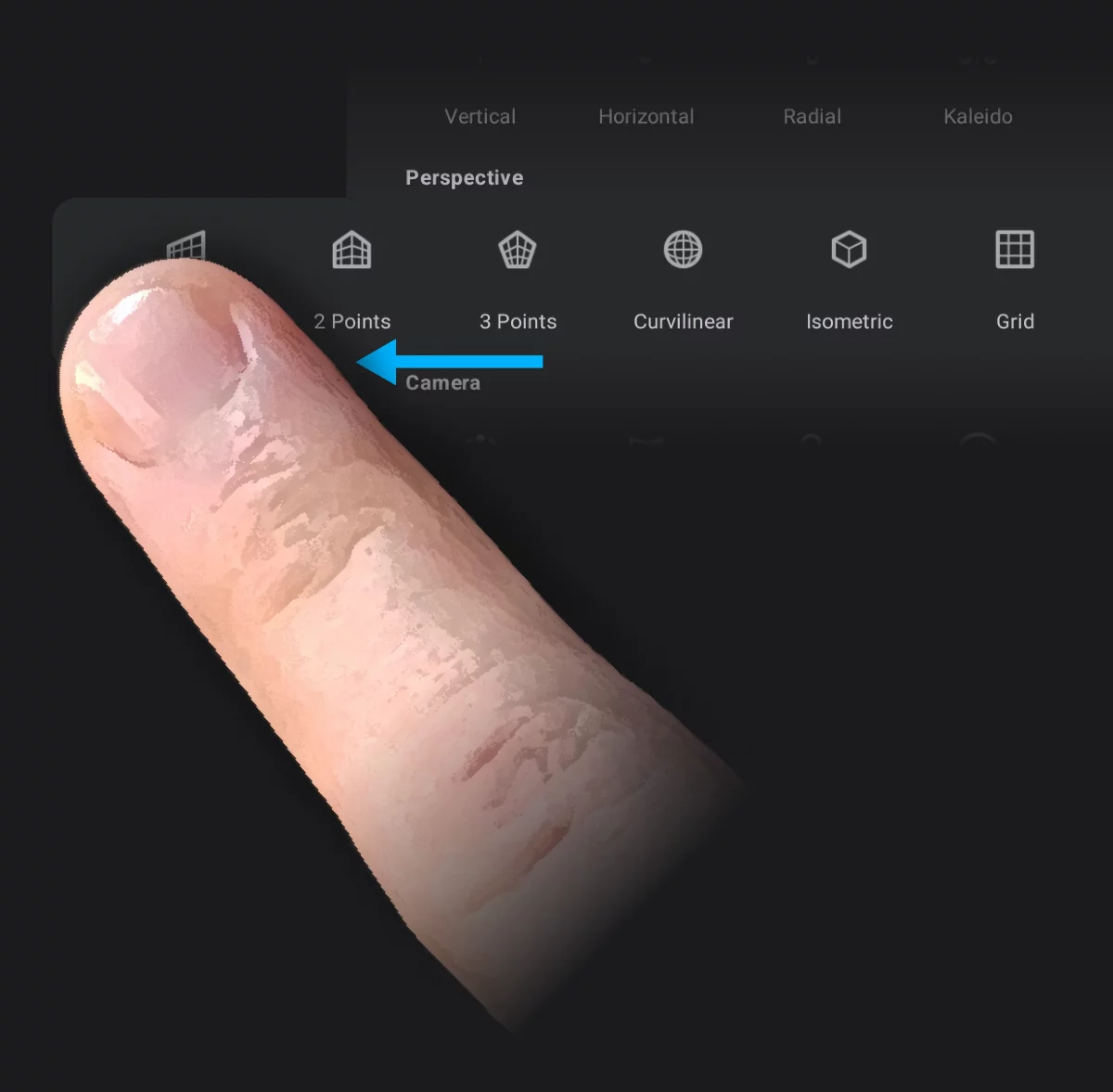
Note that the Perspective menu row is scrollable and contains two hidden icons: the Isometric perspective grid and plain rectangular 2D grid.
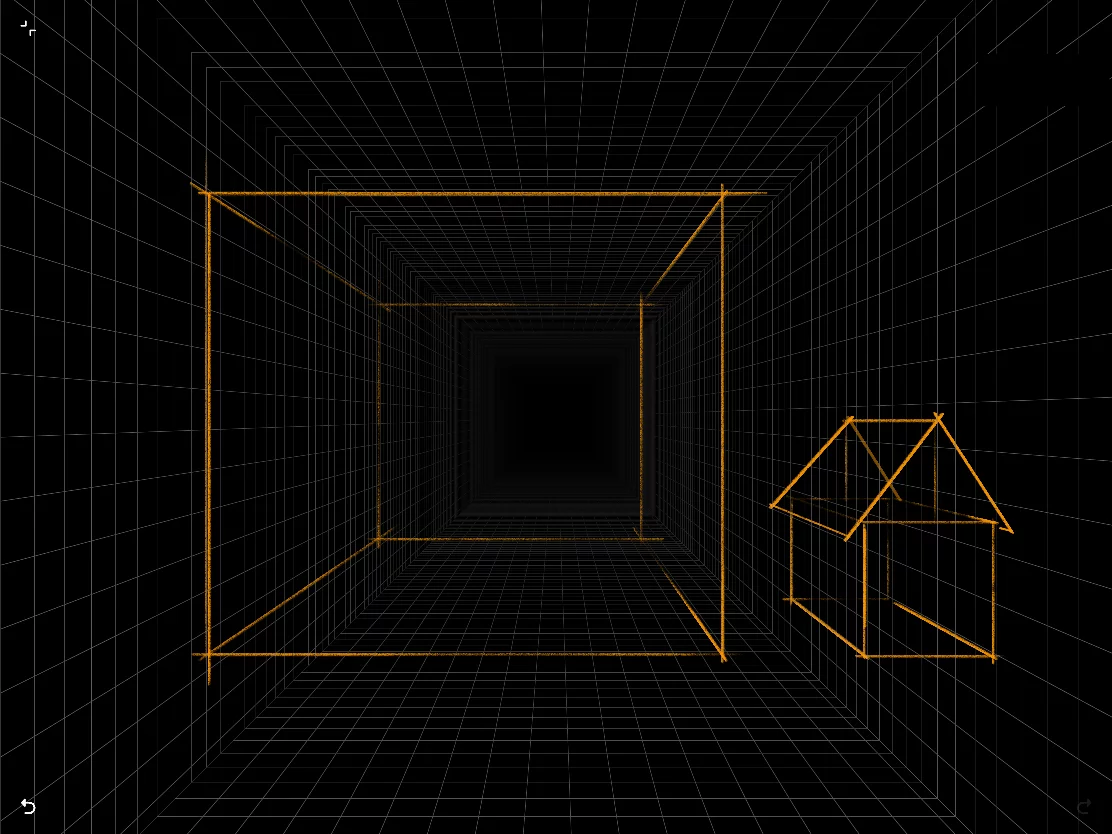
 One-point perspective grid
Basic perspective construction with one vanishing point. See 1pt perspective. .
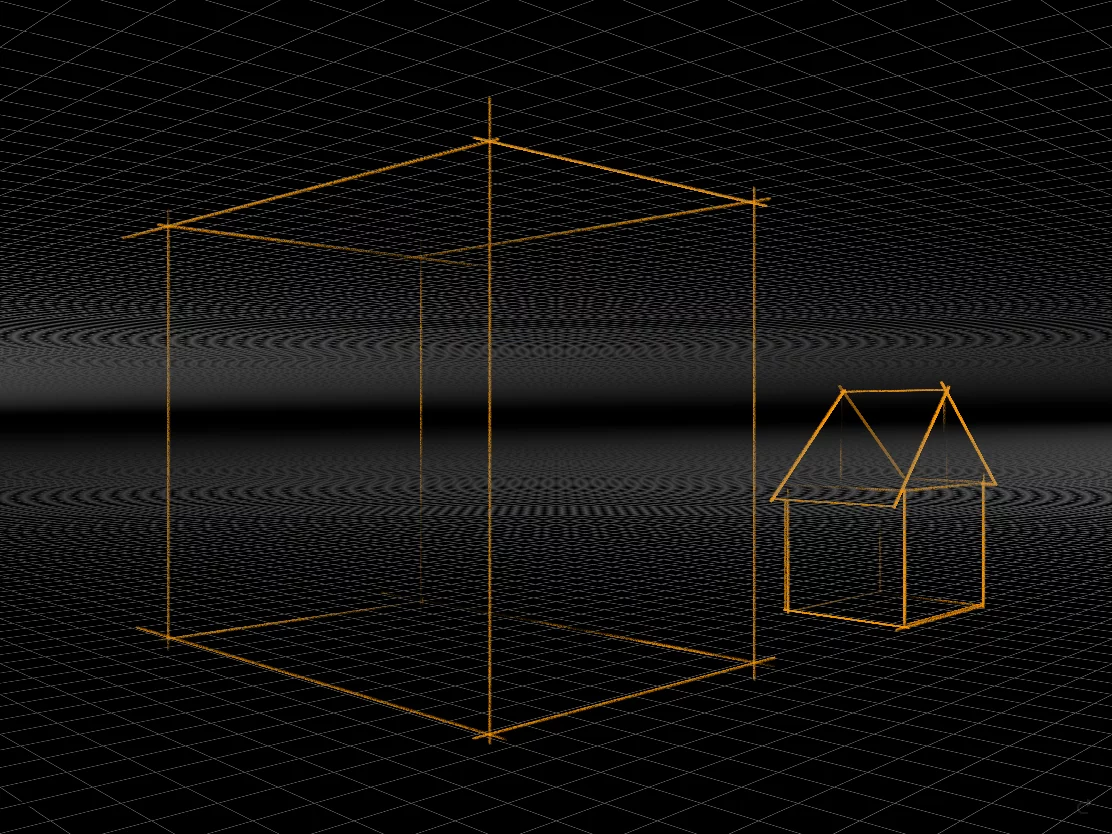
 Two-point perspective grid
Simplified perspective construction with two vanishing points. See 2pt perspective.
 Three-point perspective grid
Classic perspective construction with three vanishing points. See 3pt perspective.
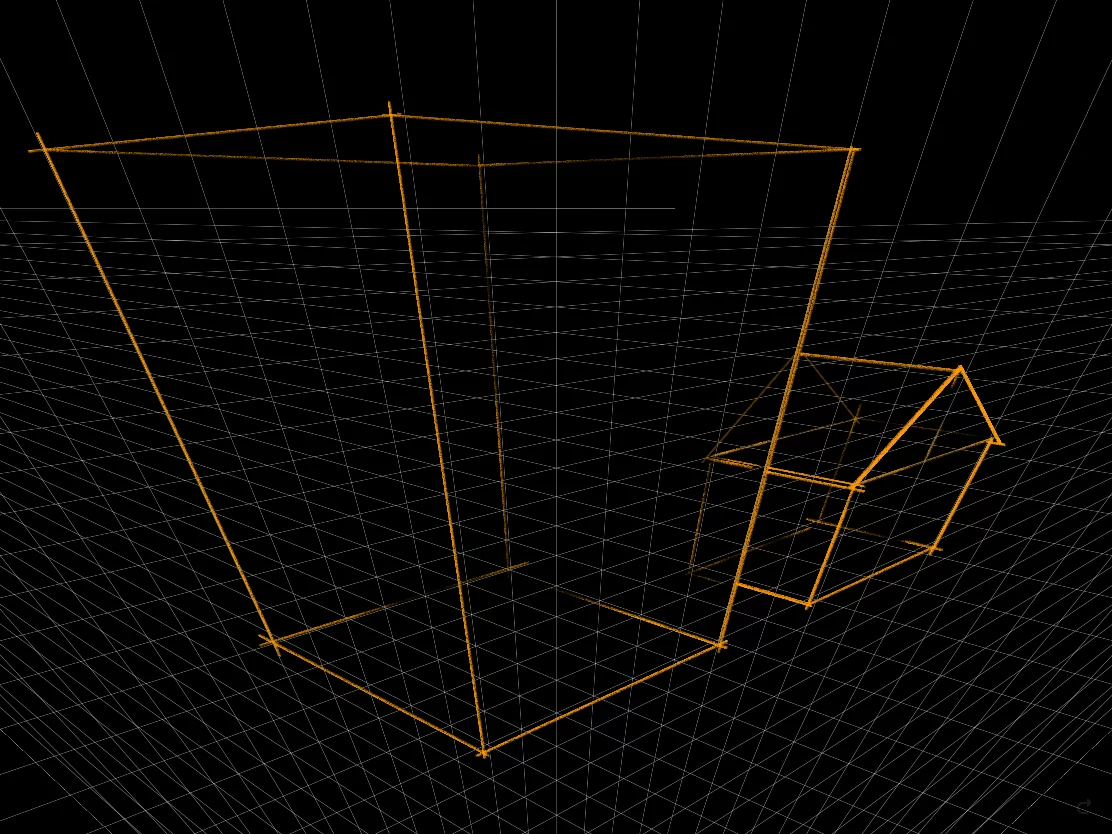
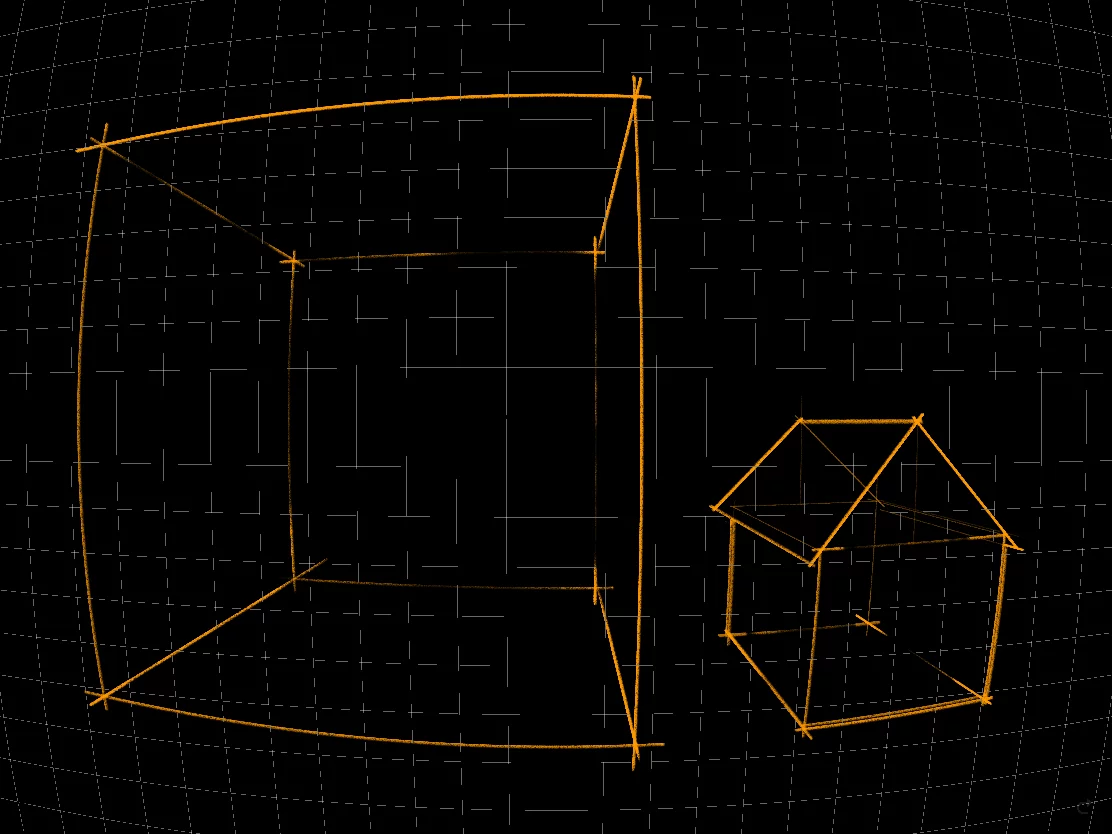
 Curvilinear perspective grid
Sometimes referred to as five-point perspective. For cool fish-eye effects. See Curvilinear perspective.
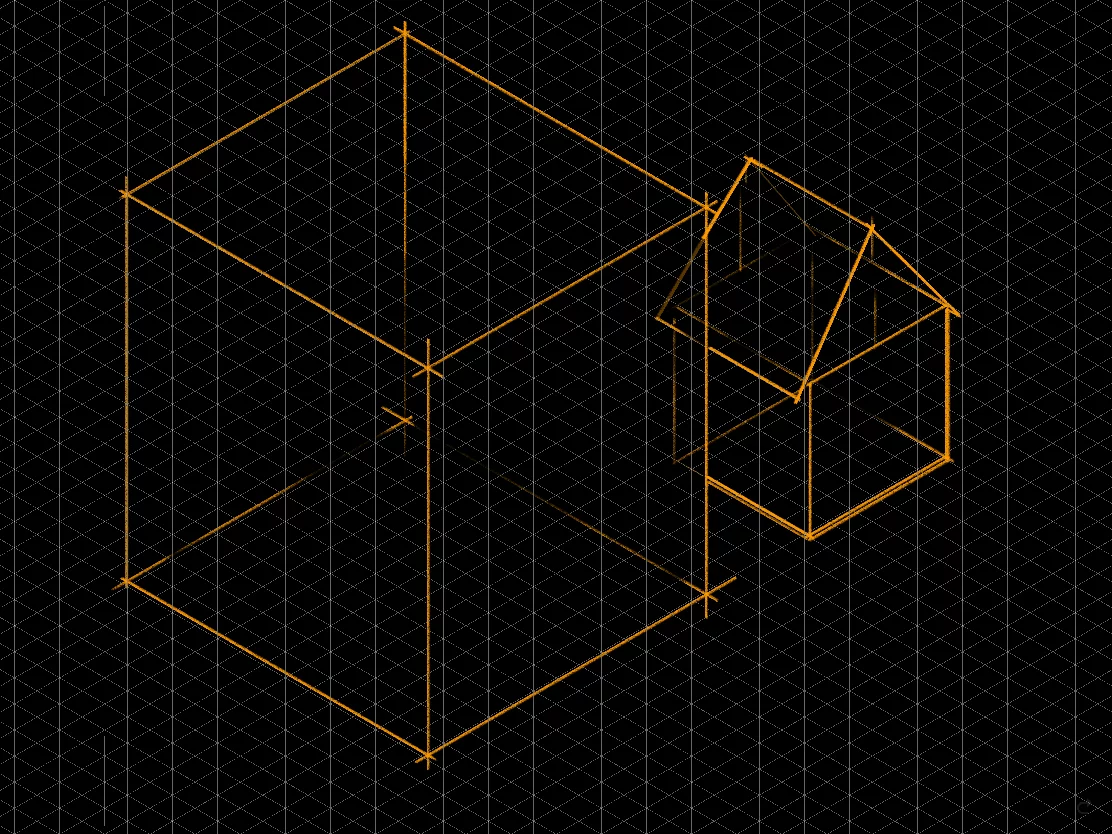
 Isometric projection grid
A perspective without perspective foreshortenings. See Isometric perspective.
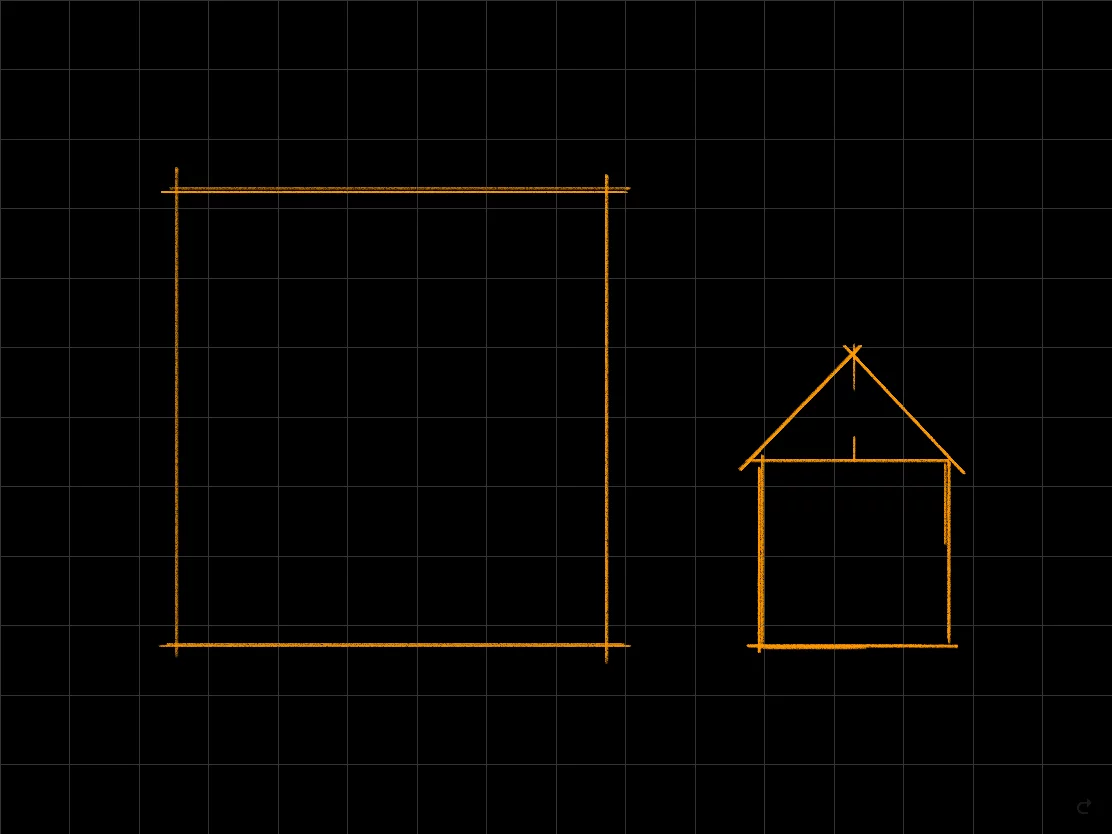
 Plain rectangular Grid
Not exactly a perspective grid, but still very useful. See 2D grid.
All the grids are active, i.e. they guide your brush strokes along their geometry. Also the Shape tools follow the perspective correctly. More in Perspective snapping and Shapes in perspective.