
Curvilinear perspective grid
Fish-eye.
Curvilinear perspective uses multiple vanishing points and fish-eye, curved geometry.
Ideal for interior visualization and cityscape illustrations.
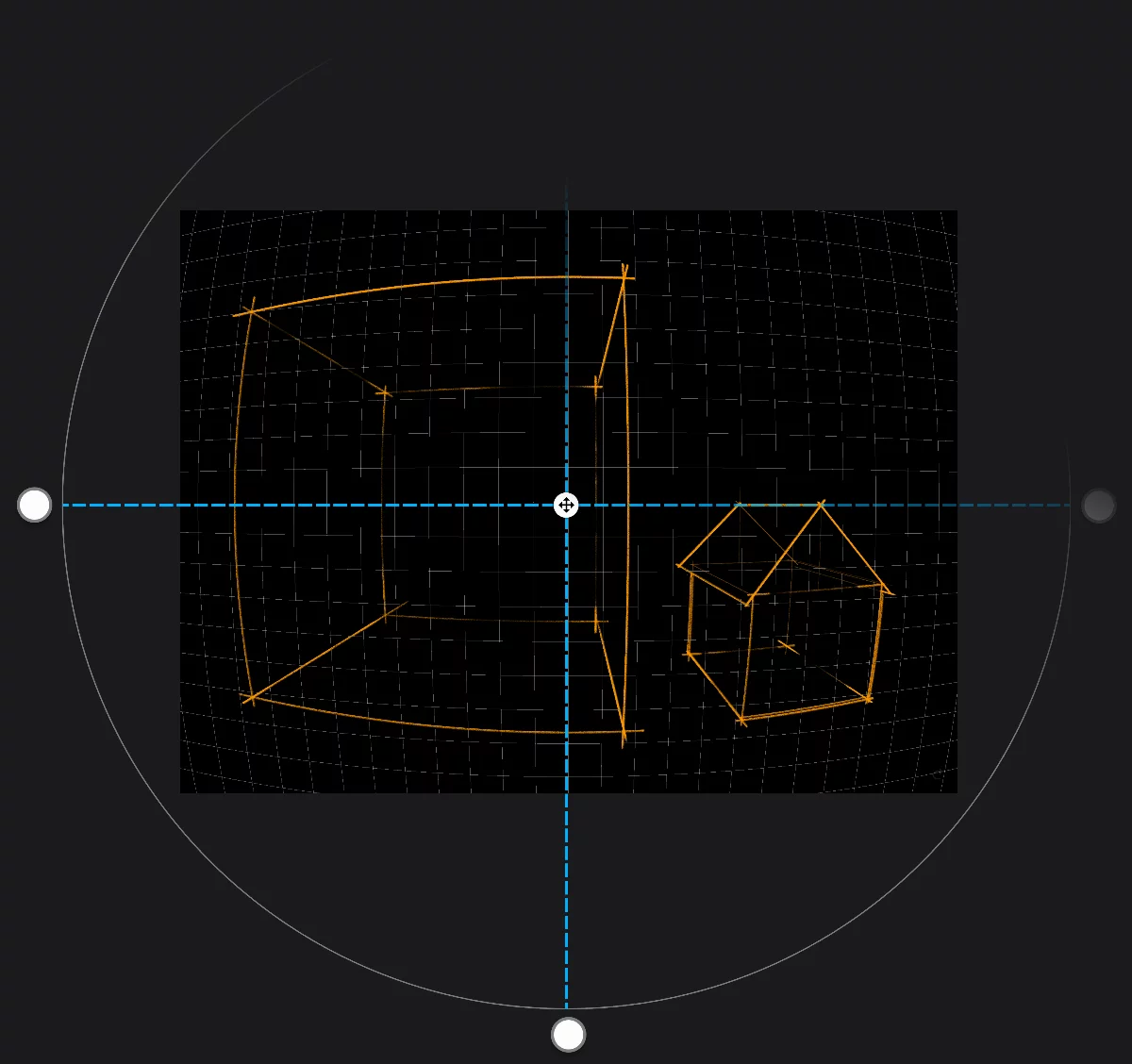
Control handles
Drag one of them to scale the grid (and to move the vanishing points).
The circle is shown here not to scale for clarity
Move handle
Reposition the entire grid.
The horizon line (not shown in the application)
There are five vanishing points in this grid: the center point and four cardinal points on the control circle.
All perspective grids have identical set of controls in the Tool settings menuTool settings menu The menu that contains all the settings of currently active tools. If at least one active tool has settings, the cogwheel icon appears at the left end of the top bar.Learn more:
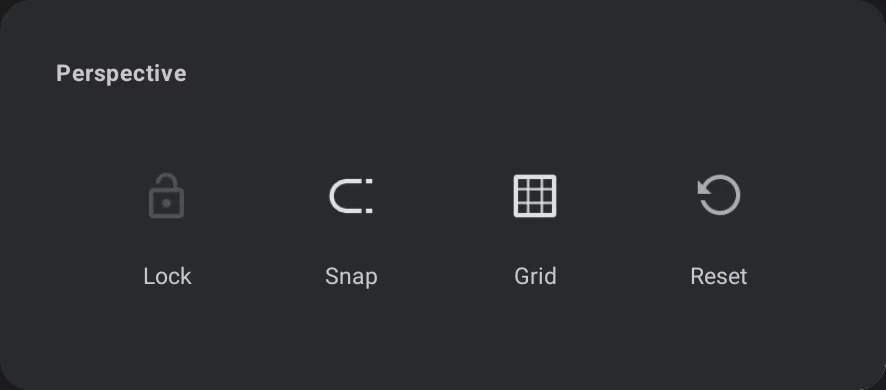

Lock grid toggle

Snap toggle (active by default)

Grid visibility toggle (visible by default)

Reset the grid to the default state.
Note that Snap and Grid visibility toggles are duplicated on the Mini-toolbarMini-toolbarIn Infinite Painter’s interface, a small toolbar displayed in the upper-right part of the screen when certain tool is active. This toolbar may consist of one or more buttons; the main, leftmost icon indicates the tool in use. Learn more for convenience:
Curvilinear Perspective mini-toolbar


Grid icon
tap to close the tool.
Snap toggle (active by default); see Perspective snapping.

Grid visibility (visible by default).
Rectangle and Circle shapes follow the perspective rules in this grid. Learn more in Shapes in perspective.
(*The Rectangle shape doesn't follow the grid’s curvature)