
Pattern tools
Multiply your work.
Pattern tools multiply fragments of your artwork creating controlled repetitive patterns.

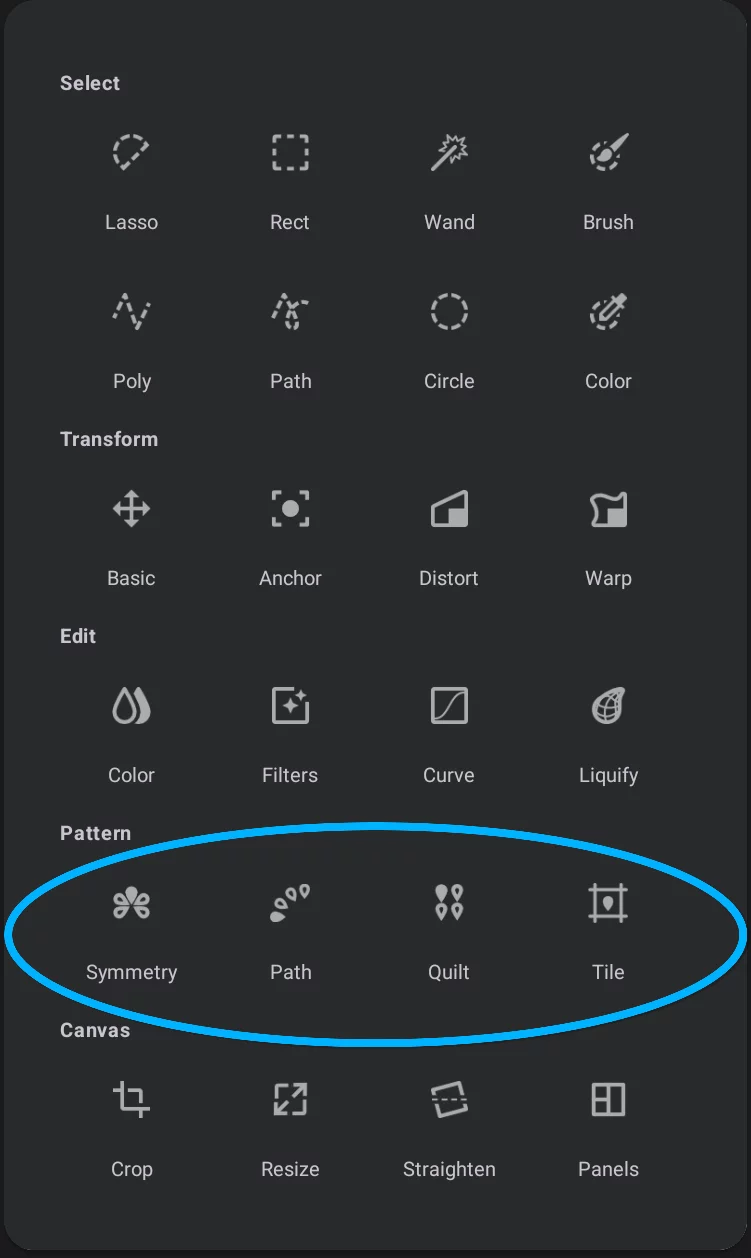
Pattern tools in the Editing Tools menu

Symmetry pattern tool
Places a set number of copies of the contents of the active layer in a radial symmetry pattern. More in Symmetry Pattern tool.


Path pattern tool
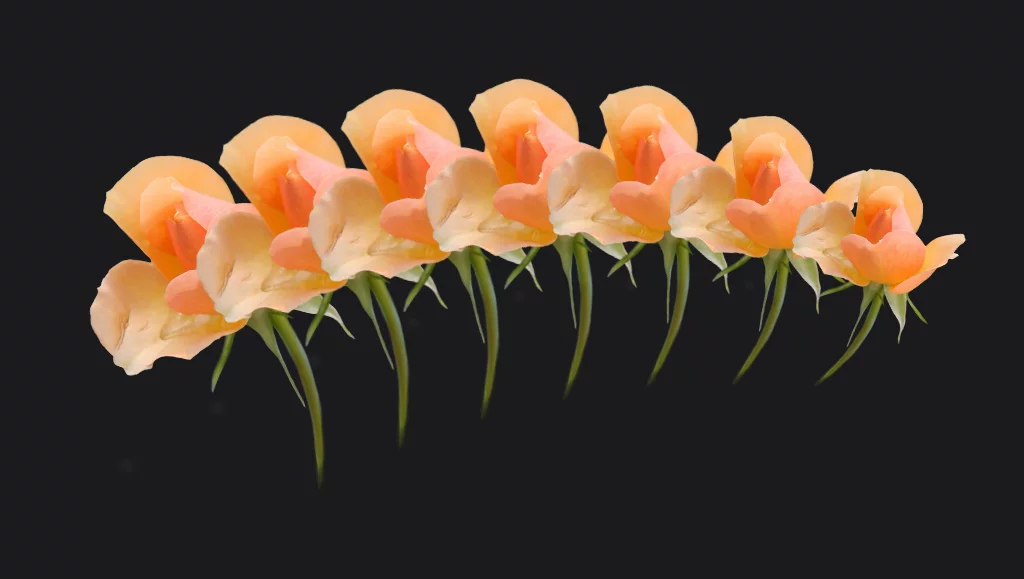
Places a set number of copies of the contents of the active layer along a freehand path. Quickly create a natural-looking plants or palmette patterns. More in Path Pattern tool.

Quilt pattern tool
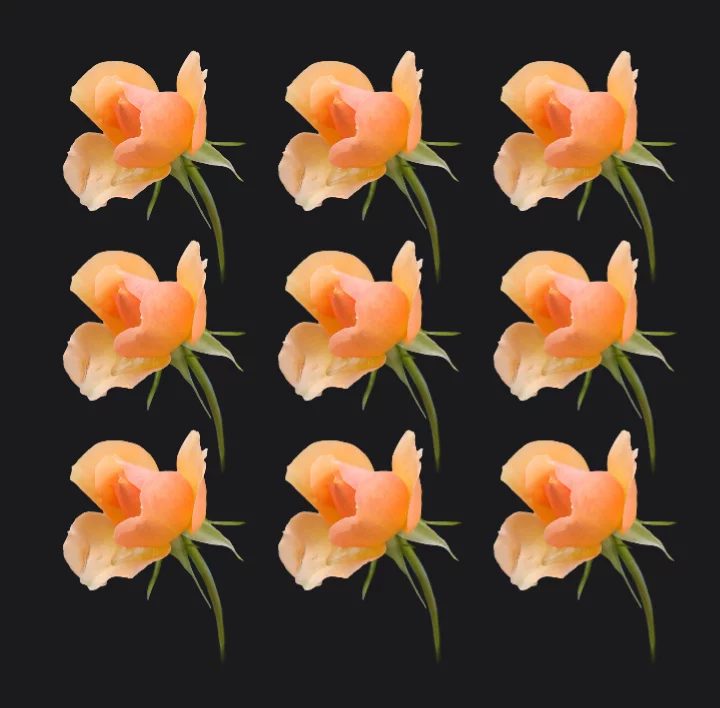
Fills a set rectangular area with regular array of copies of a selected fragment. Use to spread a number of copies in equal distances. See Quilt Pattern tool.

Tile pattern tool
Fills the active layer with rectangular pattern based on a selected rectangular selection. Probably the most versatile of the pattern tools. More in Tile Pattern tool.
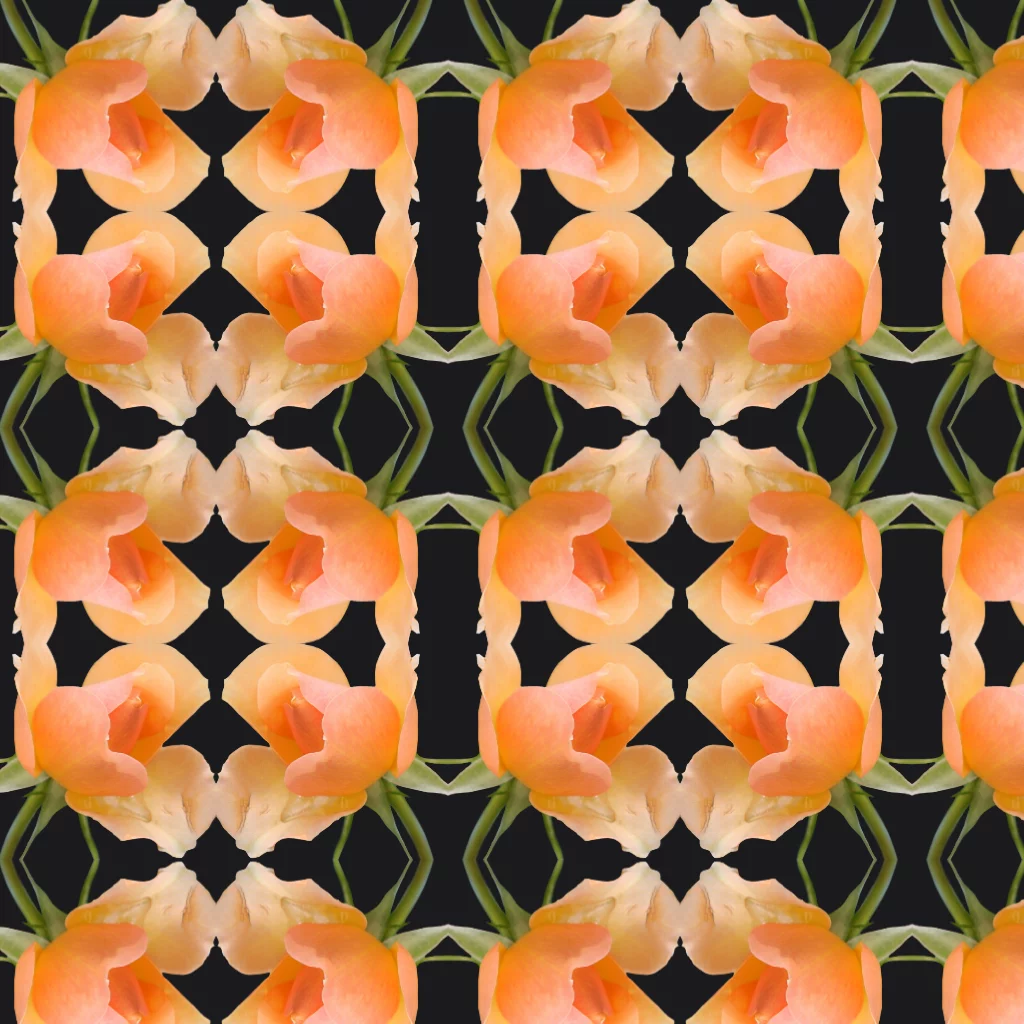
Note that besides the quick Pattern tools discussed here, Infinite Painter offers a special Pattern projects type that allows you to create very complex seamless patterns for use within the application or in other graphic applications. Learn more about Pattern projects in Pattern projects.