
Overview
A radial symmetry applied to finished work.


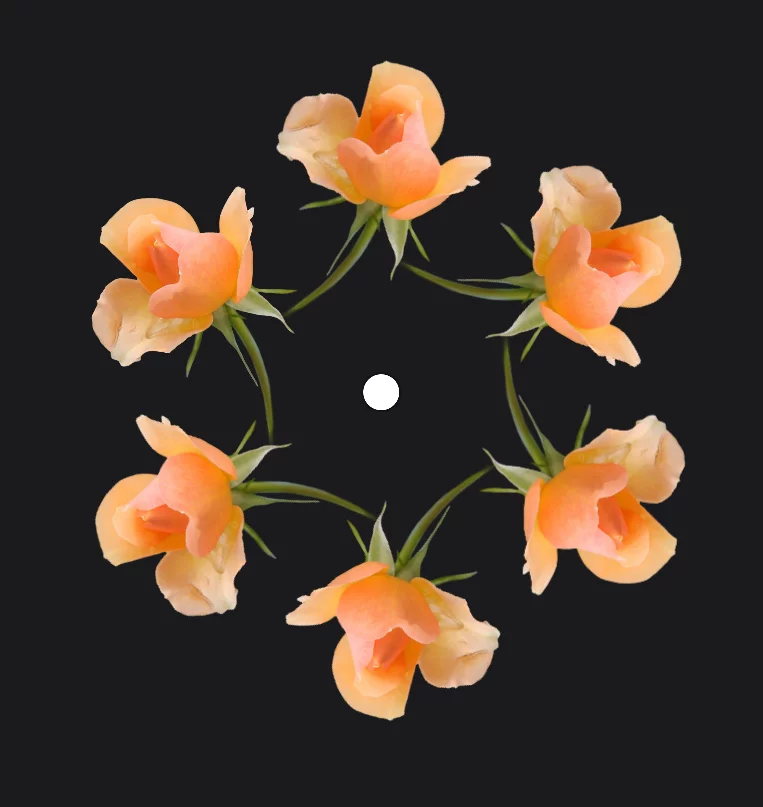
Original image
Symmetry pattern tool works better on smaller, isolated fragments than on full-canvas images.
Center point of the symmetry
It always appears at the center of the canvas but you can move it around.
The copies
Note that the number of the planes set on the toolbar equals the number of copies plus the original.
The Symmetry pattern can be also generated from a selection. Learn more about using selections in the Selection tools chapter.
Options
Have fun playing with them: all in real time.


Cancel
closes the tool without applying changes.
Number of planes slider
Note that the number of planes equals the number of copies plus the original. So, theoretically, value “1” indicates no pattern whatsoever.
Fan angle slider
Value 100% means full circle; any lower percentage limits the pattern to a circular sector.

Reflect toggle
Adds a reflected copy of the pattern. Works best with the Fan angle below 50% (180°)
The Reflect mode offers a separate Angle slider that controls the angular position of the reflected copy.

Confirm
Closes the tool applying the changes.
Examples
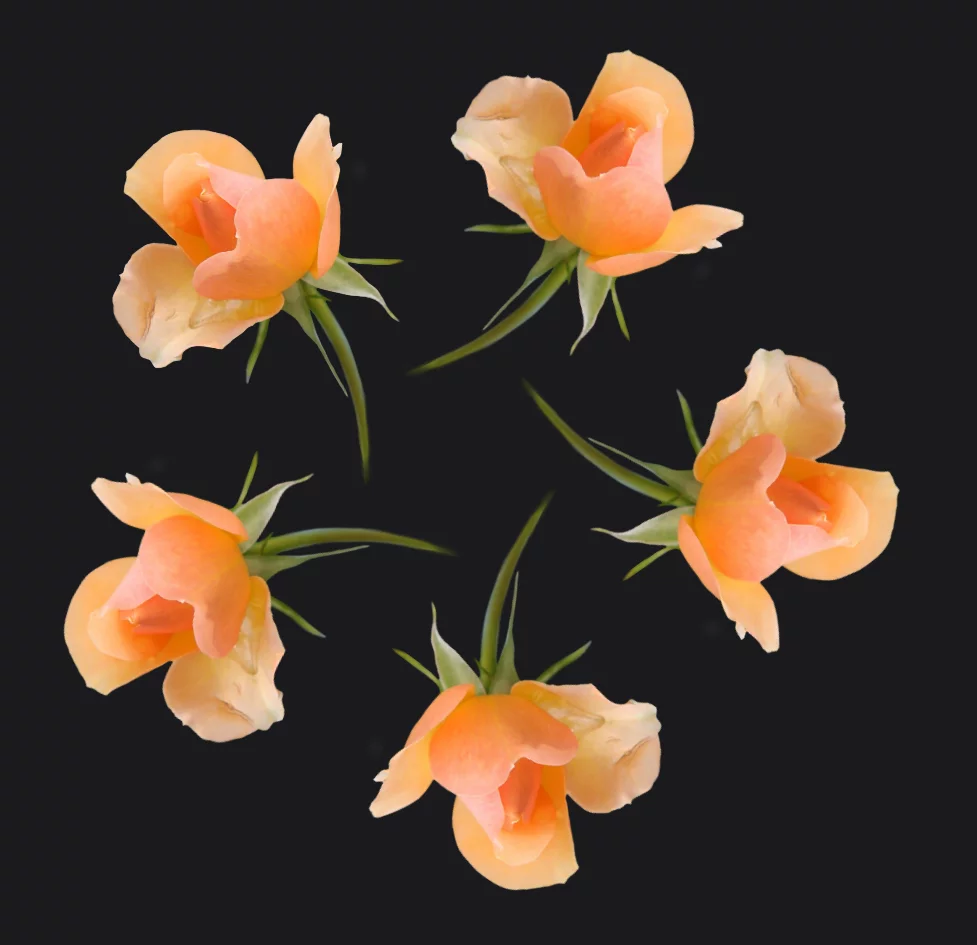
5 planes:
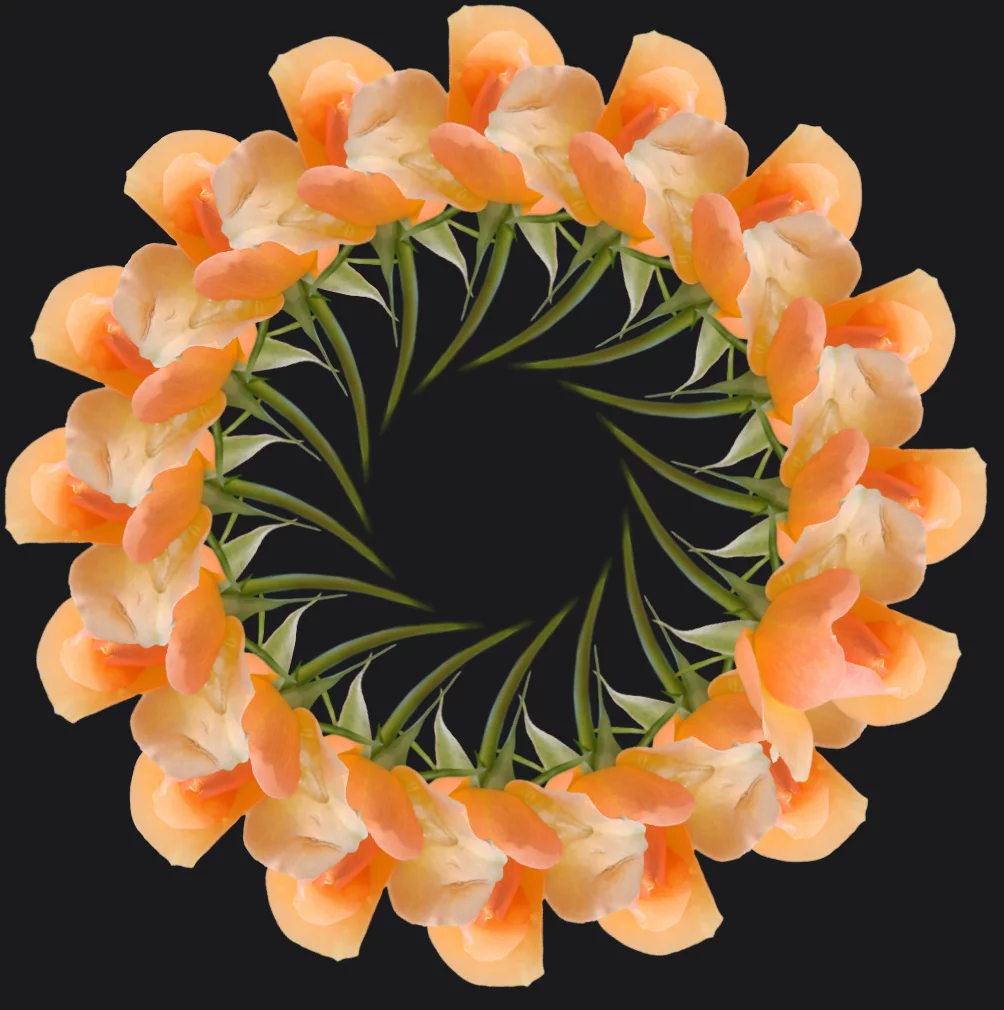
16 planes:
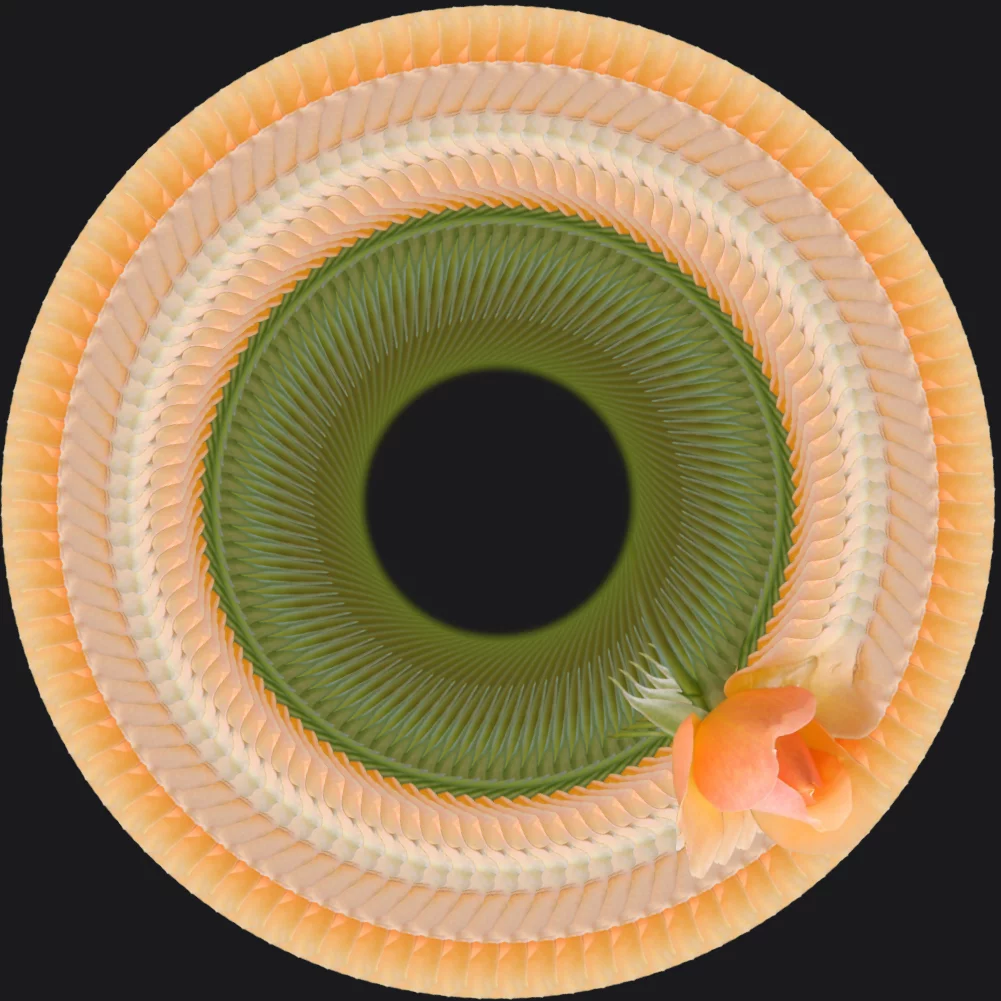
>100 planes:
16 planes, 50% fan:
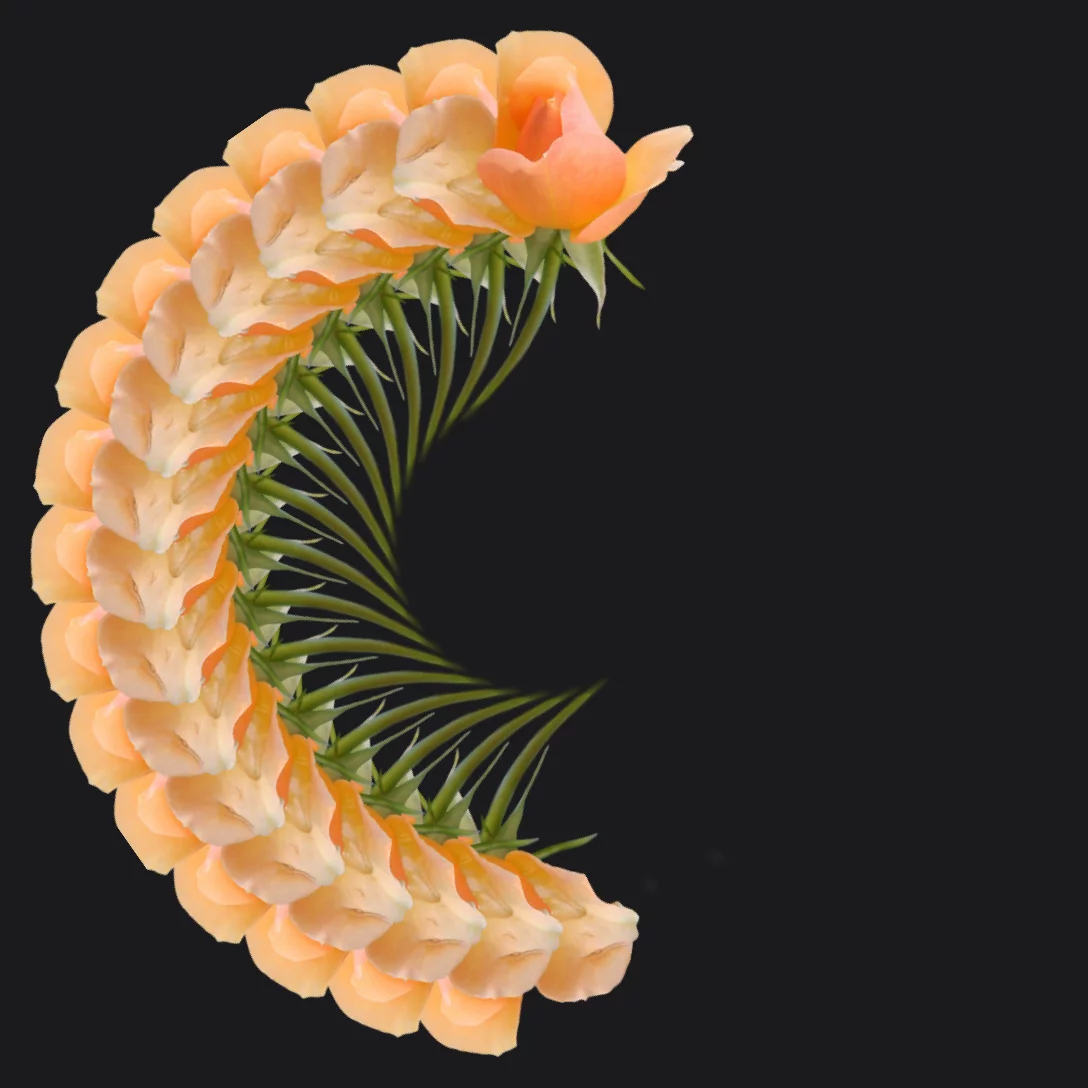
16 planes, 50% fan, Reflect on:
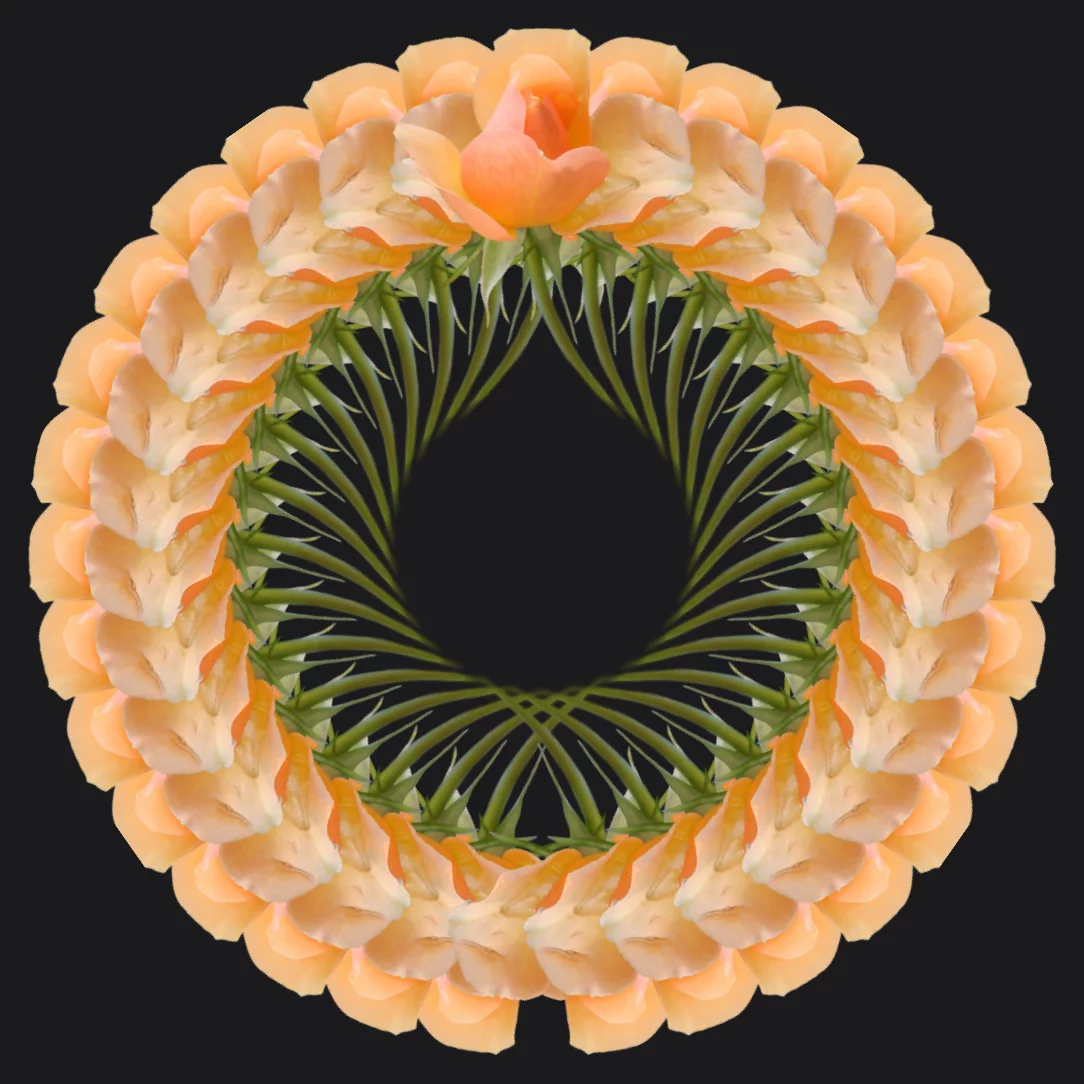
In the Reflect mode you can rotate the reflected pattern both with the control handle and with the Angle slider on the toolbar.
16 planes, 50% fan, Reflect on; angle 60º:
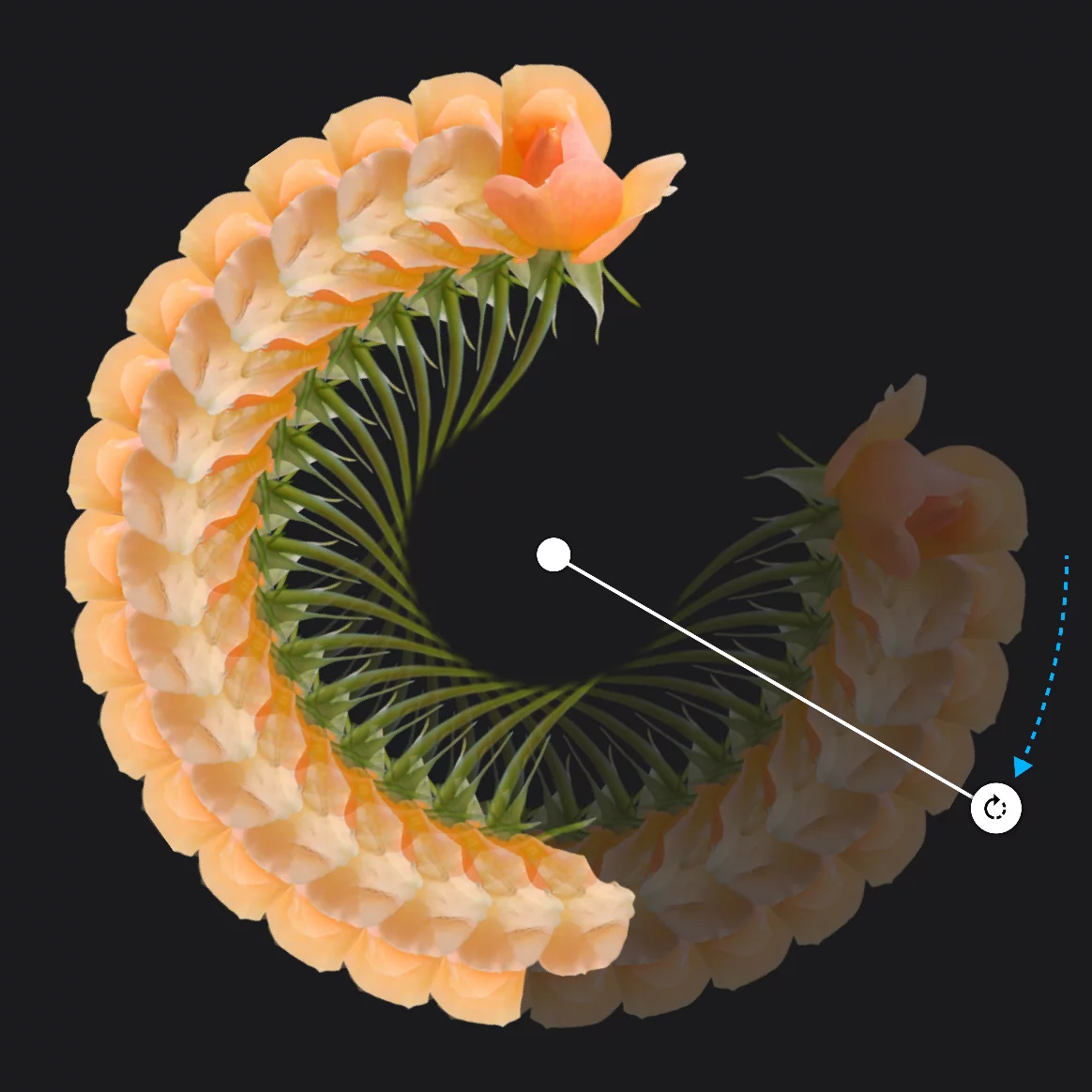
with the Fan angle below 100% and low number of planes you may wish to use an odd number of planes for more symmetrical pattern.