Selection tools — introduction
On this page
Selection tools
Select and edit
Infinite Painter offers a range of tools that allow you to precisely select fragments of your canvas for further editing.
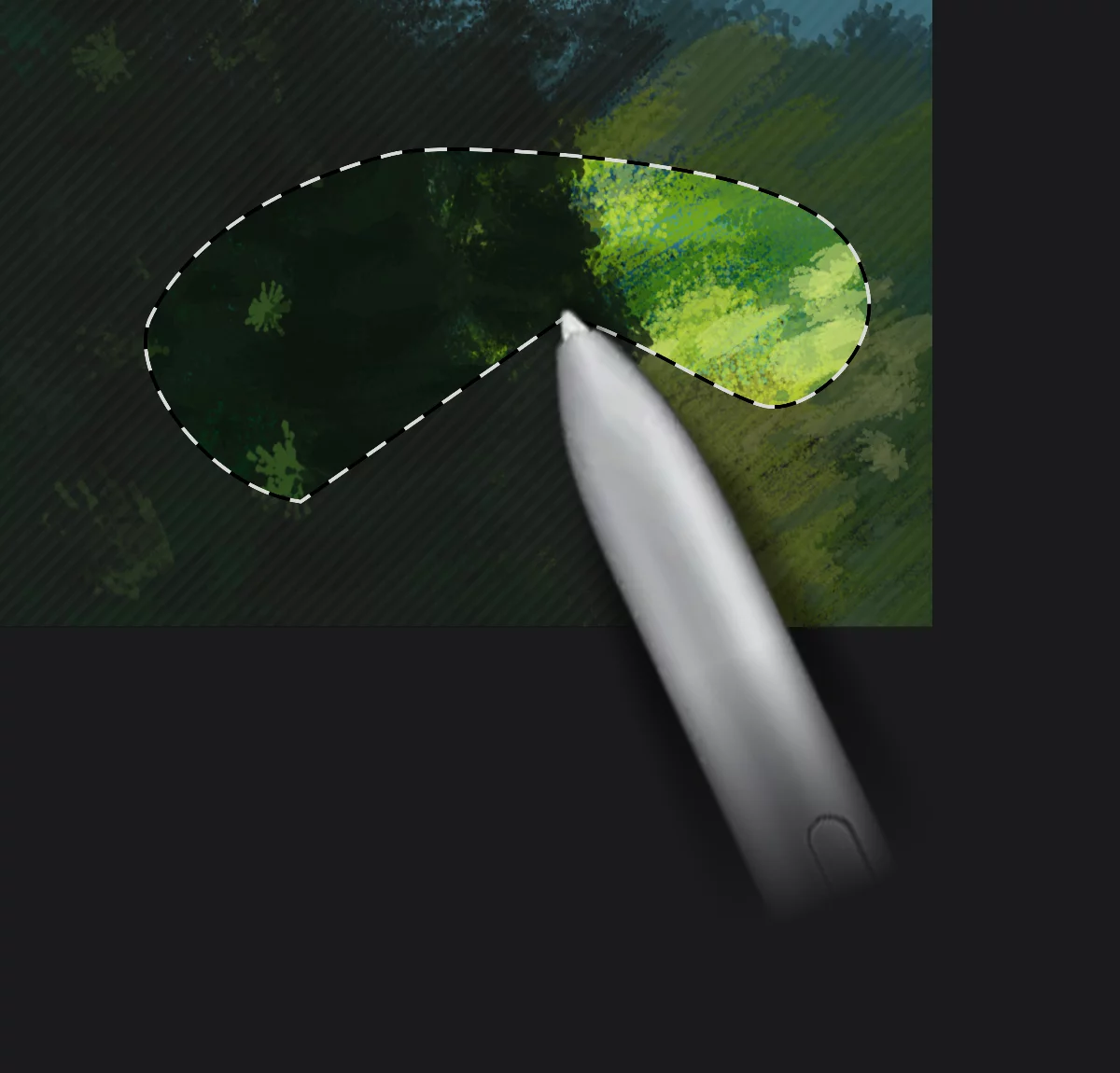
A selection is a region of your canvas that can be used to edit its content or to limit the application of painting tools (like a stencil).
The term "mask" is used sometimes to describe the area outside the selection (the "stencil").
A selection (selection mask) in itself can be transformed and edited with various tools and reused if necessary.
You may use the selection as a stencil for painting and applying effects or manipulate the content of the selection (transform, replicate, reuse).
The Lasso tool is the most basic selection tool. See Lasso for details.