
What are the Filters
Lots of effects.
Filters are preset procedures that apply an effect to your artwork
The effects range from subtle photographic enhancements to geometric distortions that affect the image integrity (and everything in between).
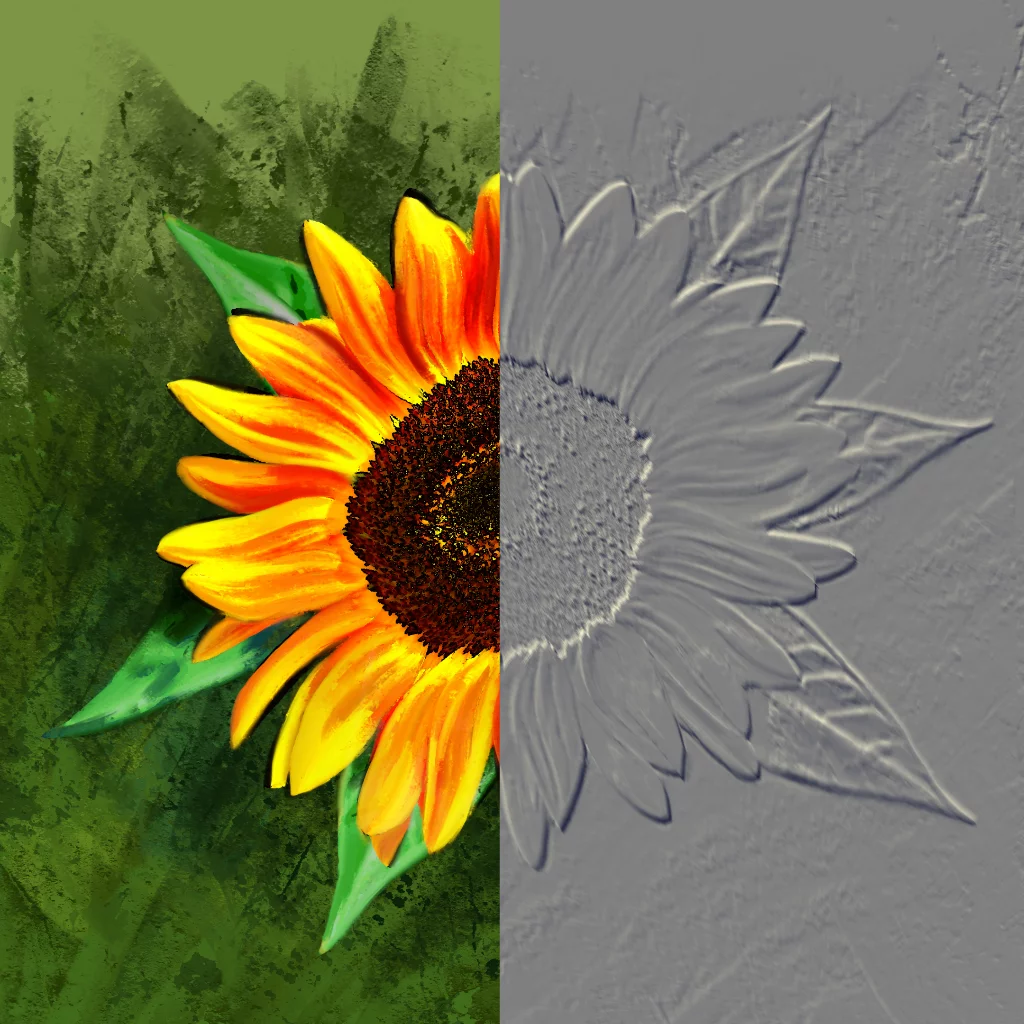
An example of a filter: Emboss filter in 75% strength
In current version, Infinite Painter offers 41 different filters (some of them in multiple variants).
You can apply filters to entire layer or to a selected fragment. Learn more in Masking in filters.
Certain filters can be applied as nondestructive Adjustment layerAdjustment layerA special, non-editable layer that works as a real-time adjustment or filter for all the underlying layers. There are various types of adjustment and filter layers.Learn mores; more in Special layers.
Filters — selector
Pick which effect you want.
Editing Tools menu
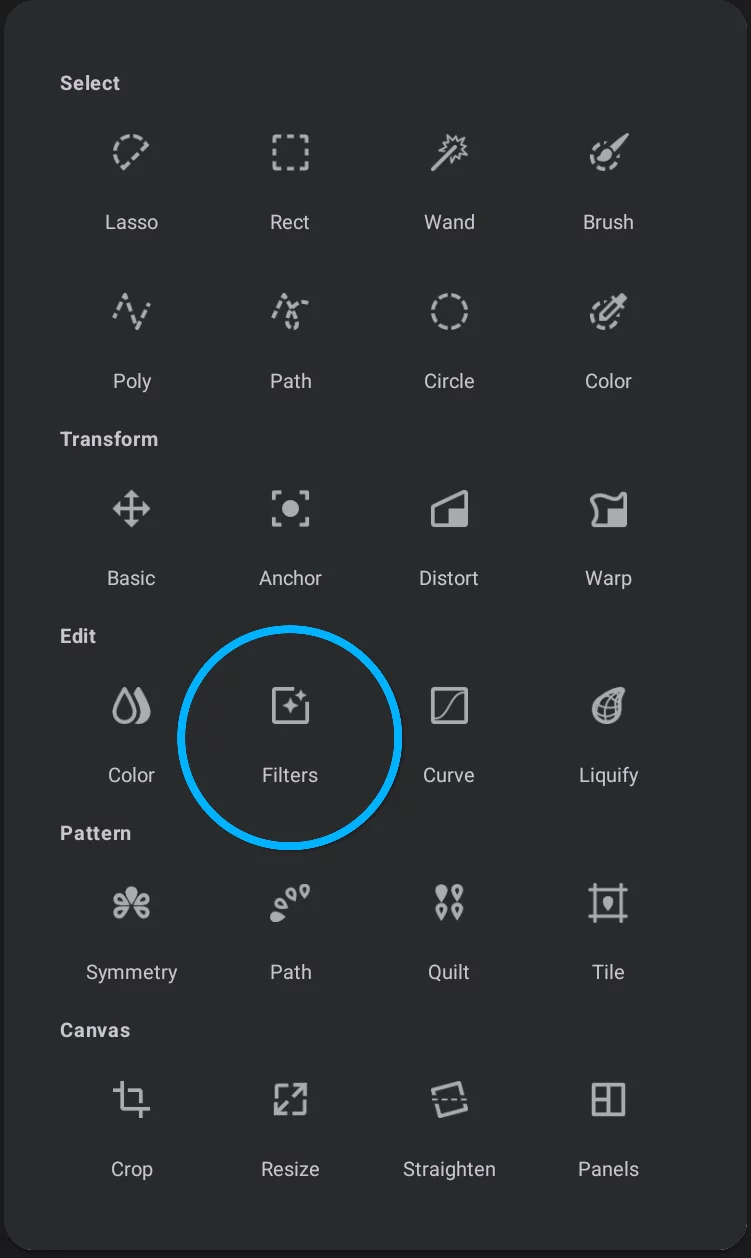
Filter selector screen
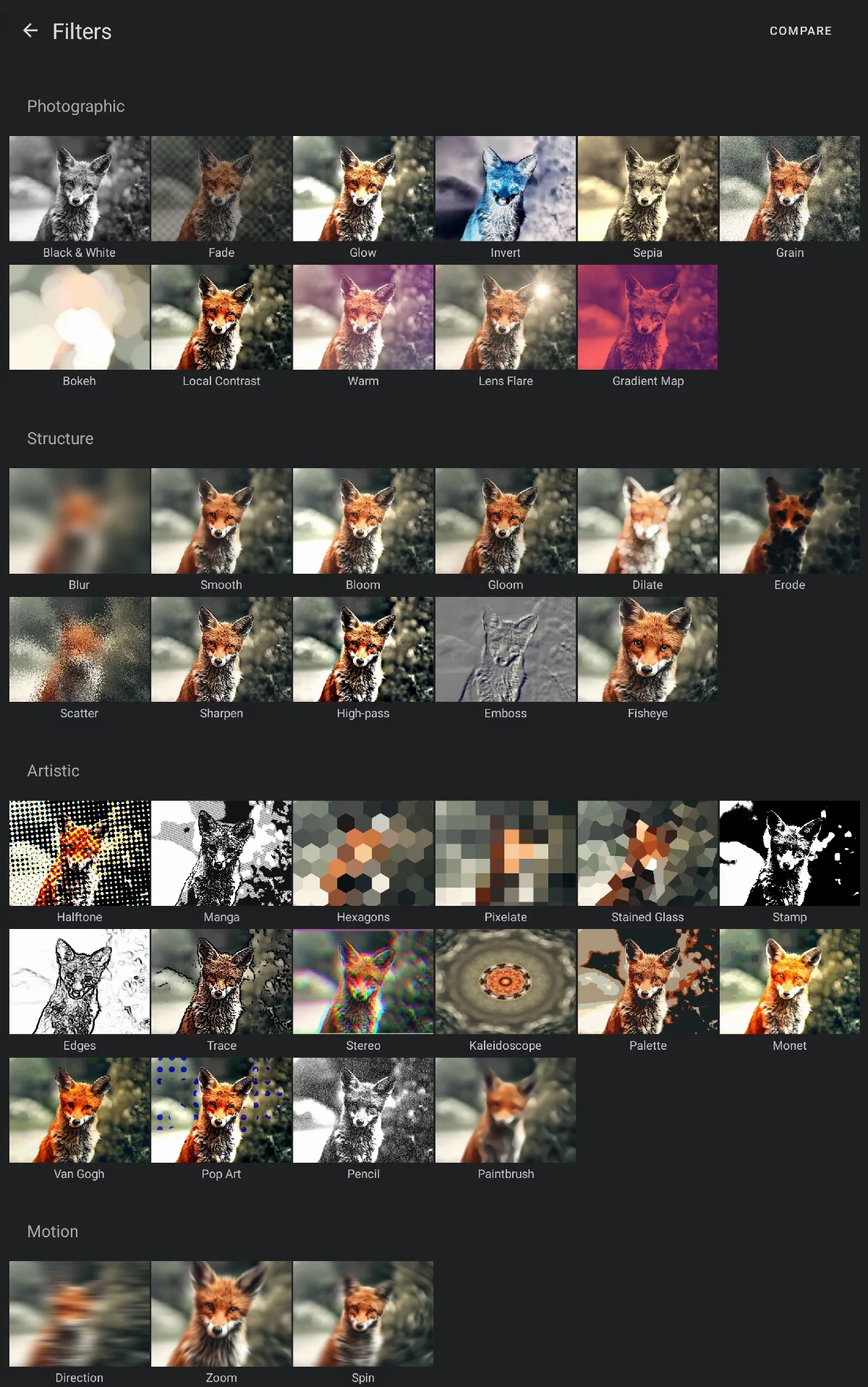
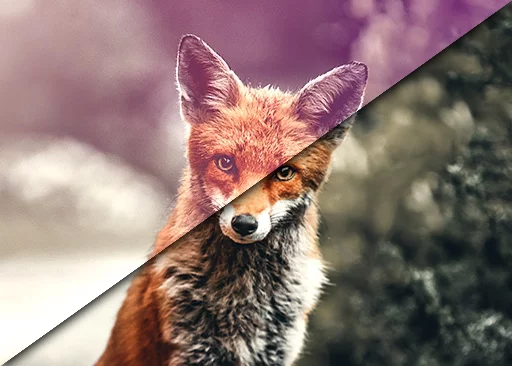
Press and hold the Compare button to compare the effect of each filter with the original fox image.
List of all filters
Use links to the detailed reference of each filter.
Photographic filters
Invert filters (4 variants)
Grain filters (3 variants)
Structure filters
Blur filter (= Gaussian blur)
Artistic filters
Halftone filters (4 variants)