
View tools — overview
On this page
View tools
Control what you see on screen.
The Camera (View) tools control the options of the display of the canvas.

View tools in the Editing Tools menu
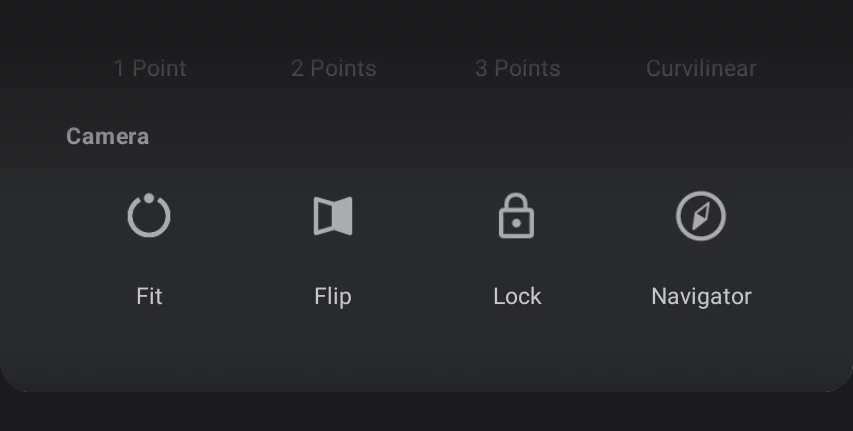

Fit to screen
Zooms the view so your canvas fills the entire screen. See Fit to screen.

Flip canvas
Flips the canvas horizontally. See Flip canvas.

Lock canvas position
Locks the current magnification and rotation of the canvas. See Lock view.

Navigator
Opens a floating window with the thumbnail view of the canvas showing current view position. See Navigator.