
Fit to screen
On this page

Fit canvas to screen
In other words: zoom all.
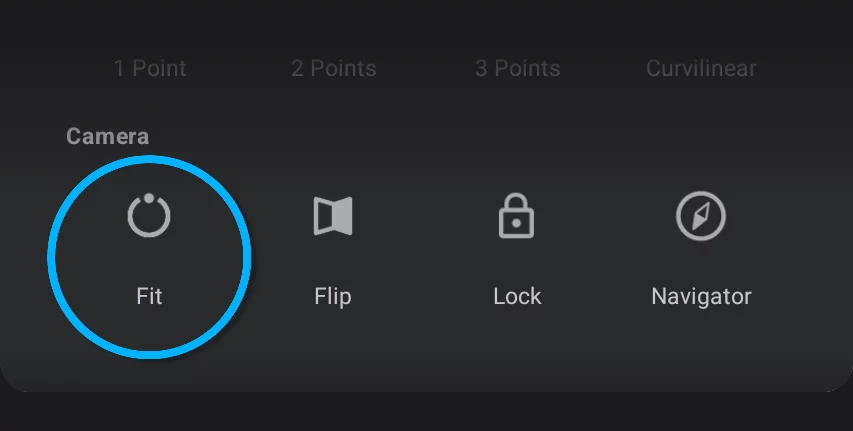
Fit to screen zooms the view so your canvas fills the entire screen.
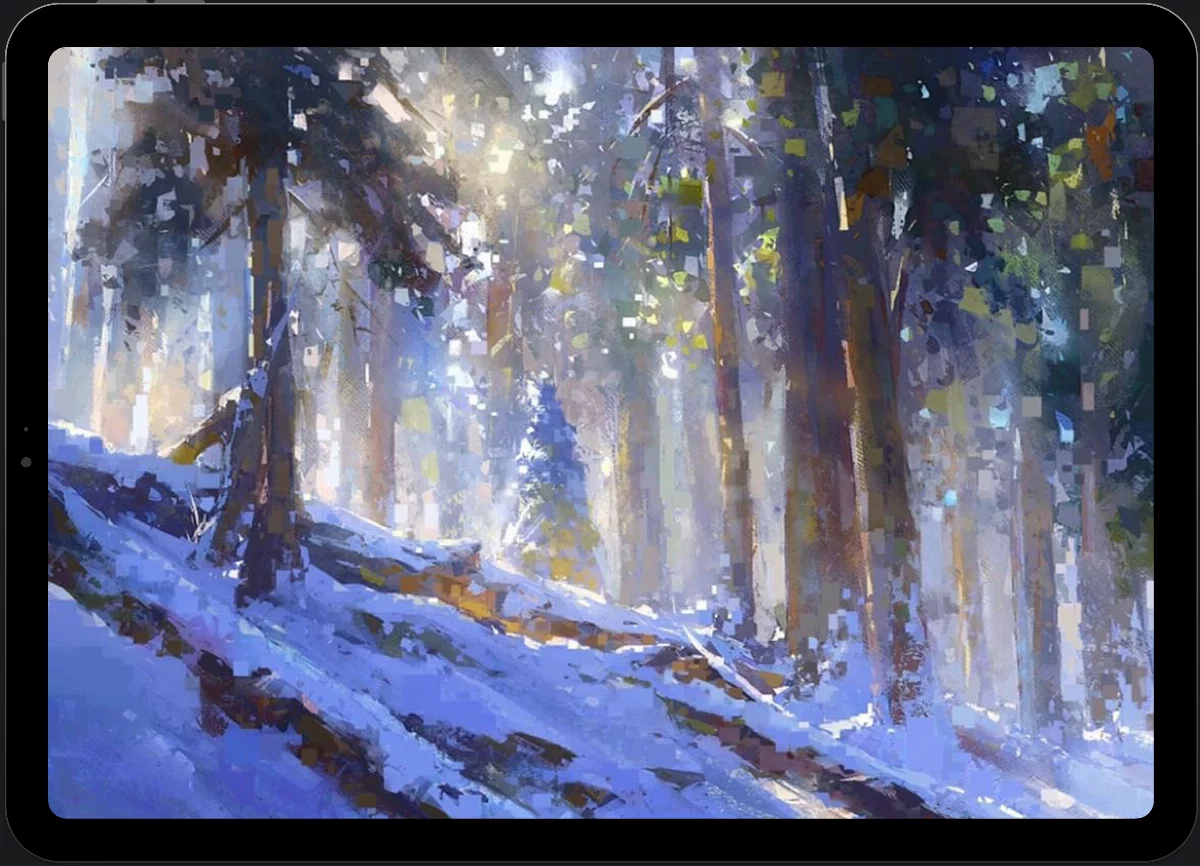
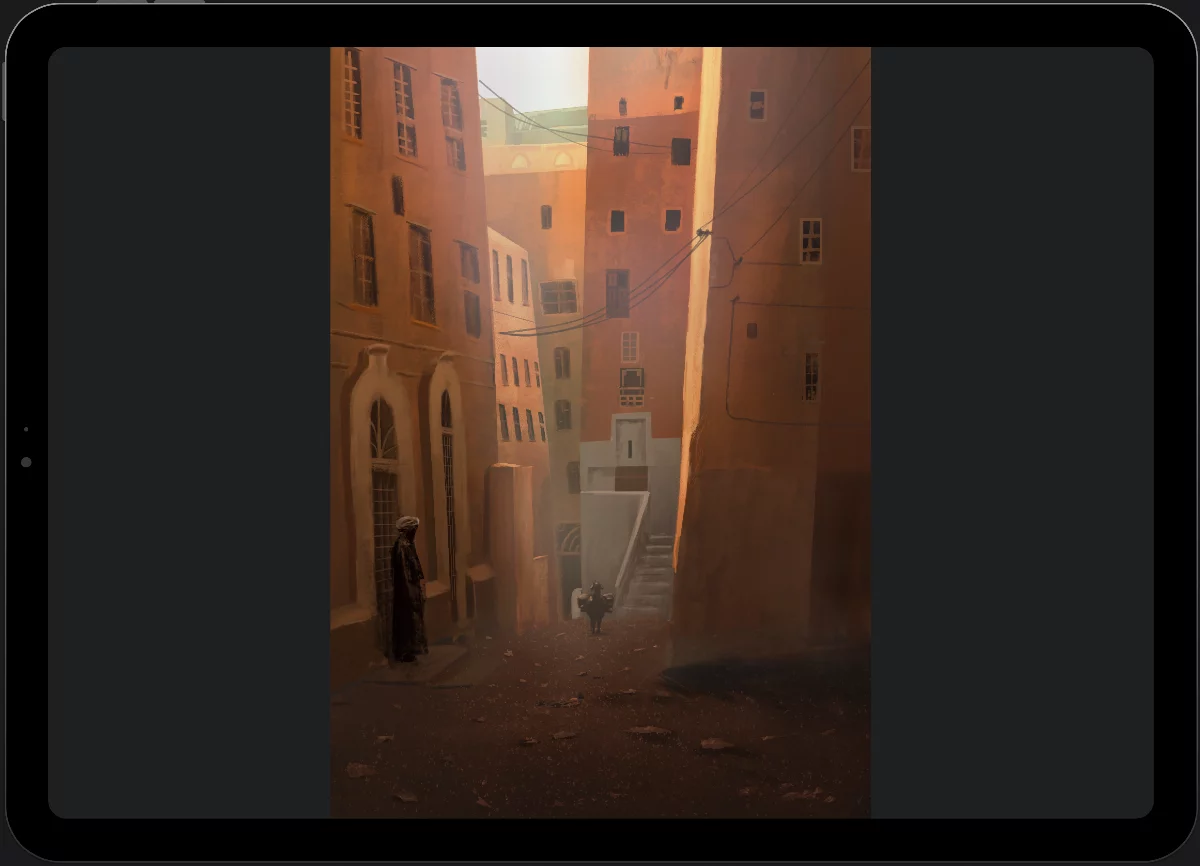
If the proportions of your canvas are different from the proportions of the screen, the longer side is scaled to fill the screen.
A canvas of proportions similar to the screen proportions
A canvas of proportions different than the screen
If you are using a physical keyboard, press Ctrl-0 (control-zero) key combination for Fit to screen command. For list of all keyboard shortcuts see Keyboard shortcuts.
Tip:
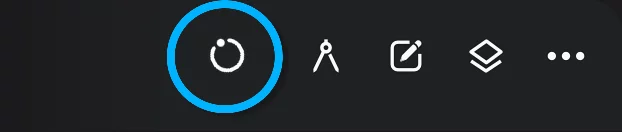
if you drag the Fit to screen icon onto the custom toolbar the icon will show current angle of the canvas. Learn about using the custom toolbar Custom toolbar.
You can set the Fit to screen command to one of two gestures: long press or double-tap (in fact you can set it to both gestures if you wish to). See Application settings.