
Flip canvas
On this page

Mirror the canvas
You don't need a mirror.
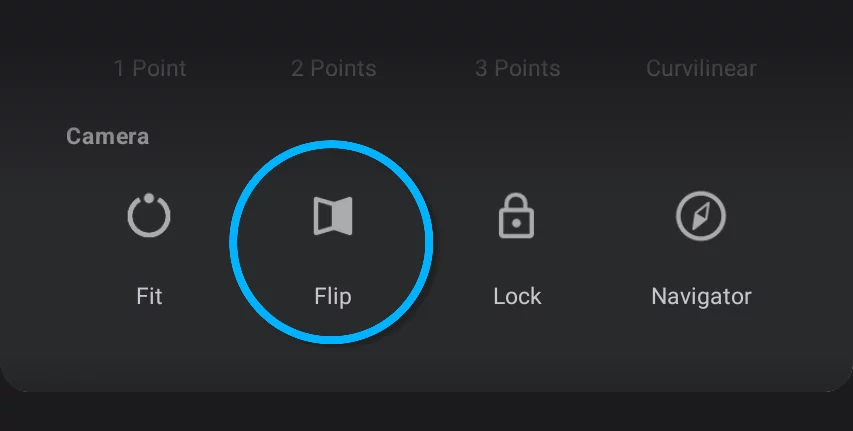
Flip canvas command flips the canvas horizontally.
Note that this is for real and the project will be saved in the flipped position.
The canvas is flipped relative to the screen center to allow for flipping when zoomed-in.
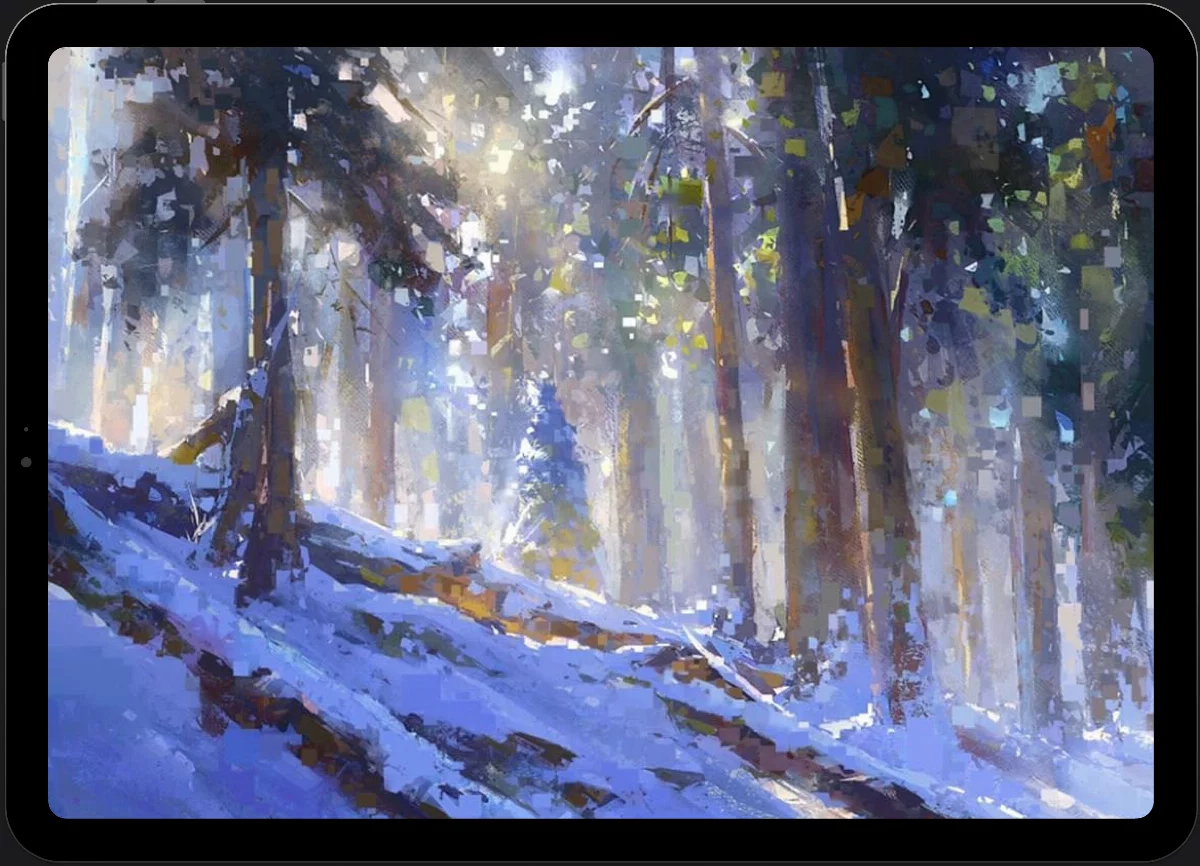
Original orientation
Canvas flipped
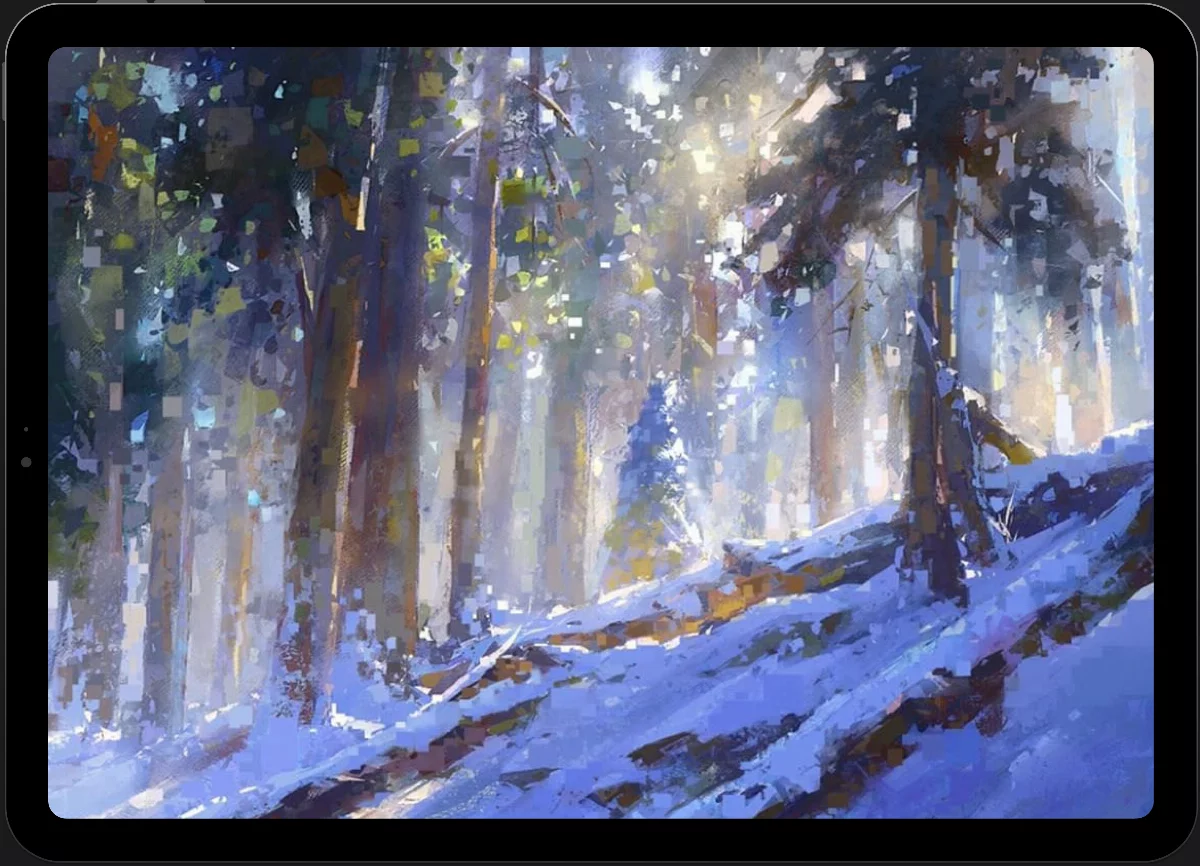
Flipping your artwork is useful for assessing the composition. Painters working in traditional media use a mirror for this purpose.
You can set Flip canvas to one of two gestures: long press or double-tap (in fact you can set it to both gestures if you wish to). See Application settings.
If you are using a physical keyboard, press the H key to flip the canvas. For list of all keyboard shortcuts see Keyboard shortcuts.