
Lock view
On this page

Lock your viewport
No zoom.
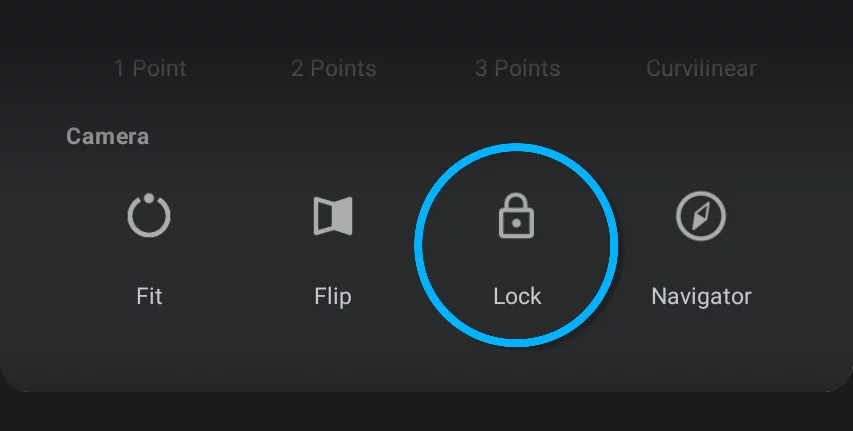
Lock view command freezes current zoom and rotation of the canvas. All two-finger navigation is disabled.
You can lock the view in any position of the canvas.
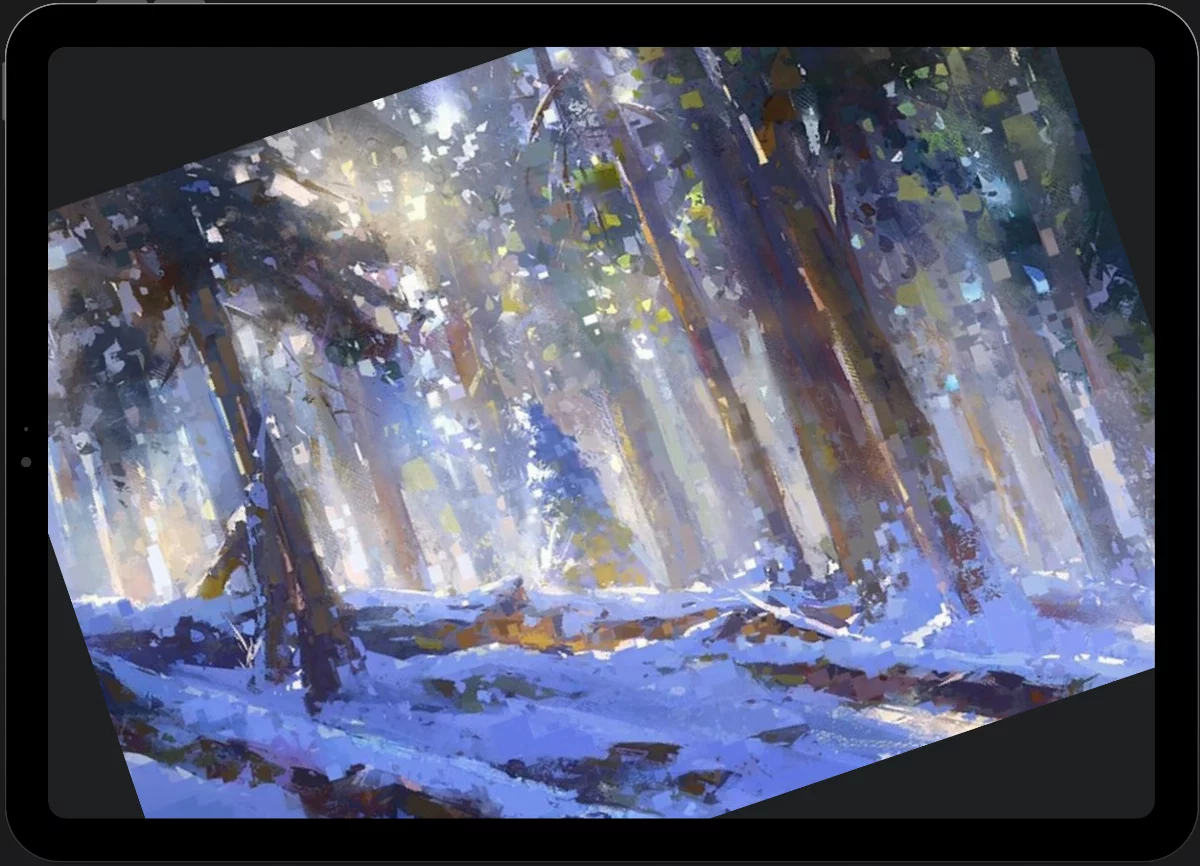
Note that locking the view position doesn't disable Fit to screen and Flip canvas commands.
1
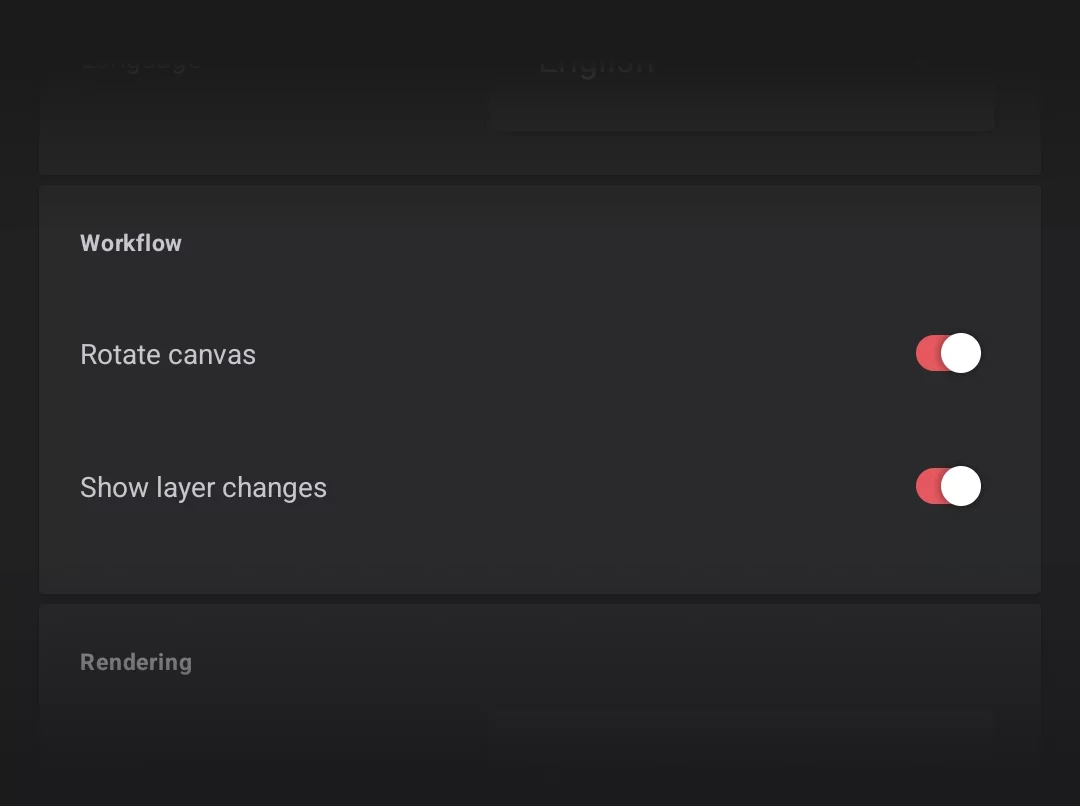
You can also disable the rotation of the canvas only (in Settings, Workflow section).
See Application settings.