

Navigator (a.k.a Canvas Preview)
Work comfortably with large projects.
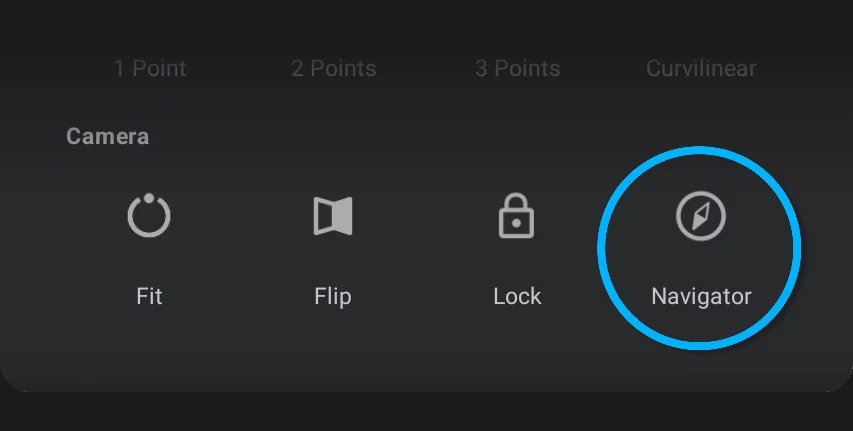
The Navigator lets you control where you are while working on large canvas in high magnification (zoom). This widget displays a miniature of the entire canvas with a red frame showing the current view.
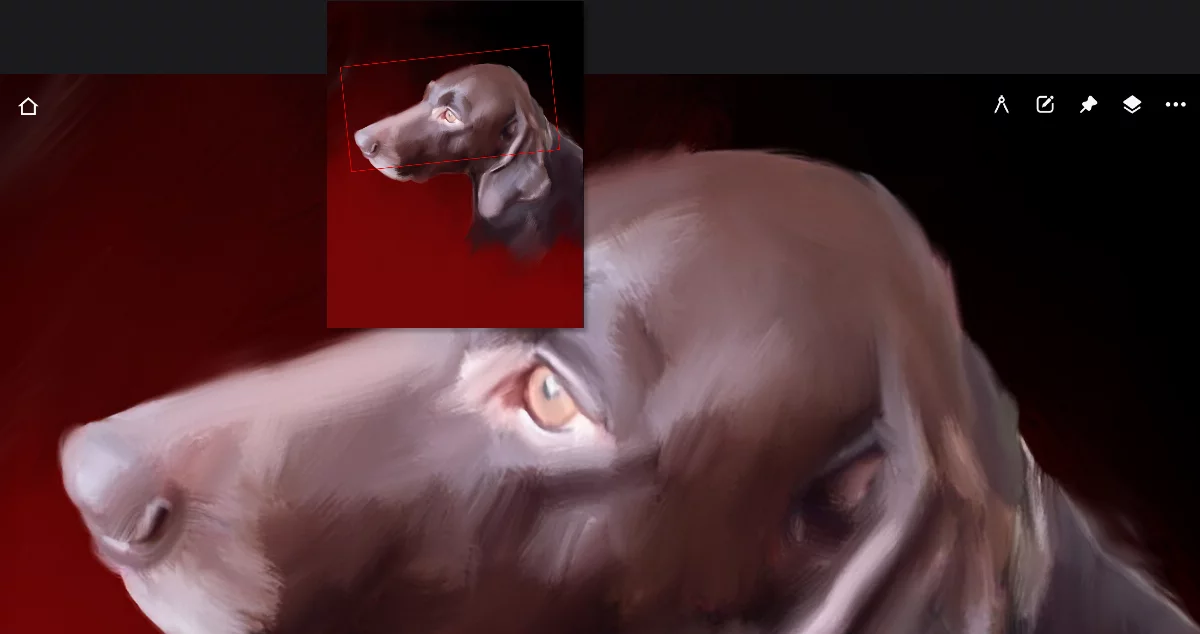
Red rectangle shows the size and position of the current view
Navigator options
It is more than just a canvas thumbnail.
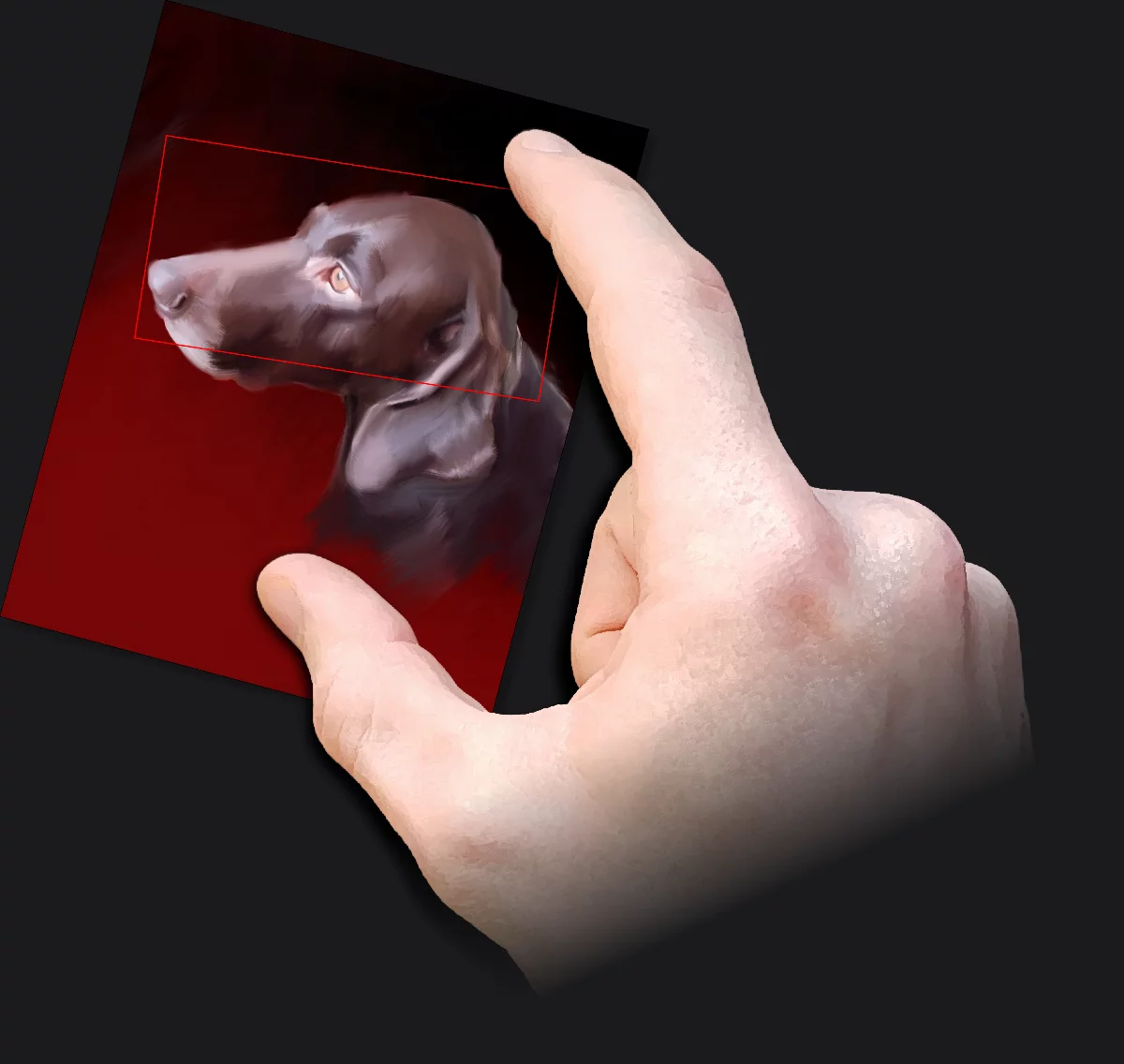
The Navigator widget can be moved around by dragging with a finger or stylus.
You can scale and rotate the widget just like the reference imagesReference imageIn Infinite Painter, an imported image (like a photo) that can be placed over the current artwork in a floating window for reference.Learn more: with two fingers. More in Reference images.
You can display the Navigator in grayscale (black-and-white) for better visibility.
Navigator options in the Tool settings menuTool settings menu The menu that contains all the settings of currently active tools. If at least one active tool has settings, the cogwheel icon appears at the left end of the top bar.Learn more:
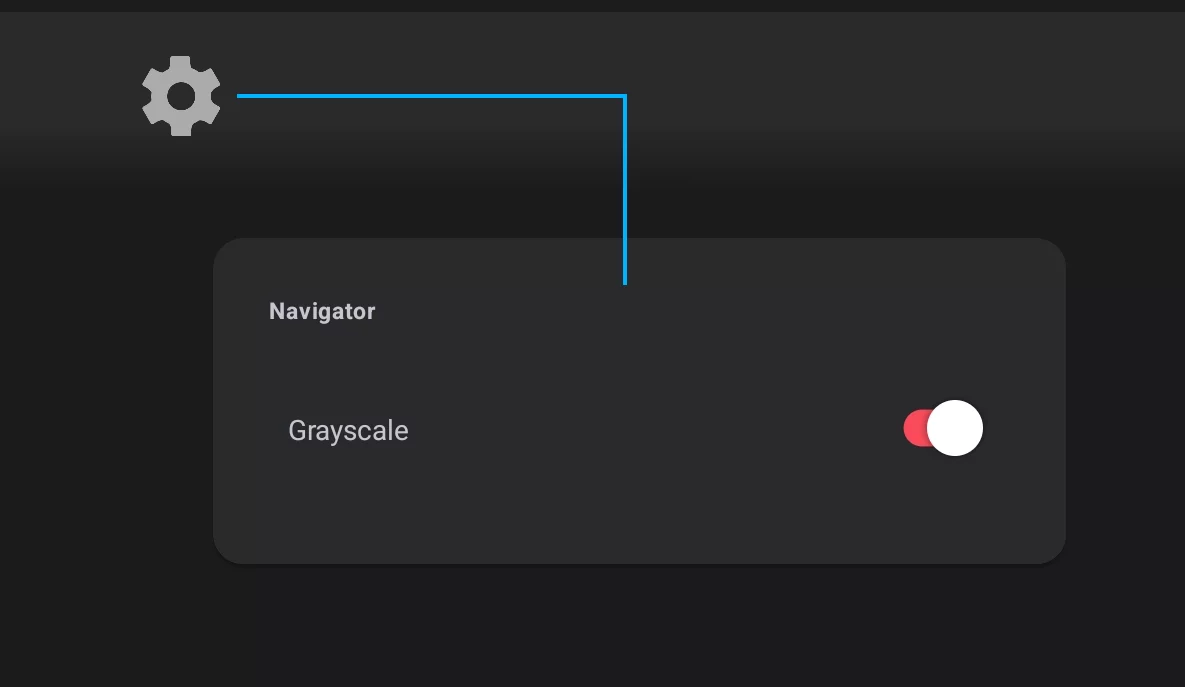
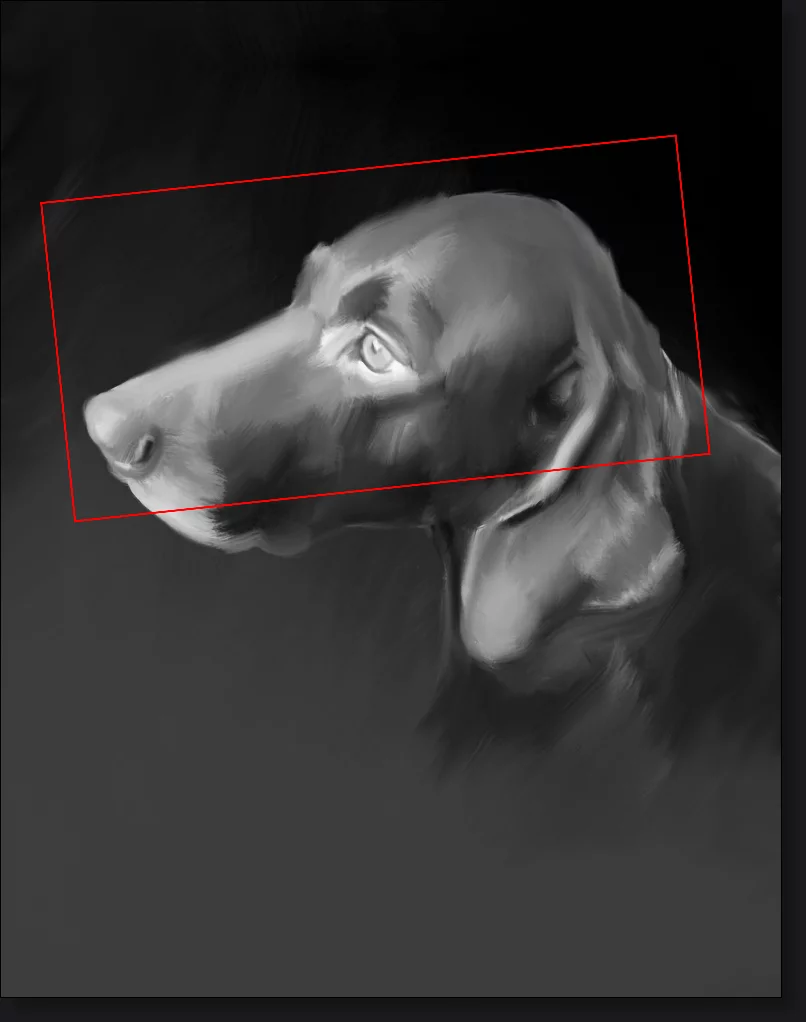
Grayscale mode is also a great tool for value-checking of a color artwork. Monochromatic Navigator is also less visually distracting.
You can flip the Navigator (independently from flipping the canvas). Just double-tap on the widget.
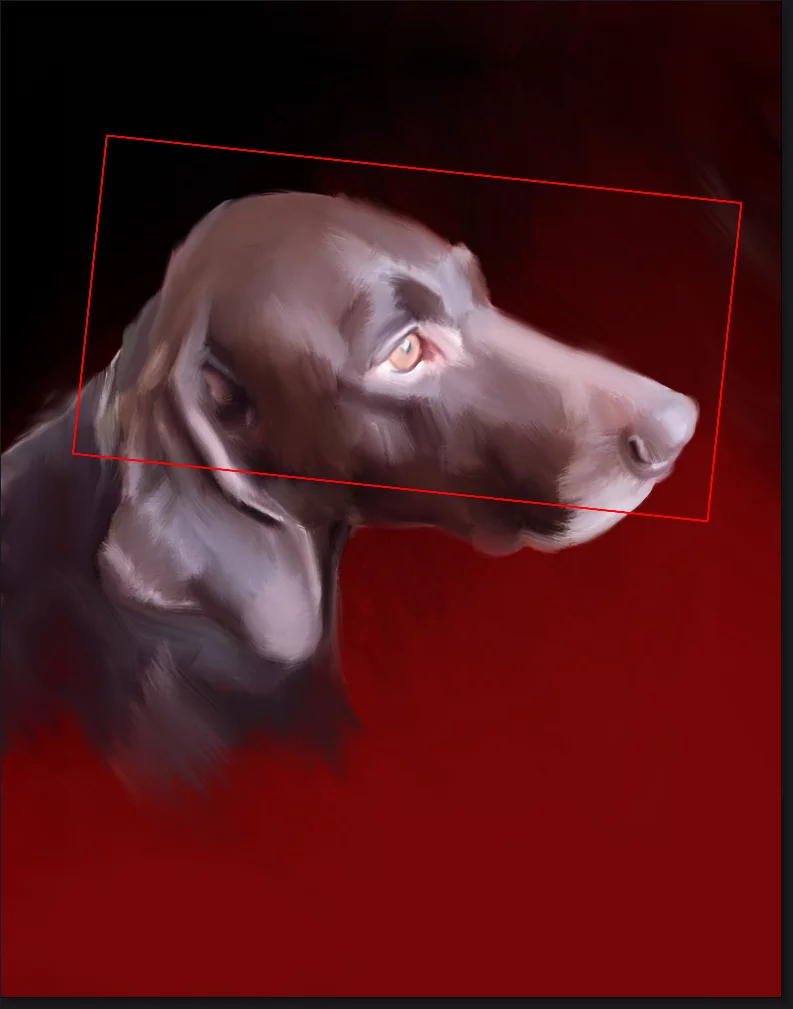
You can use the flipped view to quickly assess your composition. Learn more about flipping canvas in Flip canvas.

Close the Navigator by tapping again on its icon in the Creative Tools menu.