
Canvas tools — overview
On this page
Canvas tools
Edit your project globally.
Canvas tools apply to the entire project rather than to an active layer

Canvas tools in the Editing Tools menu.
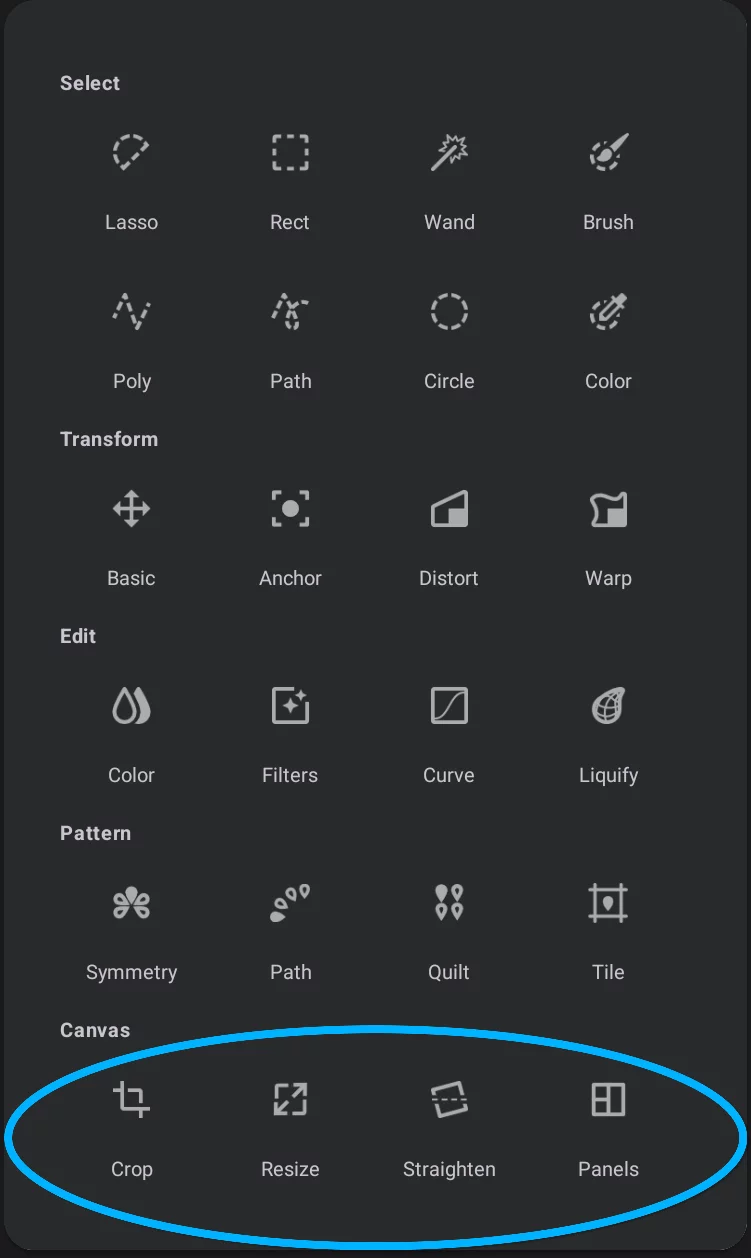

Crop tool
Non-destructive (reversible) cropping tool. Just hides unwanted areas of the canvas. More in Crop tool.

Resize tool
Offers "true" (irreversible) cropping and resizing of the canvas. You can also resample the entire project here (change its resolution). More in Resize tool.

Straighten tool
Basic geometric corrections: rotate the entire project, correct perspective distortions. More in Straighten tool.

Panels tool
Divide the canvas into separate panels like in a comic book. The panels dividers are editable. More in Panels tool.