
"Contrast" blending modes are those that combine the base and blend colors in a way that enhances the contrast between light and dark areas. These modes are used to add dramatic effects, boost contrast, and manipulate the highlights and shadows of an image.
Overlay mode
Contrast
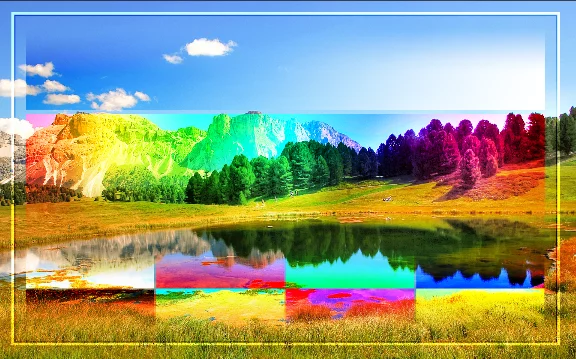
Overlay
A combination of Multiply mode and Screen mode. Uses the Screen mode for lighter colors from underlying layer and the Multiply for darker ones, leaving MidtonesMidtonesIn painting and digital art, midtones refer to the range of tones or colors that fall between the darkest shadows and the brightest highlights. They represent the average or middle values of the brightness. more or less intact. As the calculation uses only half of the strength of the Multiply and Screen, the underlying layer is always clearly visible.
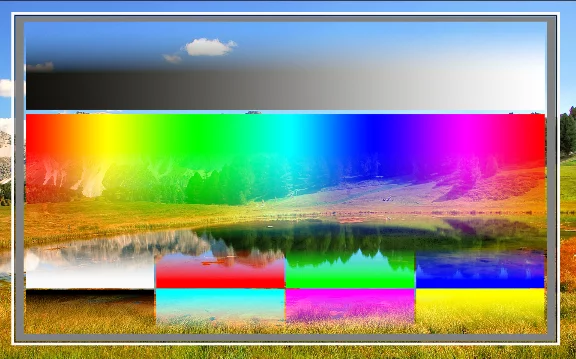
Normal blending mode for reference
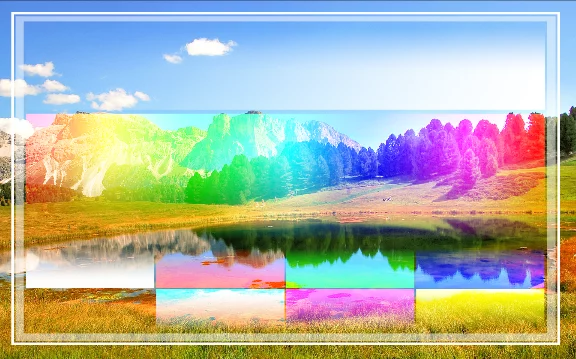
Screen mode for reference
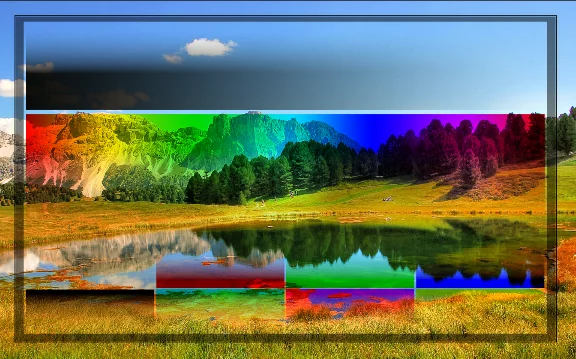
Multiply mode for reference
Back to Color blending modes — detailed reference.
How to read the blending modes illustrations? See Guide for the color blending reference.
Soft Light mode
Contrast
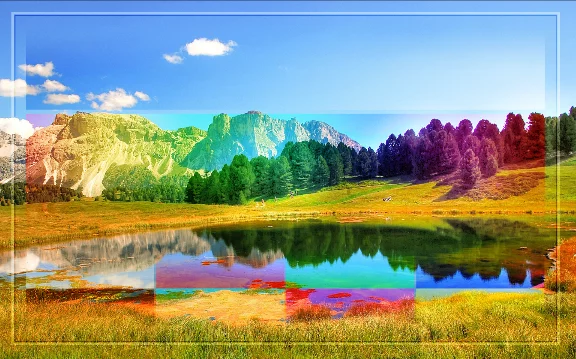
Soft Light
Similar to Overlay mode, only much softer. Based also on the Multiply mode for shadows and the Screen mode for highlights, but with even reduced strength.
Normal blending mode for reference
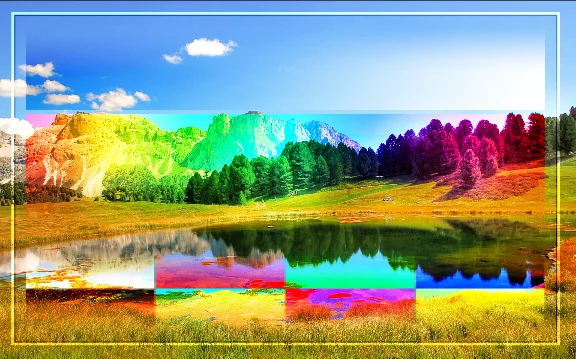
Overlay mode for reference
Back to Color blending modes — detailed reference.
How to read the blending modes illustrations? See Guide for the color blending reference.
Hard Light mode
Contrast
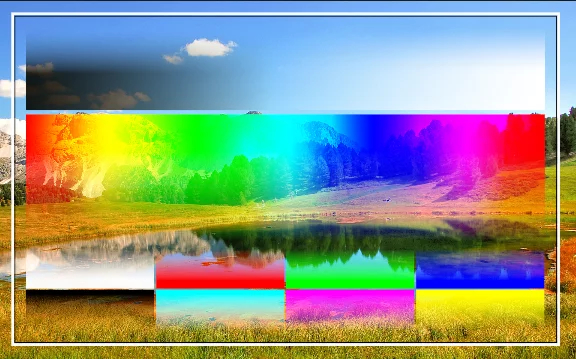
Hard Light
Similar to the Overlay mode, only much more intense.
Combines the Multiply mode for shadows and the Screen mode for highlights but uses the blended layer brightness. MidtonesMidtonesIn painting and digital art, midtones refer to the range of tones or colors that fall between the darkest shadows and the brightest highlights. They represent the average or middle values of the brightness. remain transparent.
Normal blending mode for reference
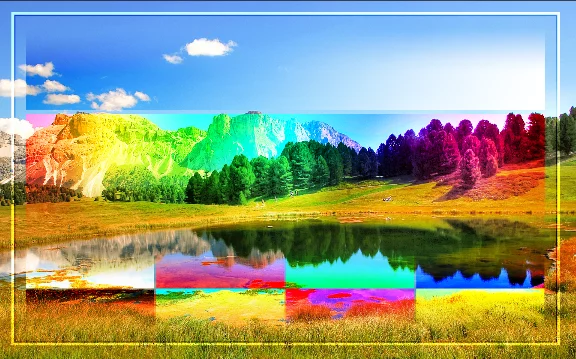
Overlay mode for reference
Back to Color blending modes — detailed reference.
How to read the blending modes illustrations? See Guide for the color blending reference.
Vivid Light mode
Contrast
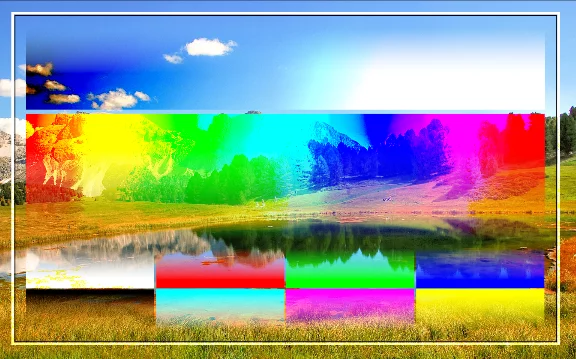
Vivid Light
An extreme version of the Overlay mode; much more intense.
Colors lighter than 50% gray are lightened, darker than that — darkened.
Usually at 100% opacity gives too strong results.
Normal blending mode for reference
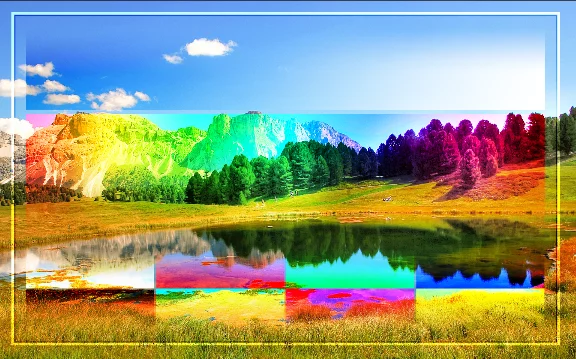
Overlay mode for reference
Back to Color blending modes — detailed reference.
How to read the blending modes illustrations? See Guide for the color blending reference.
Linear Light mode
Contrast
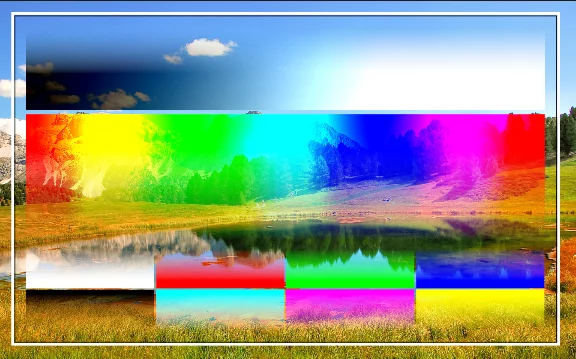
Linear Light
Combination of the Linear Dodge mode and the Linear Burn mode. Applies Linear Dodge to the lighter colors and Linear Burn to the darker ones, both in 50% intensity. Produces very intense results, especially in 100% opacity.
Normal blending mode for reference
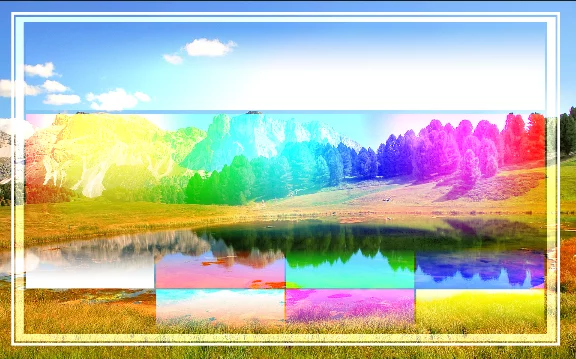
Linear Dodge mode for reference
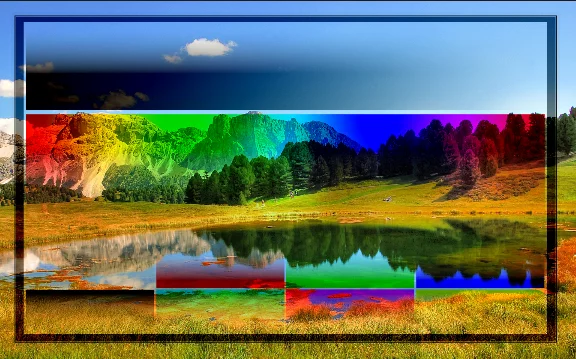
Linear Burn mode for reference
Back to Color blending modes — detailed reference.
How to read the blending modes illustrations? See Guide for the color blending reference.
Pin Light mode
Contrast
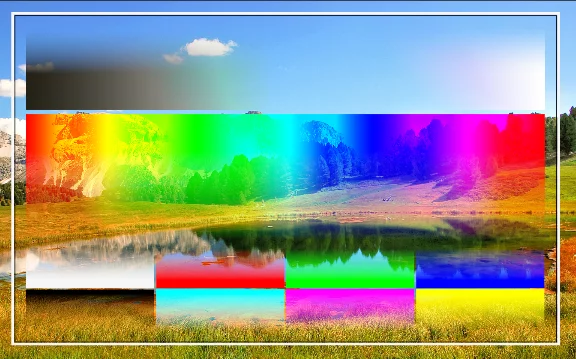
Pin Light
Combination of the Darken mode and the Lighten mode. Applies the Lighten to lighter colors and the Darken to the darker ones, both in 50% intensity. Produces very intense results, especially in 100% opacity.
Normal blending mode for reference
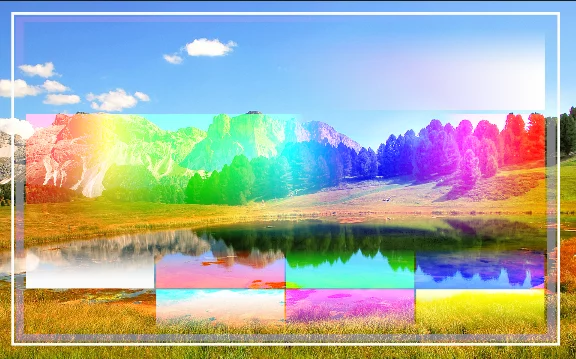
Lighten mode for reference
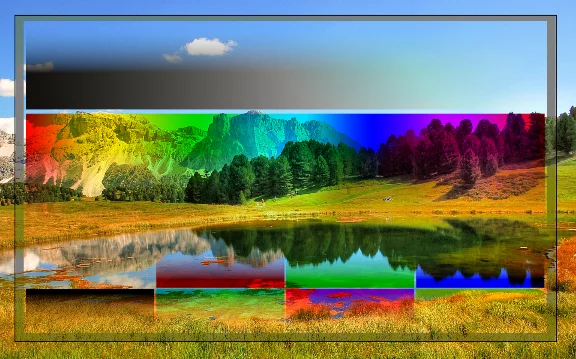
Darken mode for reference
Back to Color blending modes — detailed reference.
How to read the blending modes illustrations? See Guide for the color blending reference.
Hard Mix mode
Contrast
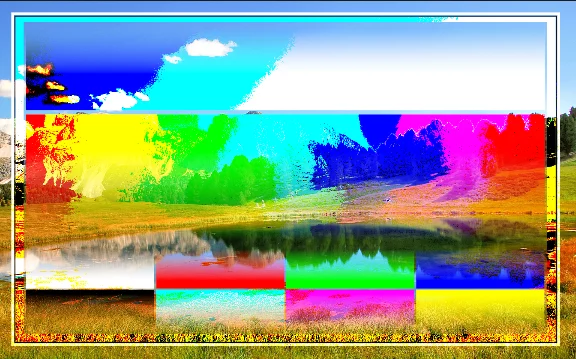
Hard Mix
Turns the values of each RGBRGBRGB refers to a digital image in which the color of each pixel is encoded in three separate channels (for Red, Green and Blue primary colors) or to the RGB color space (the system of encoding color with these primary colors). channel to either 0 or 255 based on Linear Light mode calculation threshold. This leaves only pure RGB colors and their combinations plus black and white.
Reducing the opacity softens the effect but anyway it is always extreme.
Normal blending mode for reference
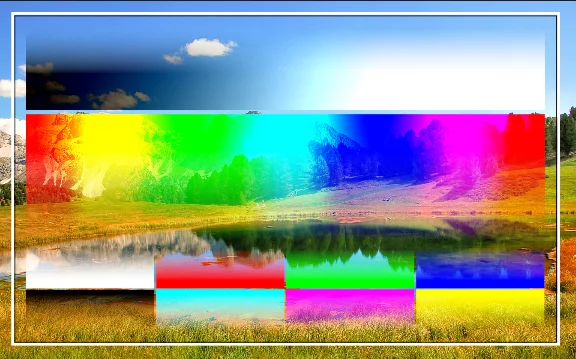
Linear Light mode for reference
Back to Color blending modes — detailed reference.
How to read the blending modes illustrations? See Guide for the color blending reference.