
The "lightening" blending modes refer to those that create lighter results by combining the base and blend colors. These modes are useful for creating highlights, brightening images, or enhancing lighter areas.
Lighten mode
Lightening
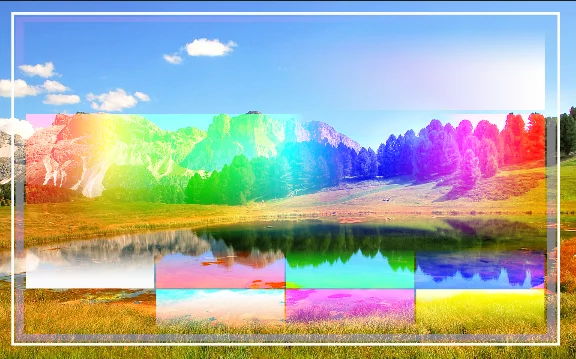
Lighten
Compares darkness of pixels in each RGBRGBRGB refers to a digital image in which the color of each pixel is encoded in three separate channels (for Red, Green and Blue primary colors) or to the RGB color space (the system of encoding color with these primary colors). channel. Only pixels lighter than the underlying color are retained.
The opposite to the Darken mode.
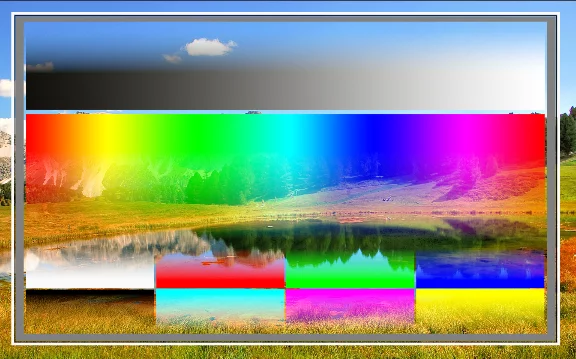
Normal blending mode for reference
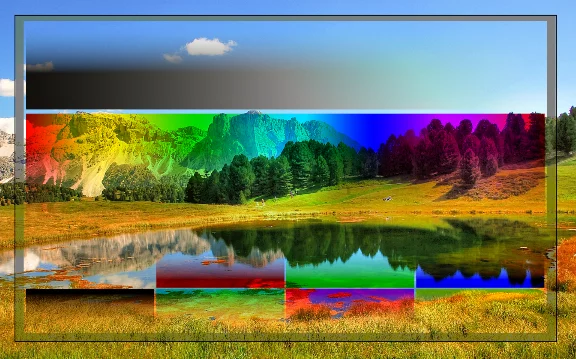
Darken mode for reference
Back to Color blending modes — detailed reference.
How to read the blending modes illustrations? See Guide for the color blending reference.
Screen mode
Lightening
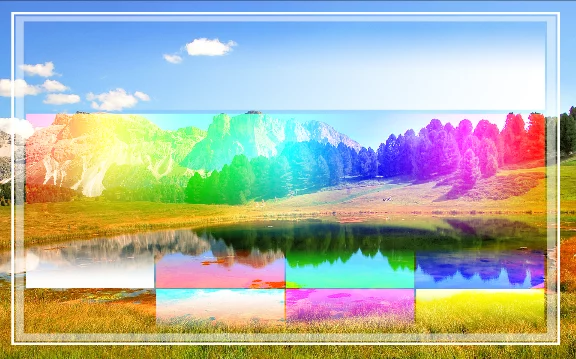
Screen
Brighter than Lighten mode; multiplies brightens of the pixels resulting in brighter result and smoother color transitions.
In a way the opposite to Multiply mode. Best for lightening images and adding highlights.
Normal blending mode for reference
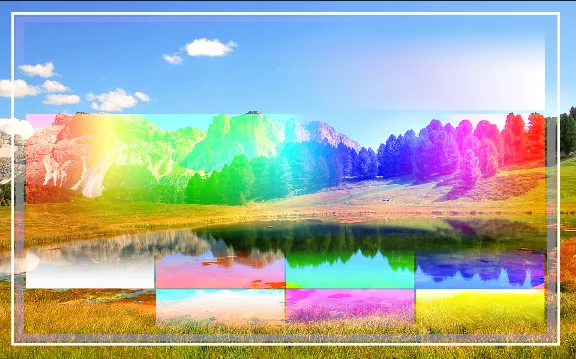
Lighten mode for reference
Back to Color blending modes — detailed reference.
How to read the blending modes illustrations? See Guide for the color blending reference.
Color Dodge mode
Lightening
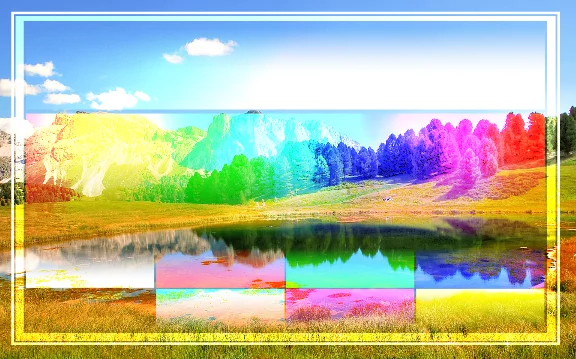
Color Dodge
Similar to Screen mode but even brighter and more contrasty. Leaves the mid-tones more saturated and the highlights more accented.
Used in brushes to create Dodge effect.
Normal blending mode for reference
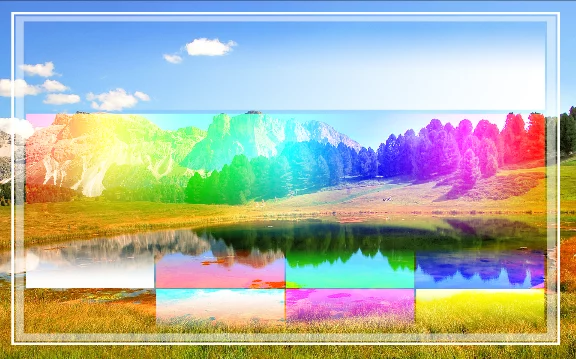
Screen mode for reference
Back to Color blending modes — detailed reference.
How to read the blending modes illustrations? See Guide for the color blending reference.
Linear Dodge mode
Lightening
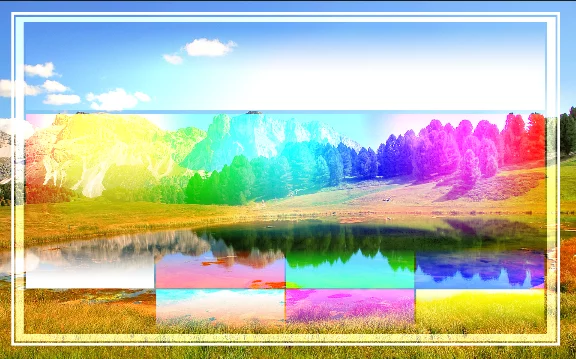
Linear Dodge (a.k.a. Color add mode or Add mode)
Similar to Color Dodge mode and Screen mode but uses separate RGB channels for calculation.
Produces brighter but less saturated results than Color Dodge mode.
Normal blending mode for reference
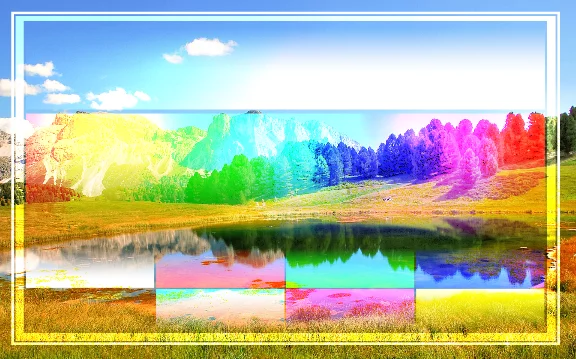
Color Dodge mode for reference
Back to Color blending modes — detailed reference.
How to read the blending modes illustrations? See Guide for the color blending reference.
Lighter Color mode
Lightening
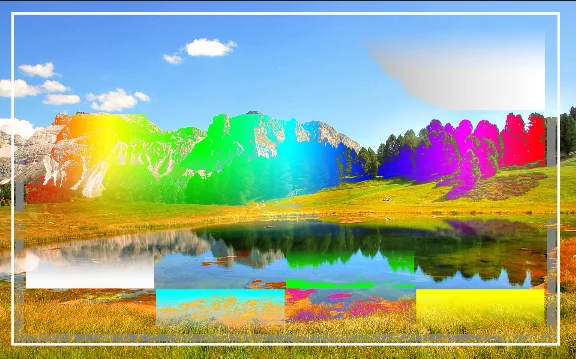
Lighter Color
Compares brightness of each pixel from blended layer and underlying color an retains
the brighter one.
Similar to Lighten mode but uses composite color instead of separate RGBRGBRGB refers to a digital image in which the color of each pixel is encoded in three separate channels (for Red, Green and Blue primary colors) or to the RGB color space (the system of encoding color with these primary colors). channels for calculation.
Normal blending mode for reference
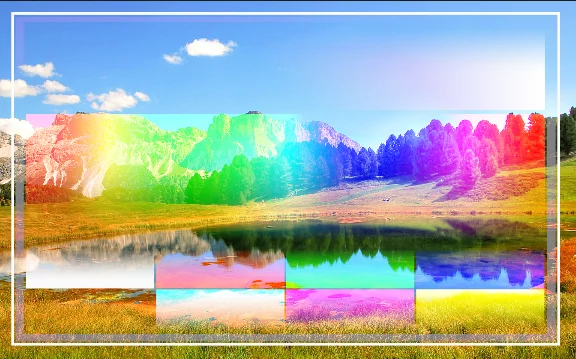
Lighten mode for reference
Back to Color blending modes — detailed reference.
How to read the blending modes illustrations? See Guide for the color blending reference.