
Technically, there is only one “normal” blending mode for actual color mixing. However, in layer groups you will find two: Normal and Passthrough.
Normal blending mode
Normal blending mode.
The basic one.
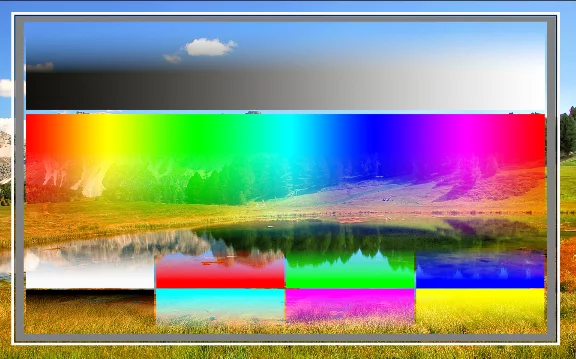
Normal
Replaces pixels from the underlying layer with pixels of the blended layer based on their opacity. No calculation is applied to the RGB values.
The most basic, universal blending mode.
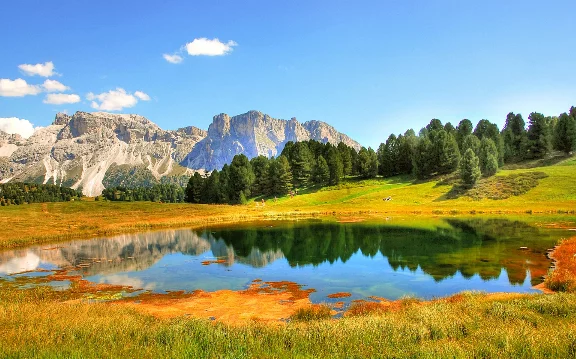
Background image
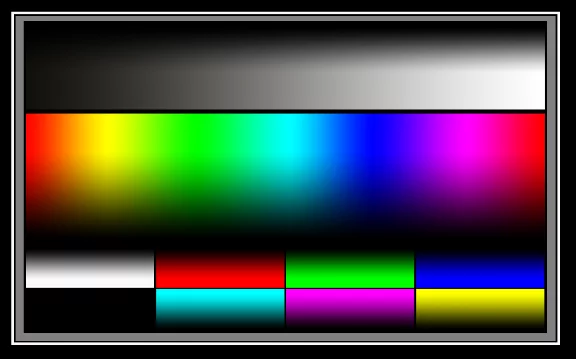
Blended (foreground) image
Back to Color blending modes — detailed reference.
How to read the blending modes illustrations? See Guide for the color blending reference.
“Passthrough” blending mode
Normal, but in a group
(in layer groupsLayer groupA number of layers bound in a temporary unit. Groups (a.k.a. layer folders) can be nested within other groups.Learn more only)
The “Passthrough” mode technically is the regular “Normal” color blending mode but in a layer groupLayer groupA number of layers bound in a temporary unit. Groups (a.k.a. layer folders) can be nested within other groups.Learn more it applies also to the layers below the group. Within the group “Passthrough” and “Normal” give the same results.
In the “Passthrough” mode the color blending ignores the group boundaries; all adjustment layers within the group apply to all layers below.
In “Normal” (and all other modes) all adjustment layers within the group apply only to the layers of the group.
This distinction in nomenclature is based on the de facto standard in the computer graphic industry.
If you feel confused, just leave the default Passthrough.
Learn more in Passthrough vs. Normal group blending