
"Comparative" blending modes focus on creating effects by inverting or altering the colors in a way that creates contrast or negative-like results. These modes are often used for creating surreal effects, negative images, or contrast manipulation.
Difference mode
Inversion
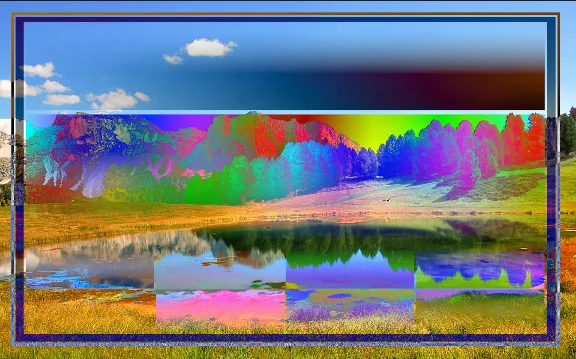
Difference
Subtracts the blended color from the underlying colors; if the result is negative, it is being inverted. Pure white inverts underlying colors (produce negative image); black is transparent. Similar colors cancel each other to black.
However not very practical for artistic effects, this mode is extremely useful for aligning two similar layers: the differences between the layers appear as a contrasty monochrome image. When both layers are identical, the resulting image gets uniformly black. This allows to visualize even single-pixel differences between the layers.
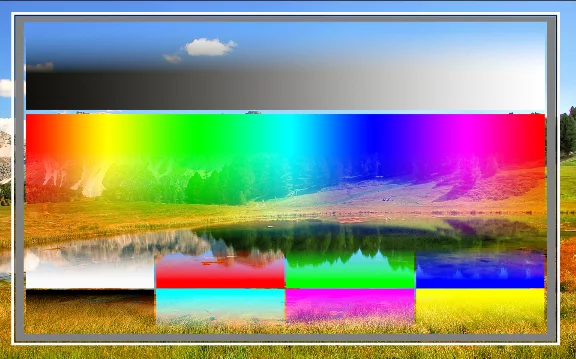
Normal blending mode for reference
Back to Color blending modes — detailed reference.
How to read the blending modes illustrations? See Guide for the color blending reference.
Exclusion mode
Inversion
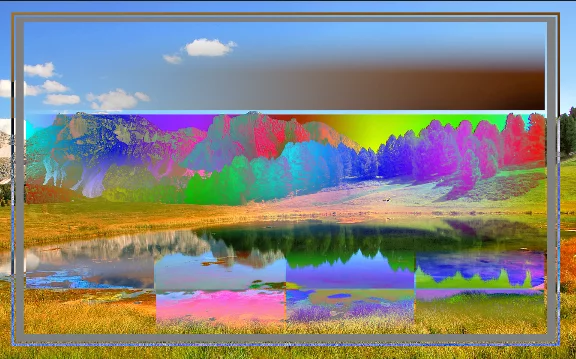
Exclusion
Similar to Difference mode, but softer; neutral grays produce neutral grays. Technically, it subtracts the blended color from the underlying colors; if result is negative, it is being inverted. Pure white inverts underlying colors (produce negative image); black is transparent. Similar colors cancel each other to 50% gray (instead of black in Difference).
Normal blending mode for reference
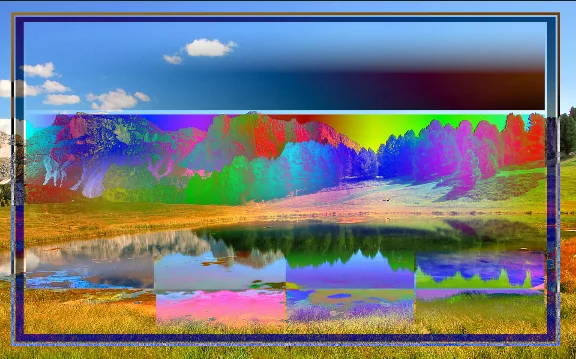
Difference mode for reference
Back to Color blending modes — detailed reference.
How to read the blending modes illustrations? See Guide for the color blending reference.
Negative mode
Inversion
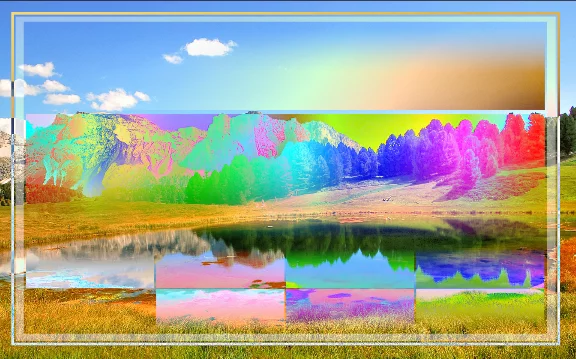
Negative
Similar to the Exclusion mode but produces softer results.
Normal blending mode for reference
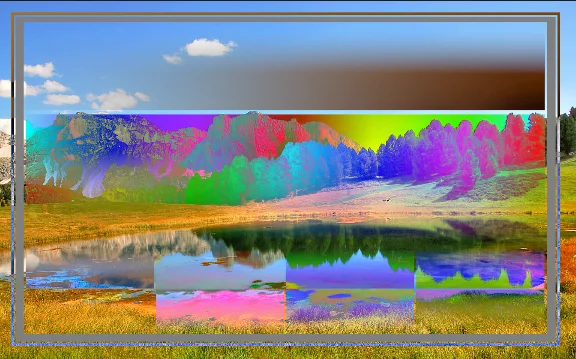
Exclusion mode blending for reference
The following two blending modes (Subtract and Divide), sometimes called "Cancellation" color blending modes, refer to methods that reduce or negate color values. They are mainly used for high-contrast adjustments, and special effects. May produce unexpected results.
Subtract mode
Mutual cancellation.
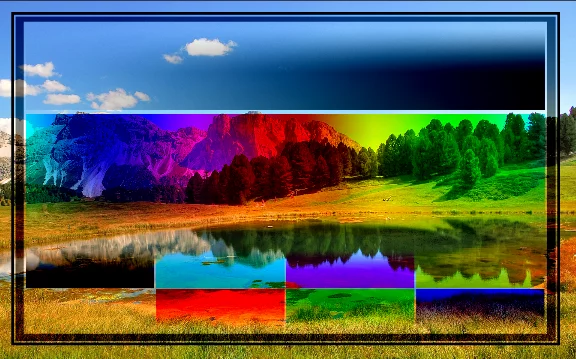
Subtract
Similar to the Difference mode. Similar colors cancel each other producing black, in turn, black doesn't affect underlying colors.
Normal blending mode for reference
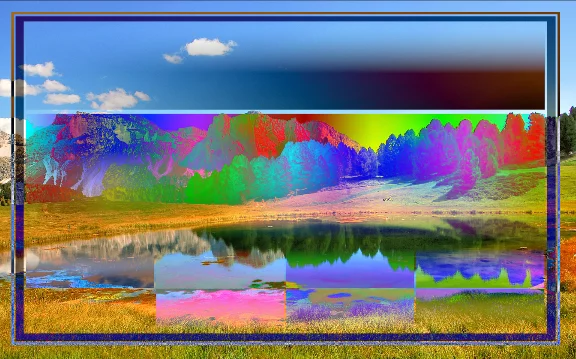
Difference mode for reference
Back to Color blending modes — detailed reference.
How to read the blending modes illustrations? See Guide for the color blending reference.
Divide mode
Division.

Divide
Similar colors cancel each other producing white, in turn white doesn't affect underlying colors. This mode produces strong highlights akin to the Linear Dodge mode (despite differences)
Normal blending mode for reference

Linear Dodge mode for reference
Back to Color blending modes — detailed reference.
How to read the blending modes illustrations? See Guide for the color blending reference.