
The Text tool
Infinite Painter since version 7.2 comes with a text tool. You can add any kind of text in any font to your artwork. While the tool is not intended for adding long, multi-paragraph text blocks, it can handle most of your needs.
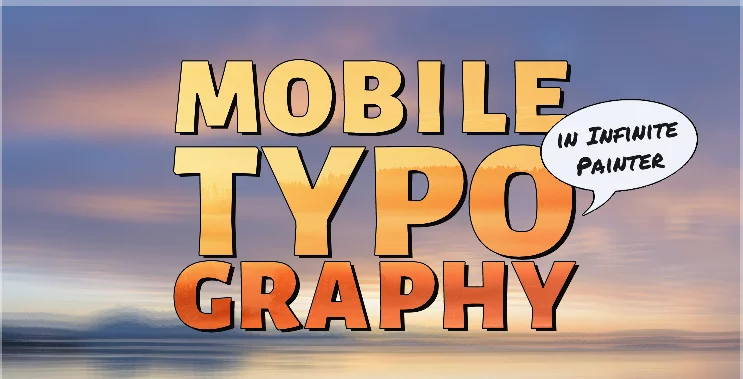
Text tool features
Adding multiple, editable text objects (in form of separate text layers)
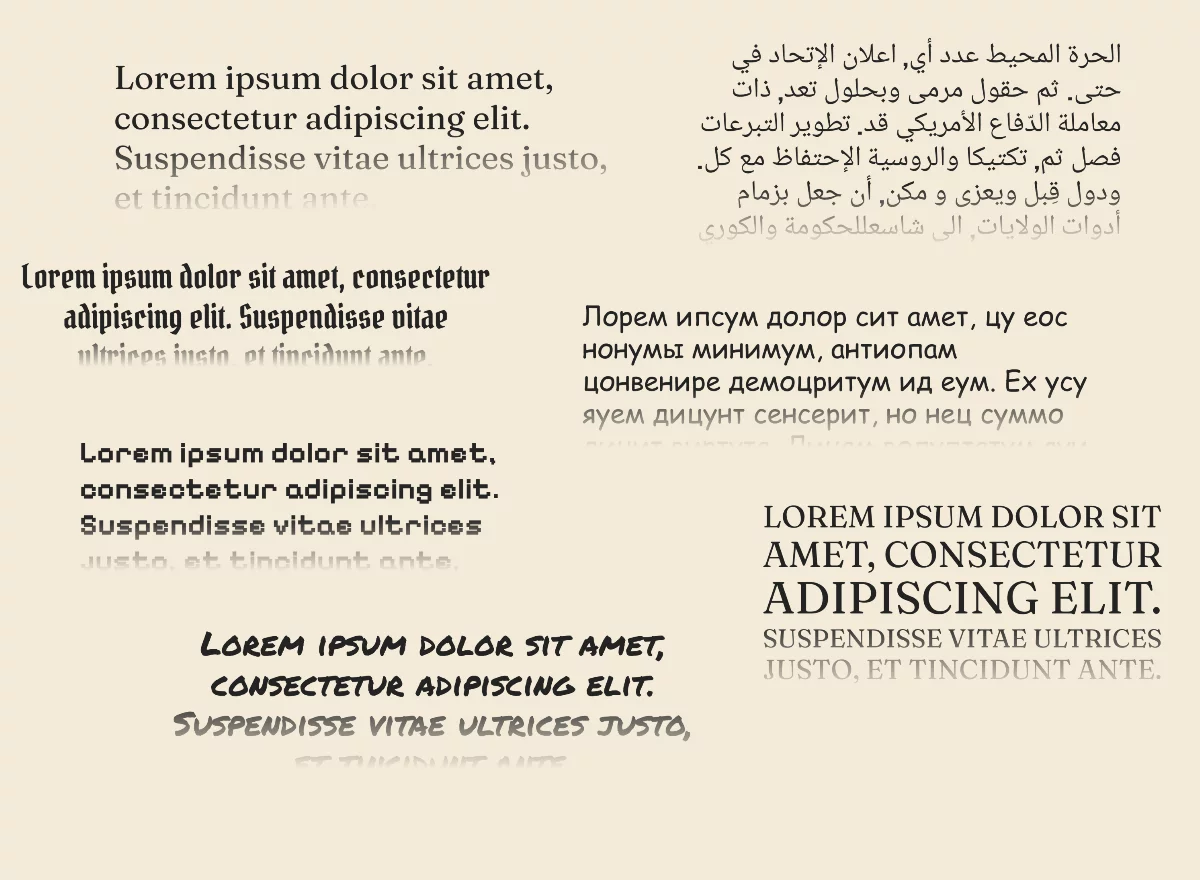
Multilingual support (both left-to-right and right-to-left text direction, non-Latin scripts)
Control over font, size, fill color, outline color and thickness, alignment, spacing etc. — for each text layer
Custom font support
Rasterization of the text on demand
Learn how to add text to your artwork in Adding text and how to precisely format the text in Formatting text.
Fonts
Infinite Painter comes with a collection of over 100 built-in fonts (Built-in fonts) but more can be added and used (see Built-in fonts) but more can be added and used (see Custom fonts).
Infinite Painter supports variable fonts (i.e. fonts that offer flexible weighs, widths, slants and other typographical parameters).
Typographical features
The text tool supports ligatures, emoticons and special symbols (provided these are included in given font).
If given character is not present in chosen font, it will be substituted with a character in a closest system font.
Full-justified text format supports size adjustment (balancing lines by changing the size of the letters instead of their spacing).
Limitations
The text tool in Infinite Painter is intended for adding relatively short fragments of text to your artworks (like titles, labels, comics speech balloons, etc.), not for professional typesetting. There are obvious limitations in the current version of the tool.
Current version of the text tool does not allow you to format (change properties of) selected fragments of text. Properties apply to the entire text layer.
Also, more advanced typographic effects (like paragraph indents, drop caps, advanced options in paragraph justification) are not yet supported. Support for glyphs is limited too.
Please note that Infinite Painter remains a digital painting tool, not a word processor.