
Selection Brush & Color range tool
On this page
Color range selection
Select a range of colors

Color range tool works similarly to the Wand but it selects similar colors all over the current layer.
Tap a color to select all areas of similar colors.
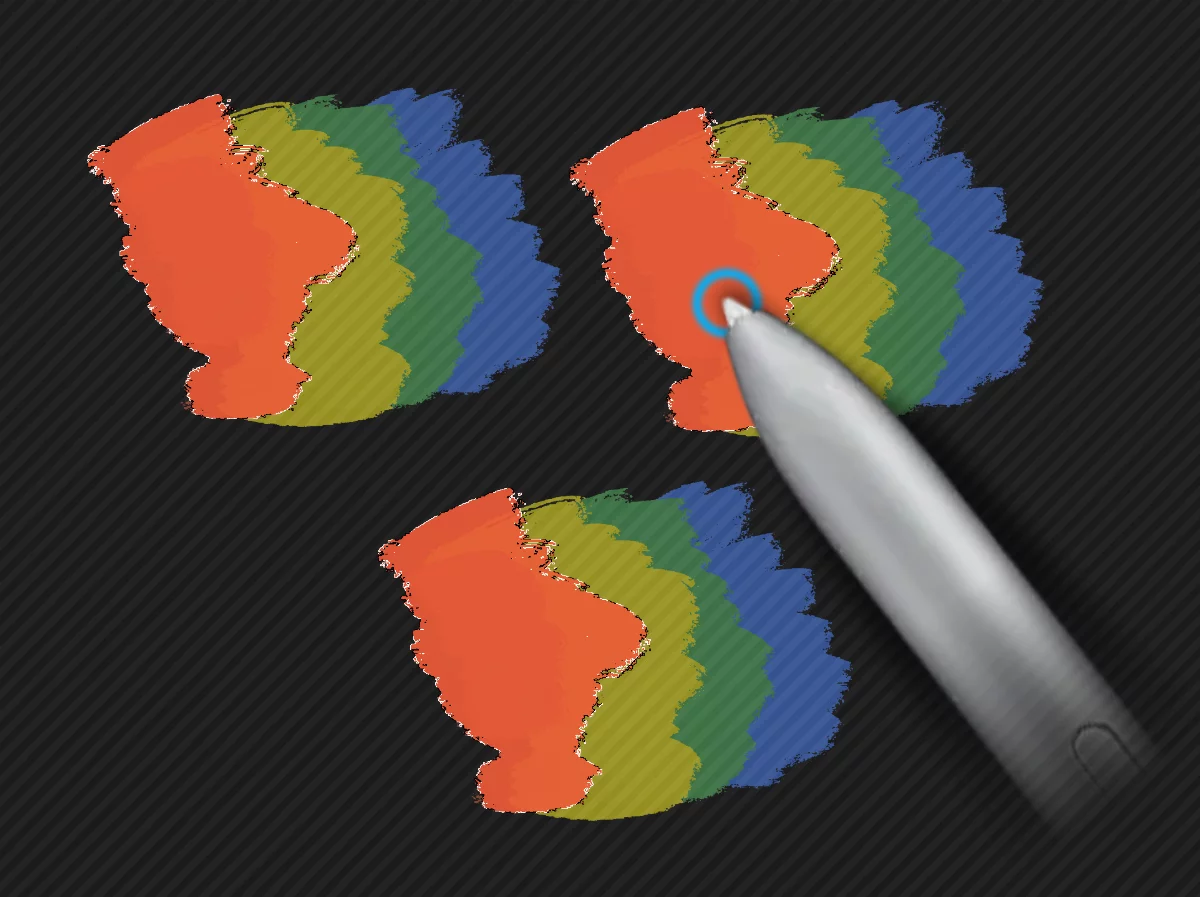
Similar colors are selected even if they are in separated areas.
Color range selection toolbar

1
Color tolerance slider
Use the slider to adjust the color tolerance. Note that the tolerance of the Color range tool is independent of the tolerance of the Wand tool and the Fill tools.
Learn more about using color tolerance in Fill tools — tolerance.