
Anchor transformation
On this page
Anchor transformation mode
More control over linear transformations.
Anchor transformation mode is similar to the Basic transformation with addition of repositionable anchor point.

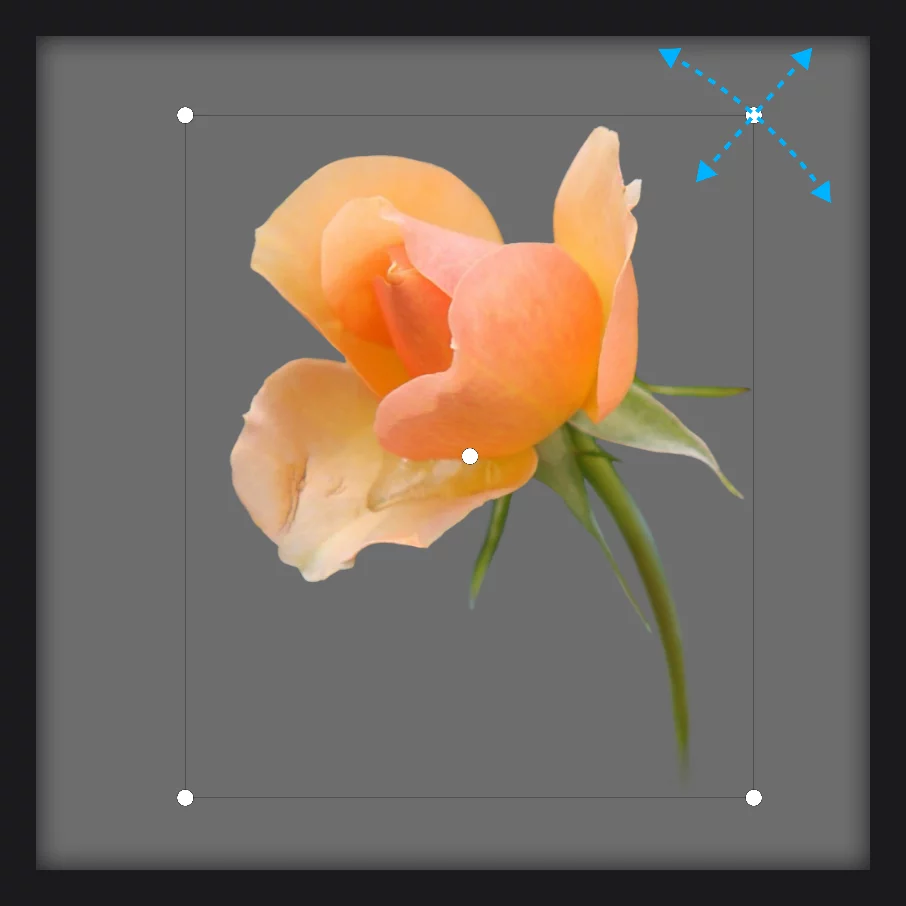
1
Control cage
2
Move object
by dragging from any point of the screen.
3
Scale object
(make smaller or larger proportionally) relative to the anchor point.
4
Rotate object
around the anchor point.
5
Anchor point
— drag it to any desired position, even outside of the canvas.
The anchor point is also used as reference in the Horizontal Flip and Incremental rotation functions.
Note that in the default setup (with the anchor point at the center of the control cage) the Anchor mode behaves exactly like the Basic transformation mode.