
Installation and uninstallation of Infinite Painter
Get the app and use it well
Infinite Painter can be installed only from the Google Play® store.

Open the Play Store app on your device and find the Infinite Painter application.
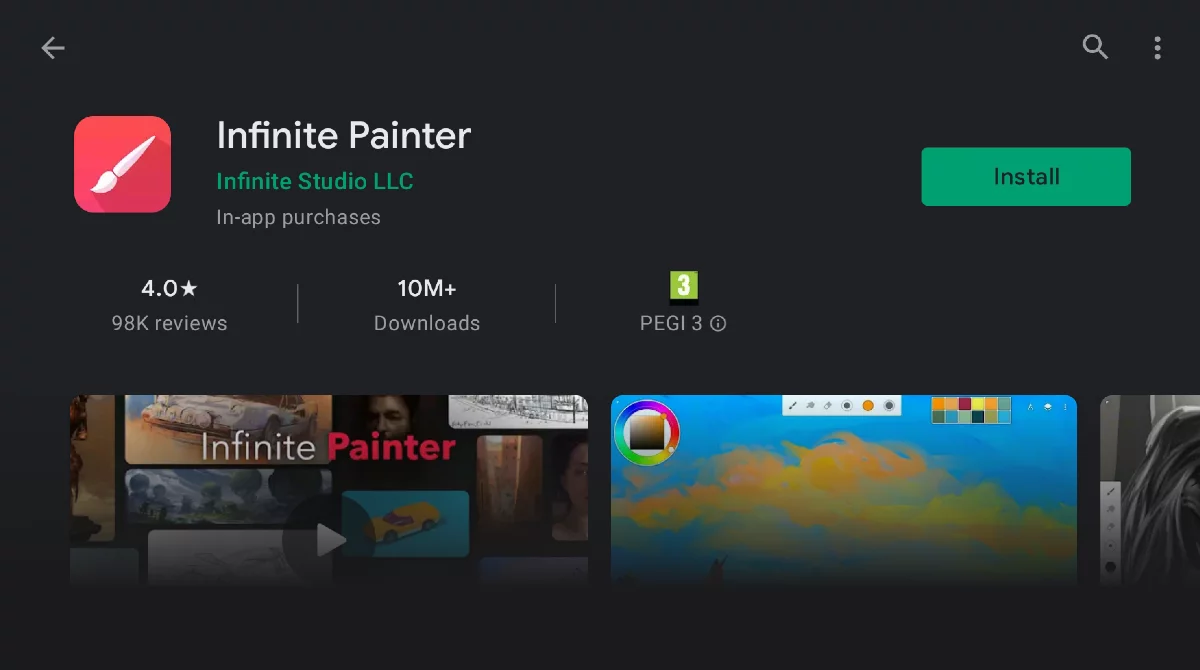
Tap the “Install” button.
Infinite Painter will be installed on your device. Enjoy.
If you one day decide to uninstall Infinite Painter from your device, make sure to backup all your projects, custom brushes and other assets beforehand. Android in version 11 or higher deletes all data connected to an application when you uninstall it. Infinite Painter projects (your artworks) will be erased too, without much warning. You may be offered an option to "keep app data" but not when performing the uninstallation from the Play Store. Be careful.
Infinite Painter in version 7 stores your artwork (’projects’) only locally, on your device and doesn't do any automatic backup to a cloud service or elsewhere. You have to export (share) your projects manually to have them stored outside your device. Learn more about project management in Projects.
Free vs. Pro versions
Infinite Painter has two main versions (modes): Free and Pro. The Free version is, well, free and you can use it without any obligations. The Pro version is paid, but you pay for it only once (there is no monthly subscription). After the purchase, you can use the Pro version on all our devices of the same hardware platform (Android or Apple iOS — see below for details). You are eligible for any future updates of the application too.
Free version
The Free version is a fully-functional painting application (however it has a couple of limitations compared to the Pro version).
Free version does not display any ads.
Free version does not steal any user data.
Artworks created with the Free version are your intellectual property and are free for any use. No legal limitations, no watermarks.
You can use the free version of the app as long as you wish, or, any time, you can purchase the “Pro” version with all the functions unlocked.
Limitations of the Free version
Canvas size limited to the device’s screen resolution
Number of layers limited to 3
Solid Fill, Lasso selection, Basic Transform and Symmetry tools
Seamless Pattern projects
All the built-in brushes and brush editing
Smart shape detection
Pro version
HD canvas sizes and tons of layers*
Adjustments and live Filter layers
Layer groups and masks
Over 40 powerful, professional tools, among the others:
Free trial
After first installation of the app you will be offered a one-week free trial of all the pro features. After that trial period, the application will return to the “Free” mode with some of the functions disabled. The trial does not produce any obligations on your side (you are not obliged to purchase the pro version, there are no hidden fees etc.). The trial however cannot be cancelled or paused.
Pro version purchase
You can purchase the Pro version at any time after installing the Free version (before or after the trial period). Just hit the UNLOCK ALL FEATURES button in the Options menu.
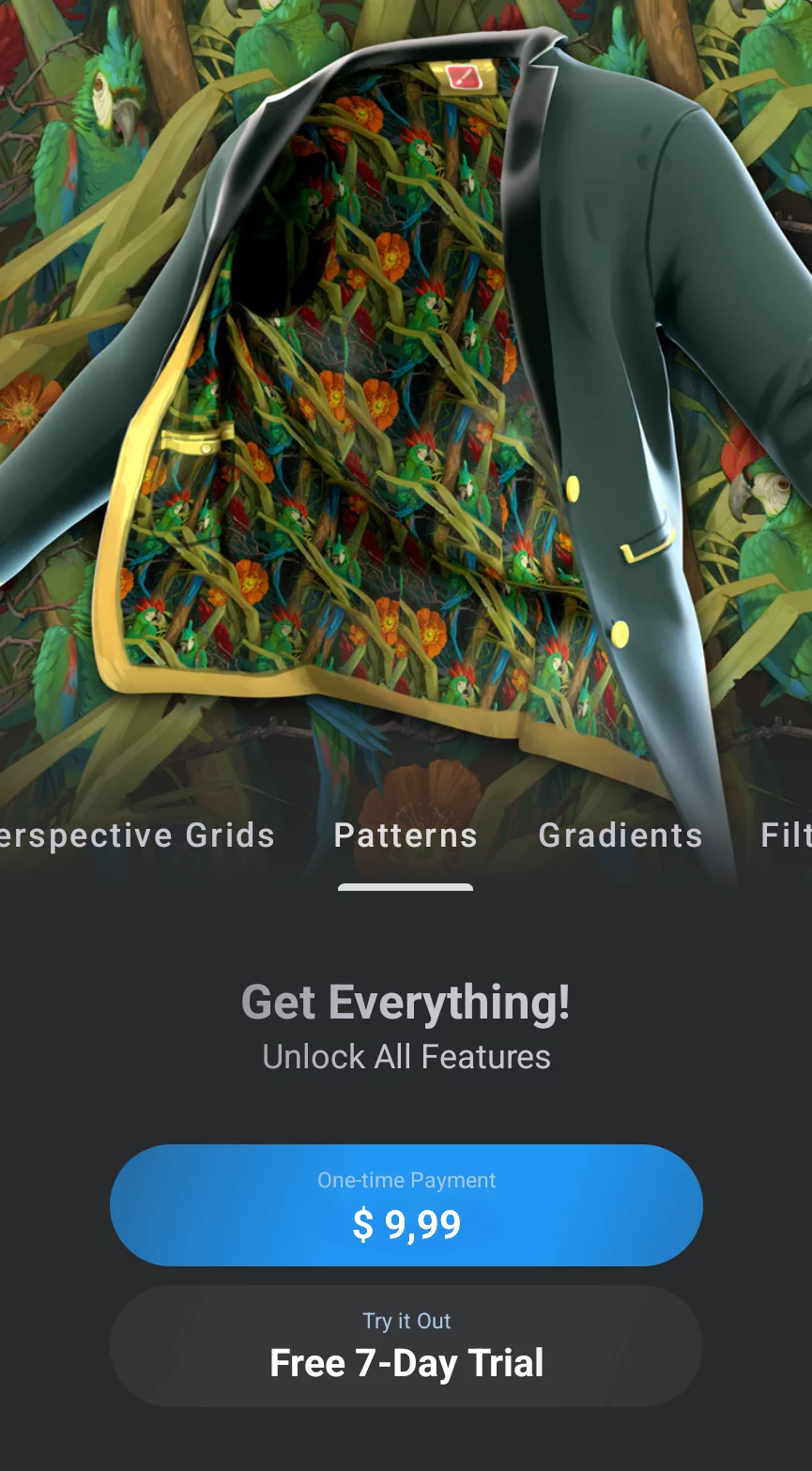
Tap the One-time Payment button. This will redirect you to the Google Play store system for the purchase of the license.
Note that on Android, you purchase the Pro license for Infinite Painter from Google Play Store, not directly from the developer (Infinite Studio LLC).
If you purchase the full version, you will be entitled to use it on any number of Android devices, provided you are using the same Google account on each device.