
Rectangle and Circle selection
On this page
Rectangle selection tool
Editable rectangle or square shapes

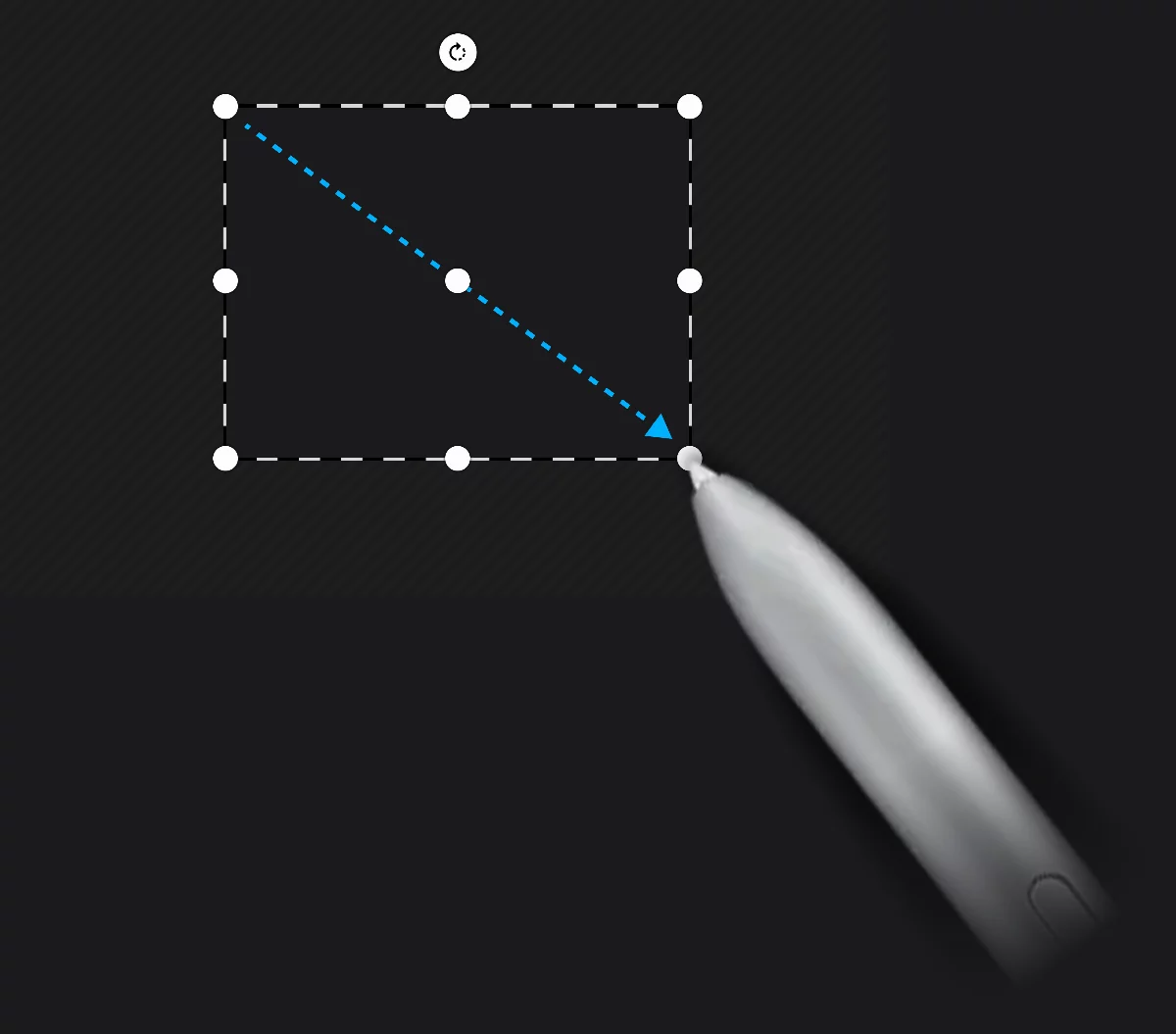
1
Rotate
2
Resize
3
Move
4
Stretch
Rectangle mini-toolbar
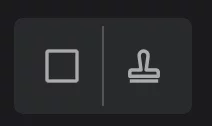
1
Tool icon
tap to close the tool.
2
Stamp button
tap to leave a copy.
Learn more about using Rectangle shape in general in Rectangle shape.
Circle selection tool
Editable circles and ellipses

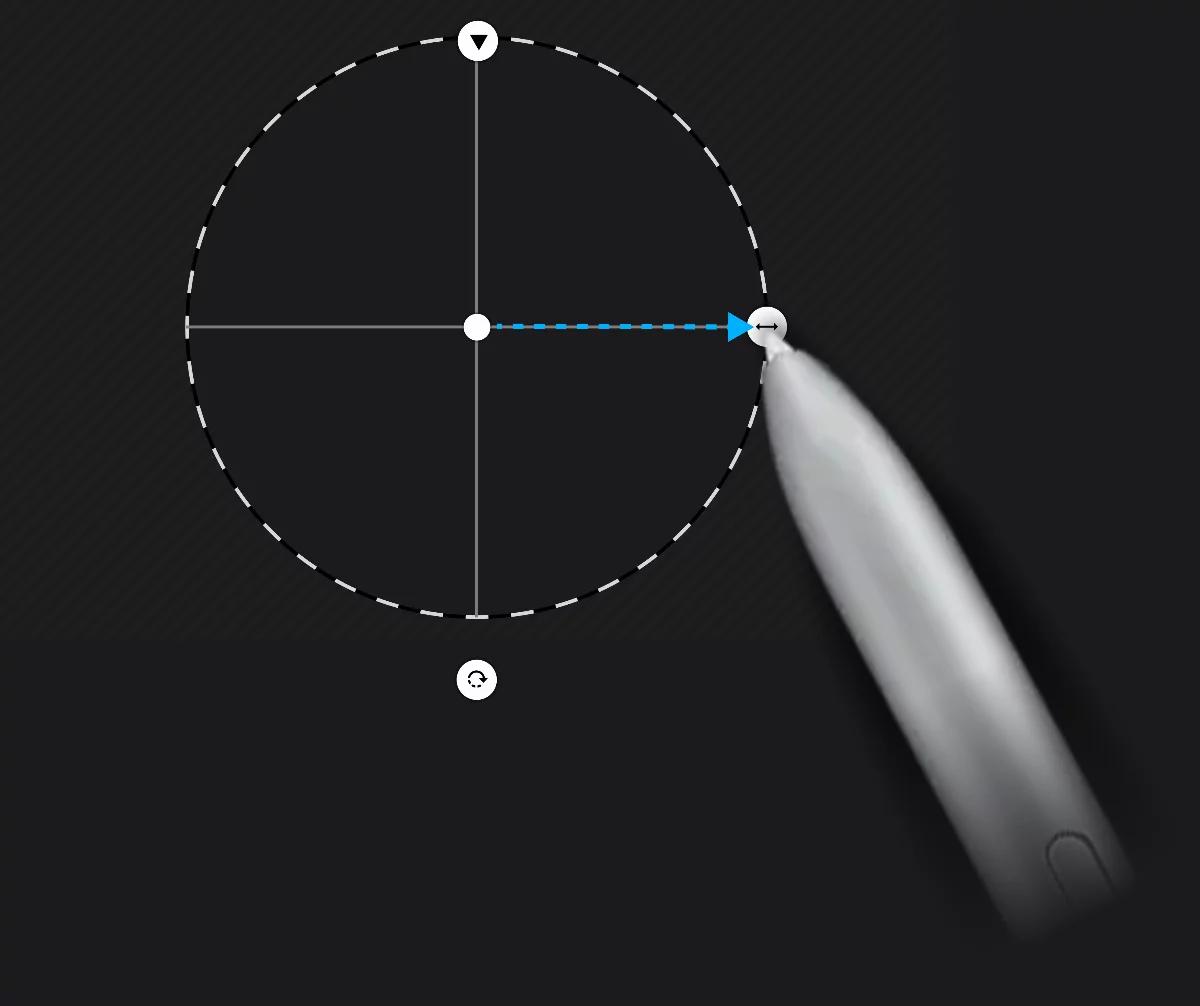
1
Stretch to get an ellipse
2
Move
3
Resize
4
Rotate
Circle mini-toolbar
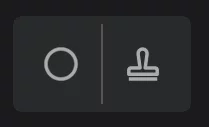
1
Tool icon
tap to close the tool.
2
Stamp button
tap to leave a copy.