
Polyline and Path selections
On this page
Polyline selection tool
Quick but really powerful polyline lasso

Just tap, tap, tap. Or draw like with the Lasso.
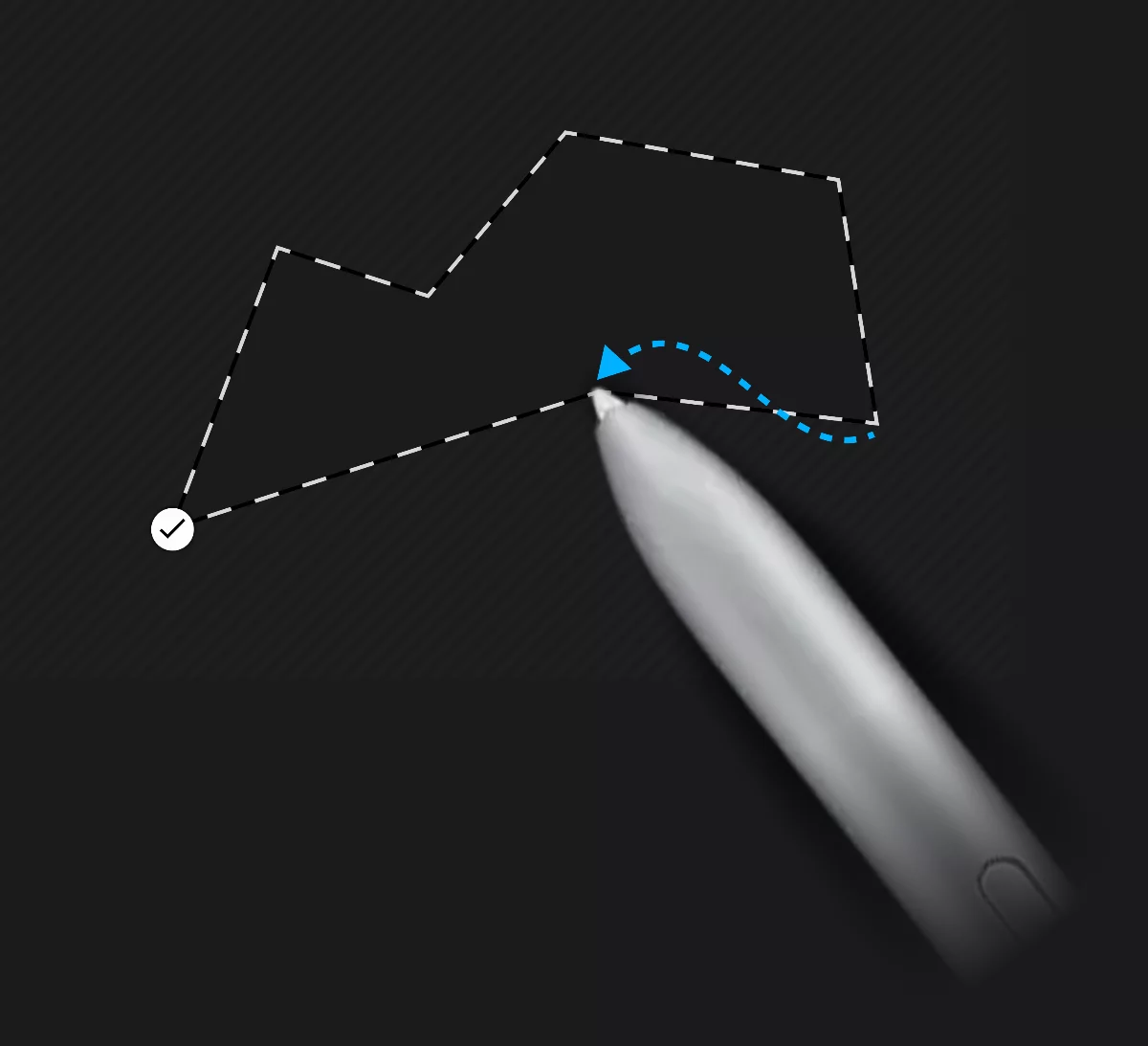
Tap to add a node (corner); drag to draw a freehand line.
1

Finish the shape.
Tip:
If you tap and hold your stylus down for a second, you enter precision mode that allows you to drag the node to desired location. This works similar to Shape detection.
Path selection tool
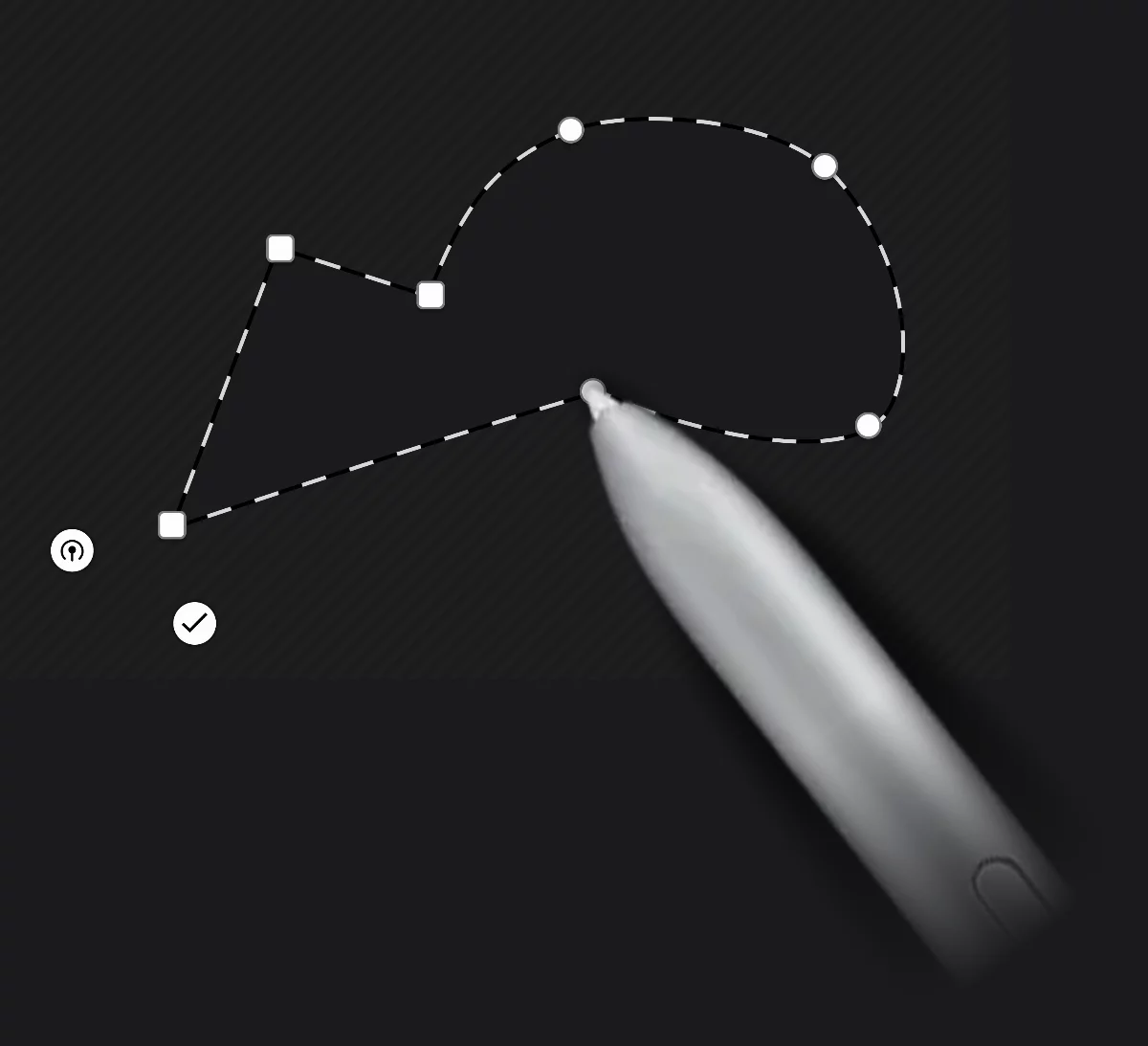
Fully editable Bézier path.

1

Drag to add a smooth node.
2

Tap to add a cusp (corner) node.
3
Tap on a node to toggle between cusp and smooth type.
4
Drag a node over another node to delete.
5

Close the path.
6
Finish the shape.