
Brush selection tool
Paint your selection mask.

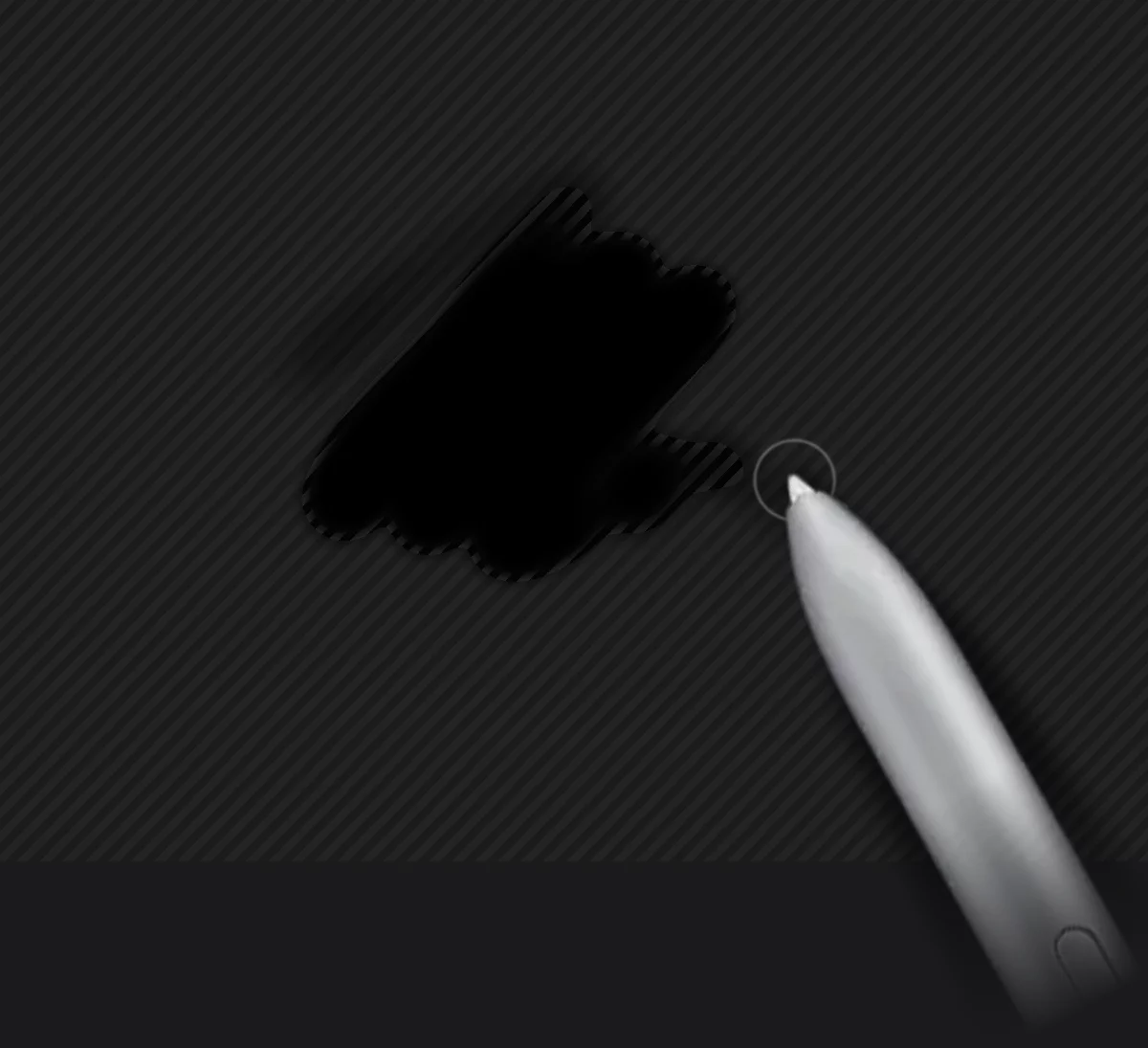

You can use any brush.
You can use Blend modeBlend modeOne of the main three brush modes. The brush in Blend mode blends or smears the existing colors on the current layer. Not to be confused with the color blending modes.Learn more and Erase modeErase modeOne of the main three brush modes. The brush erases color from the current layer to transparency.Learn more as well.
Color settings do not apply to selection painting.
Note that when using the Brush tool you are painting the selection (the area that will be selected), not the mask (the visible "stencil'). Consider it painting "holes" in the mask. In the Erase modeErase modeOne of the main three brush modes. The brush erases color from the current layer to transparency.Learn more you restore the mask.
Learn more about using the painting tools in Brushes - overview.