
Polyline and Path selections
On this page
Polyline selection tool
Quick but really powerful polyline lasso

Just tap, tap, tap. Or draw like with the Lasso.
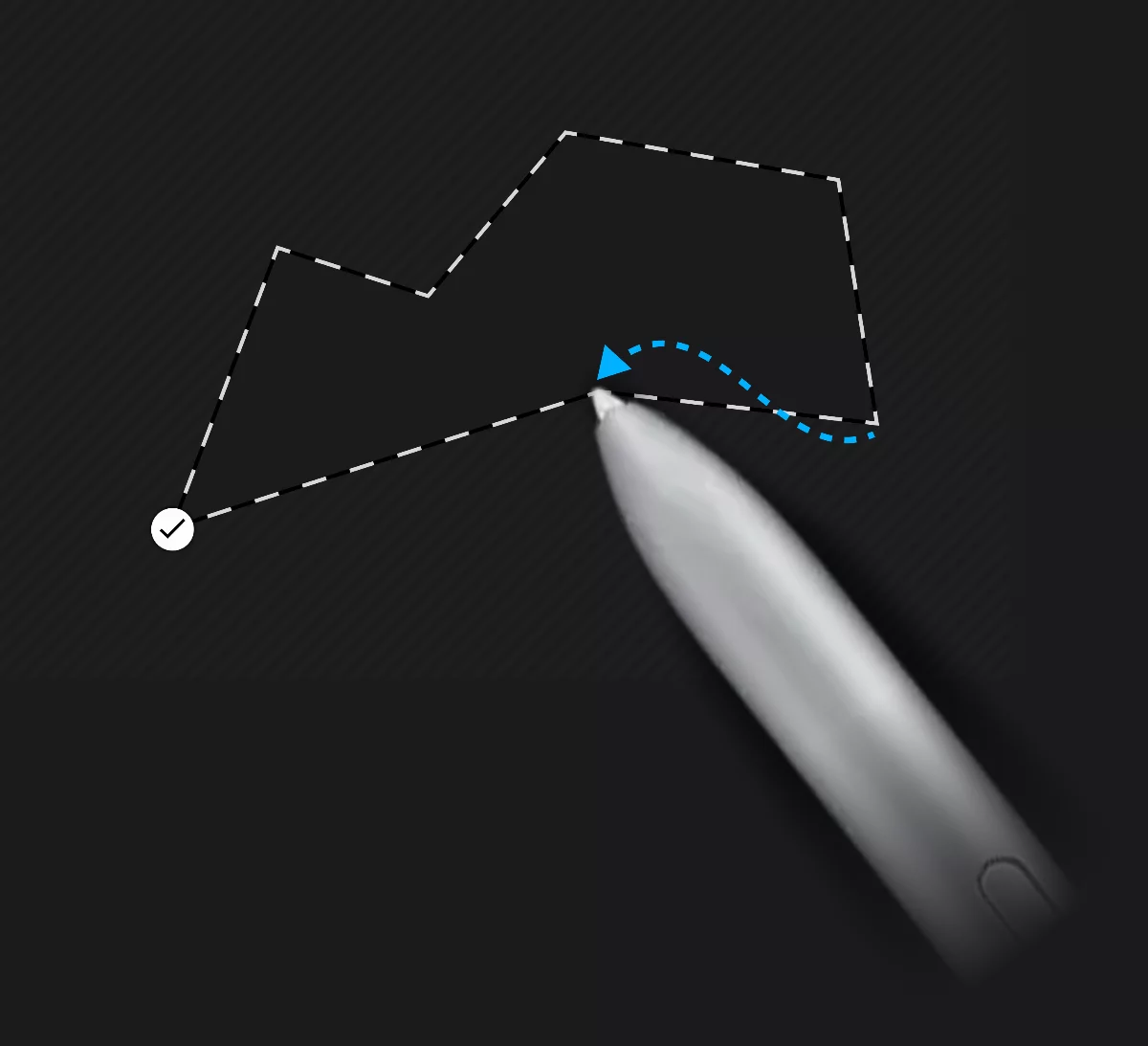
Tap to add a node (corner); drag to draw a freehand line.
1

Finish the shape.
Tip:
If you tap and hold your stylus down for a second, you enter precision mode that allows you to drag the node to desired location. This works similar to Shape detection.
Path selection tool
Fully editable Bézier path.

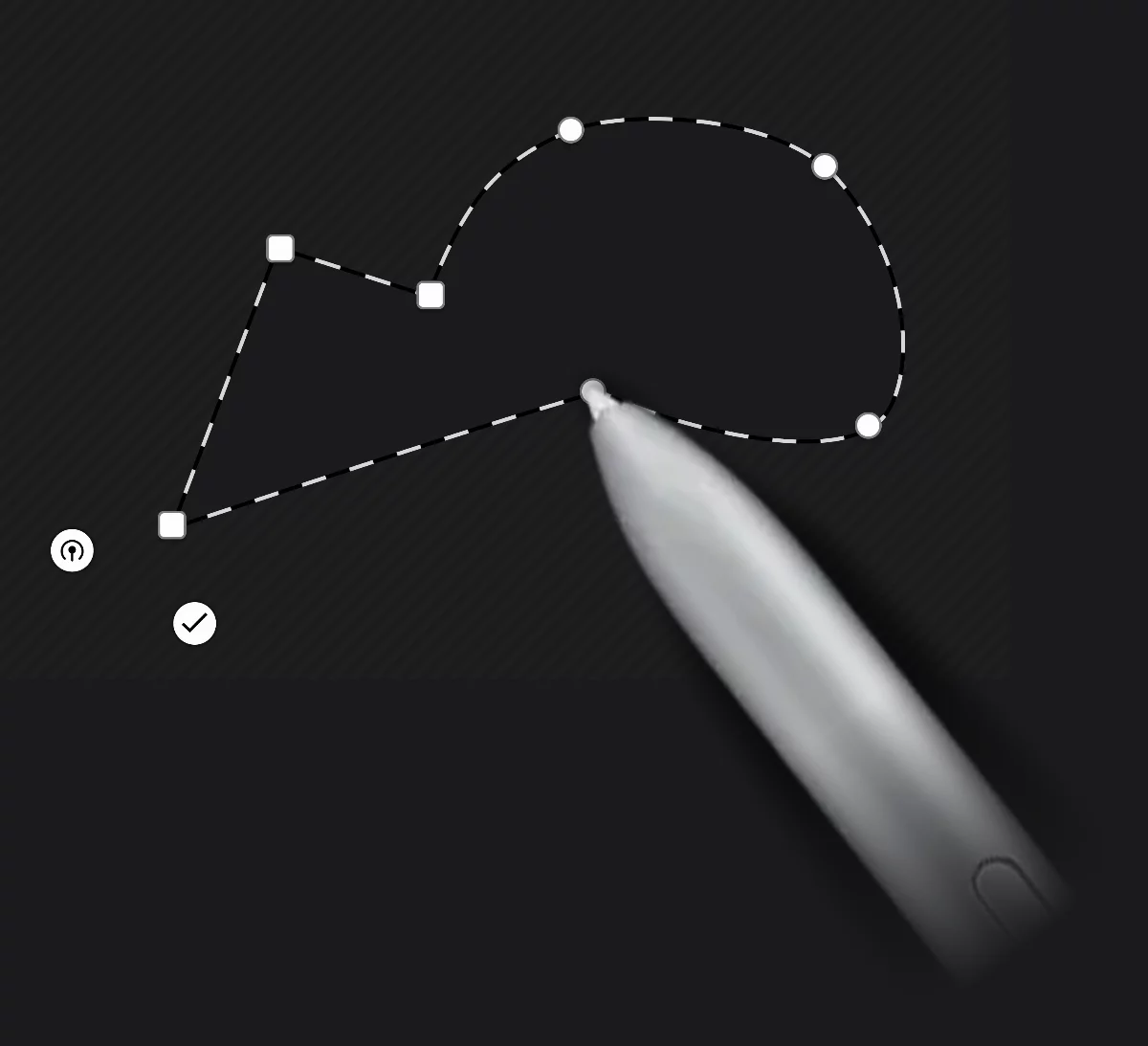
Use the power of Bézier curves to create complex and precise selection shapes.
1

Drag to add a smooth node.
3

Tap to add a cusp (corner) node.
5
Tap on a node to toggle between cusp and smooth type.
7
Drag a node over another node to delete.
9

Close the path.
11
Finish the shape.